
ELECTRICAL & LOW-VOLTAGE SAFETY
The Infrastructure Behind
the Smart Space.
Reliable automation starts with the connections behind the technology.
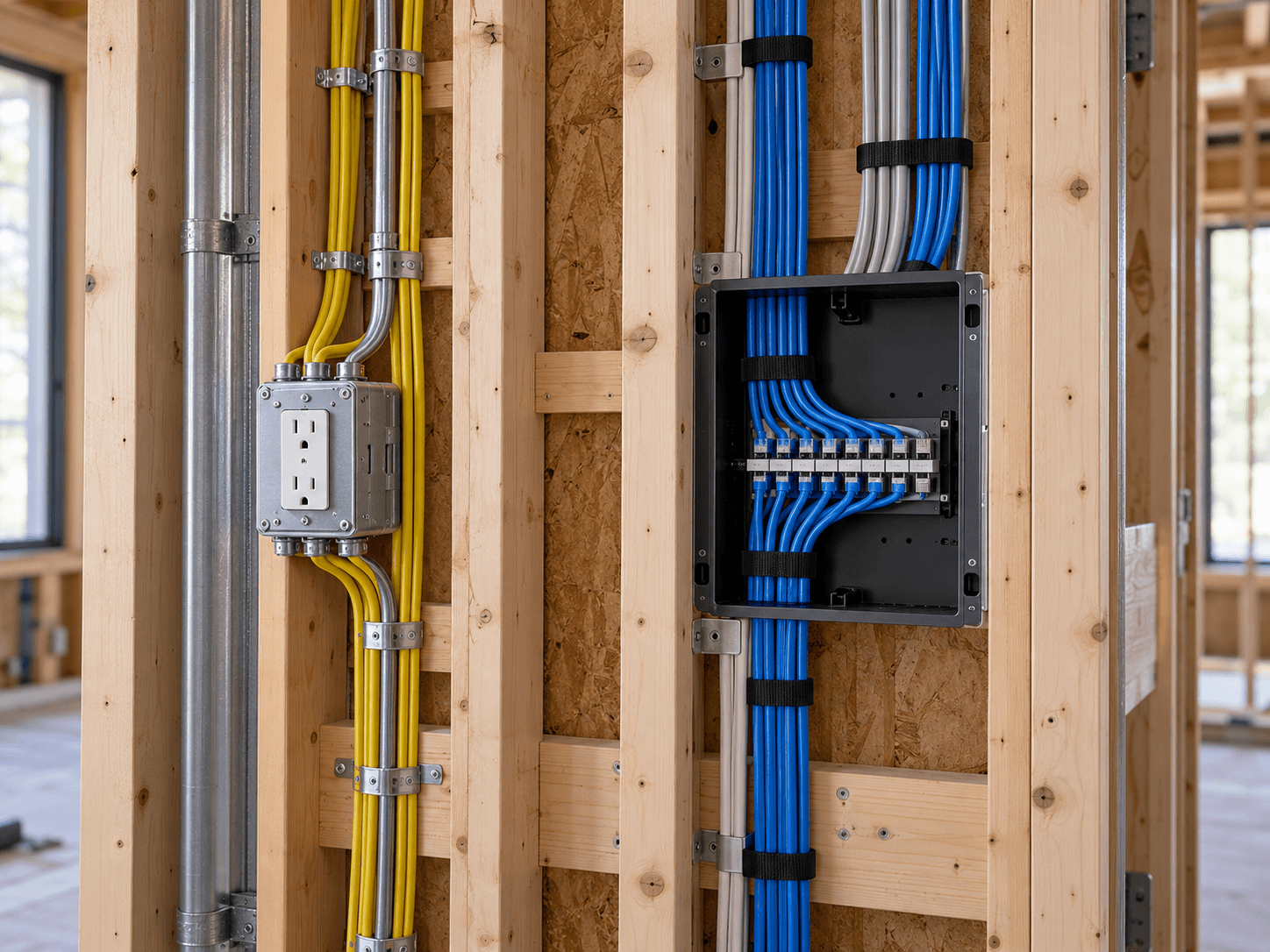
Automation systems may look simple from the room, but behind the walls they can depend on power, low-voltage wiring, network cabling, control connections, equipment locations, and communication between multiple systems.
Those connections should be considered as part of the automation plan, not as an afterthought once the devices arrive.
Thoughtful infrastructure gives the connected systems throughout a home, business, or facility a better foundation for installation, operation, service, and future expansion.
UNDERSTANDING THE SYSTEM
Power and Communication Work Side by Side.
Connected technology can rely on different types of infrastructure for different purposes.
Electrical Power
Some automation equipment requires electrical power at the device, equipment location, motor, controller, display, or other component. The exact requirements depend on the equipment and installation.
Low-Voltage & Data
Other connections carry data, control signals, network communication, audio/video signals, sensor information, or other low-voltage communication used by connected systems.
LOW-VOLTAGE SYSTEMS
The Connections Behind Connected Technology.
Low-voltage infrastructure can support many of the systems used throughout an automated property.
NEW CONSTRUCTION & REMODELING
The Best Time to Plan Is Early.
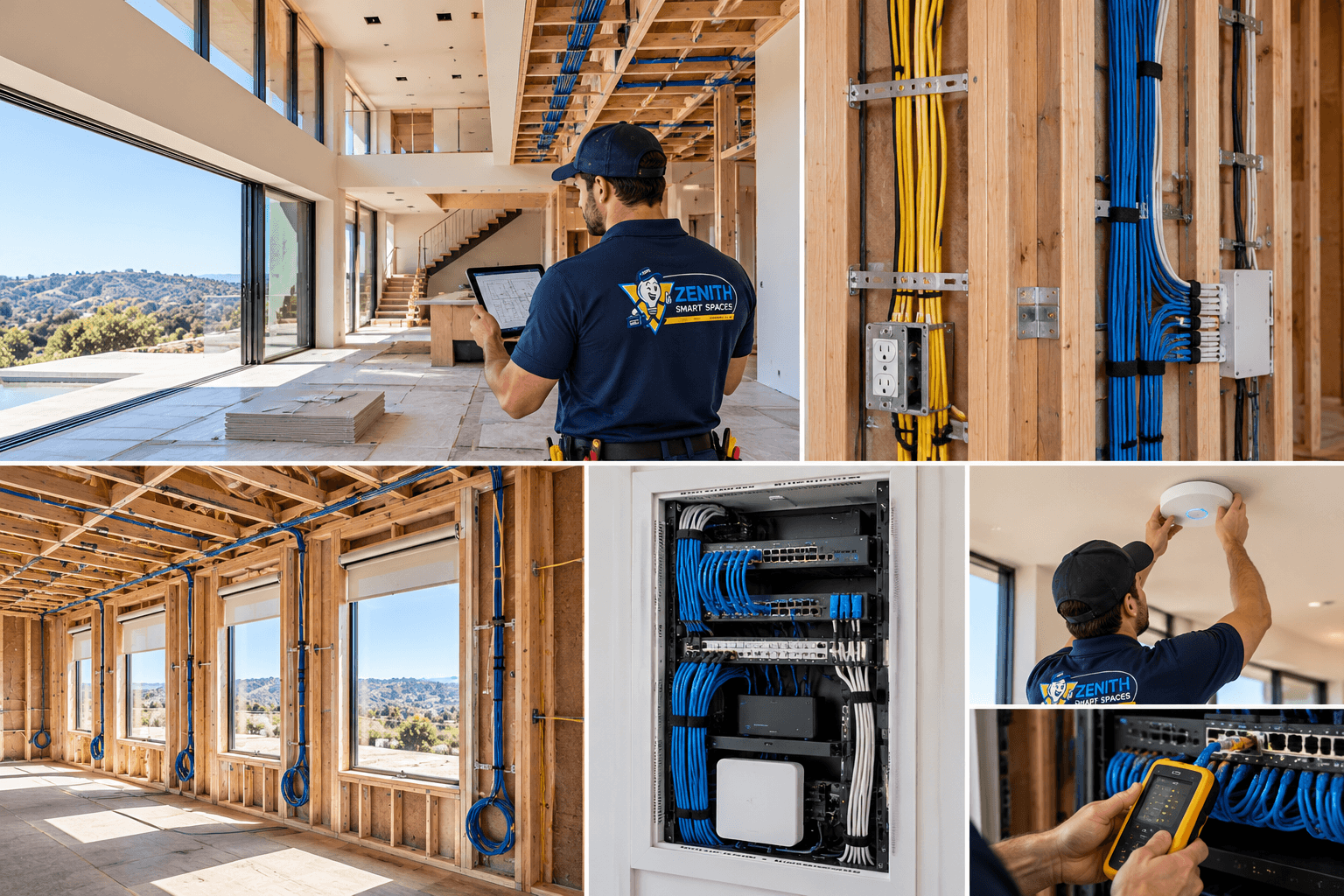
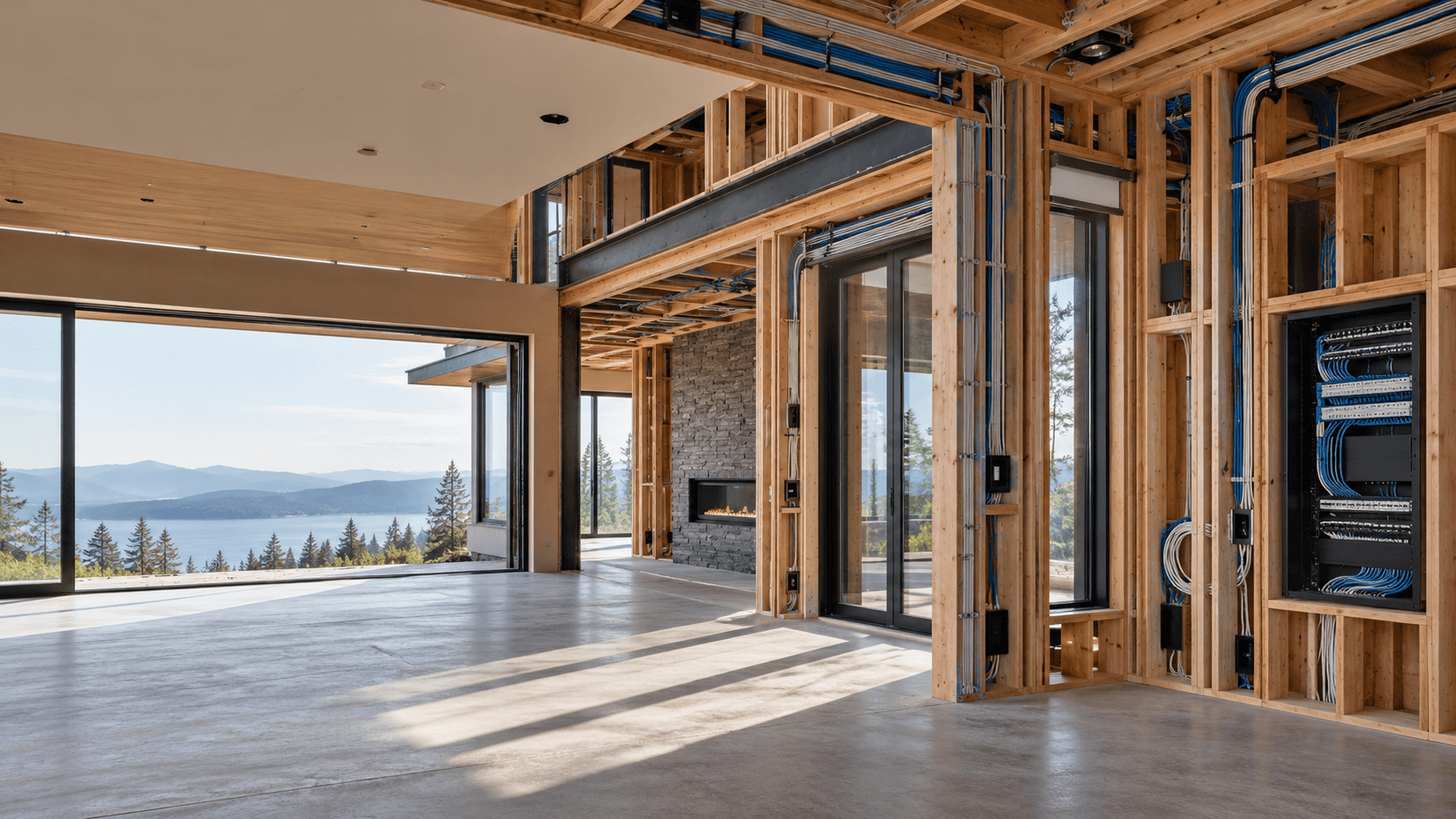
Construction creates access that may become difficult after walls and finishes are completed.
If automation is part of a new construction or remodeling project, the technology infrastructure should be considered early. That includes thinking about equipment locations, network access points, cameras, sensors, controls, motorized shades, audio/video, access systems, and the pathways required to connect them.
Early planning can also identify locations where future systems may be likely even if the equipment will not be installed immediately.
Plan the infrastructure before it becomes difficult to reach.
CABLING
Different Systems Have Different Connection Requirements.
There is no single cable that serves every connected system.
Network Cabling
Wired network connections can support equipment, access points, cameras, controls, and other connected devices where appropriate.
Control Wiring
Some automation equipment uses dedicated control or communication connections rather than standard network communication.
Audio / Video Cabling
Displays, speakers, sources, and distributed entertainment systems may require dedicated signal and speaker connections.
Sensor & Device Wiring
Sensors, access devices, controls, and other equipment may have their own connection requirements.
INFRASTRUCTURE PLANNING
A Connected Space Should Not Become a Tangle of Connections.
Organization behind the scenes matters when systems need to be tested, changed, serviced, or expanded.
As connected systems grow, the number of cables, devices, network connections, controllers, power supplies, and other components can grow with them.
Planning equipment locations and keeping the supporting infrastructure organized can make the system easier to understand and maintain.
Know What Goes Where.
Infrastructure becomes more difficult to manage when connections cannot be identified. Clear labeling and organization make it easier to understand where connections originate, where they terminate, and what systems they support. This becomes increasingly valuable as the number of network connections, controls, sensors, cameras, speakers, access devices, and other components grows.
POWER
Plan Power Around the Equipment.
Connected devices do not all receive power in the same way. Depending on the system, equipment may use local power, dedicated power supplies, network-delivered power, battery power, or other supported methods. The power requirements should be identified as part of equipment selection and system planning rather than assumed after installation begins.
NETWORK INFRASTRUCTURE
Connectivity Starts With the Physical Layer.
Wireless technology still depends on physical infrastructure.
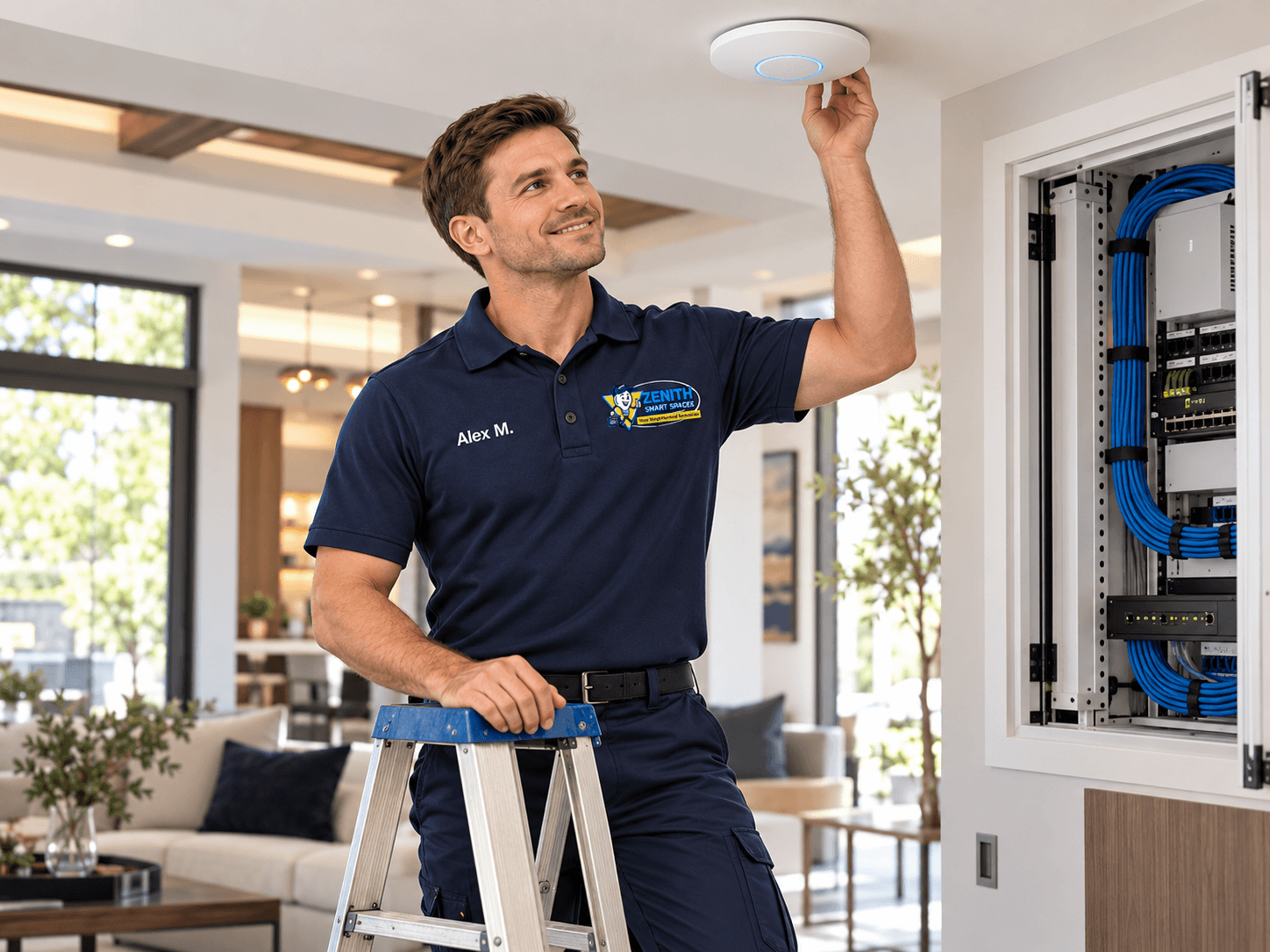
A property may use Wi-Fi throughout the finished space while still depending on wired connections behind the scenes. Wireless access points, network switches, cameras, automation equipment, media systems, and other connected devices may use structured cabling to communicate reliably with the larger network.
Planning those connections early can reduce reliance on improvised solutions later.
Read Expert Advice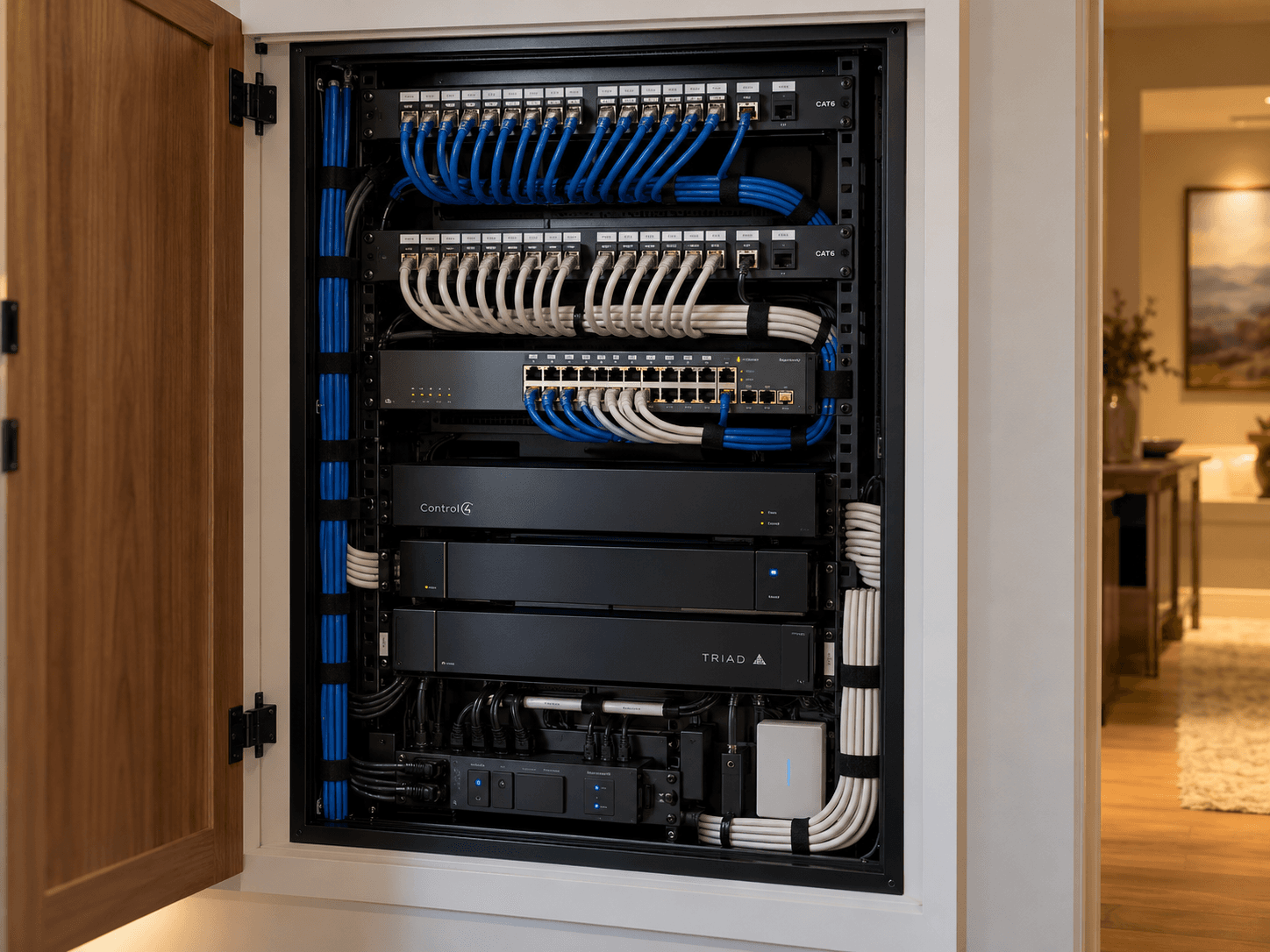
ROUTING
Infrastructure Should Be Planned, Not Improvised.
Cable pathways and equipment locations should reflect the systems being installed and the conditions of the project.
Power wiring, low-voltage cabling, network connections, control wiring, and other infrastructure can have different installation requirements. The project should account for the type of connection, equipment being used, manufacturer requirements, building conditions, and applicable requirements for the work being performed.
The goal is a deliberate installation that supports the intended system, not a collection of last-minute cable paths.
EQUIPMENT LOCATIONS
Plan Where the Technology Lives.
Not every component belongs in the room where the customer interacts with it.
Network Equipment
Plan practical locations for switches, routers, supporting network hardware, and associated connections.
Automation Equipment
Controllers, processors, power supplies, and supporting equipment should have appropriate locations based on the system design.
Audio / Video Equipment
Sources, amplifiers, distribution equipment, and other A/V components may benefit from centralized or planned equipment locations.
Access for Service
Equipment that may require configuration, troubleshooting, replacement, or future changes should be considered with service access in mind.
TESTING
Verify the Infrastructure Before It Disappears Behind the Finish.
Connections are easier to inspect and correct while they are still accessible.
Connections
Verify required connections are present where the system design expects them.
Cable Paths
Confirm planned cabling reaches the intended equipment and device locations.
Identification
Confirm important infrastructure can be identified before the project moves forward.
System Readiness
Review whether the supporting infrastructure is ready for the equipment and systems that will depend on it.
EXISTING SPACES
Not Every Project Starts With Open Walls.
Automation can also be added to finished homes, businesses, and facilities.
Existing properties require a different planning approach because pathways, equipment locations, and available infrastructure may already be established.
Before deciding how a system should be installed, it is useful to understand what wiring and connectivity already exist and whether they can support the planned technology.
Depending on the project, existing infrastructure may be reused, extended, replaced, or supplemented with other supported connection methods.
PROFESSIONAL INSTALLATION
The Infrastructure Is Part of the System.
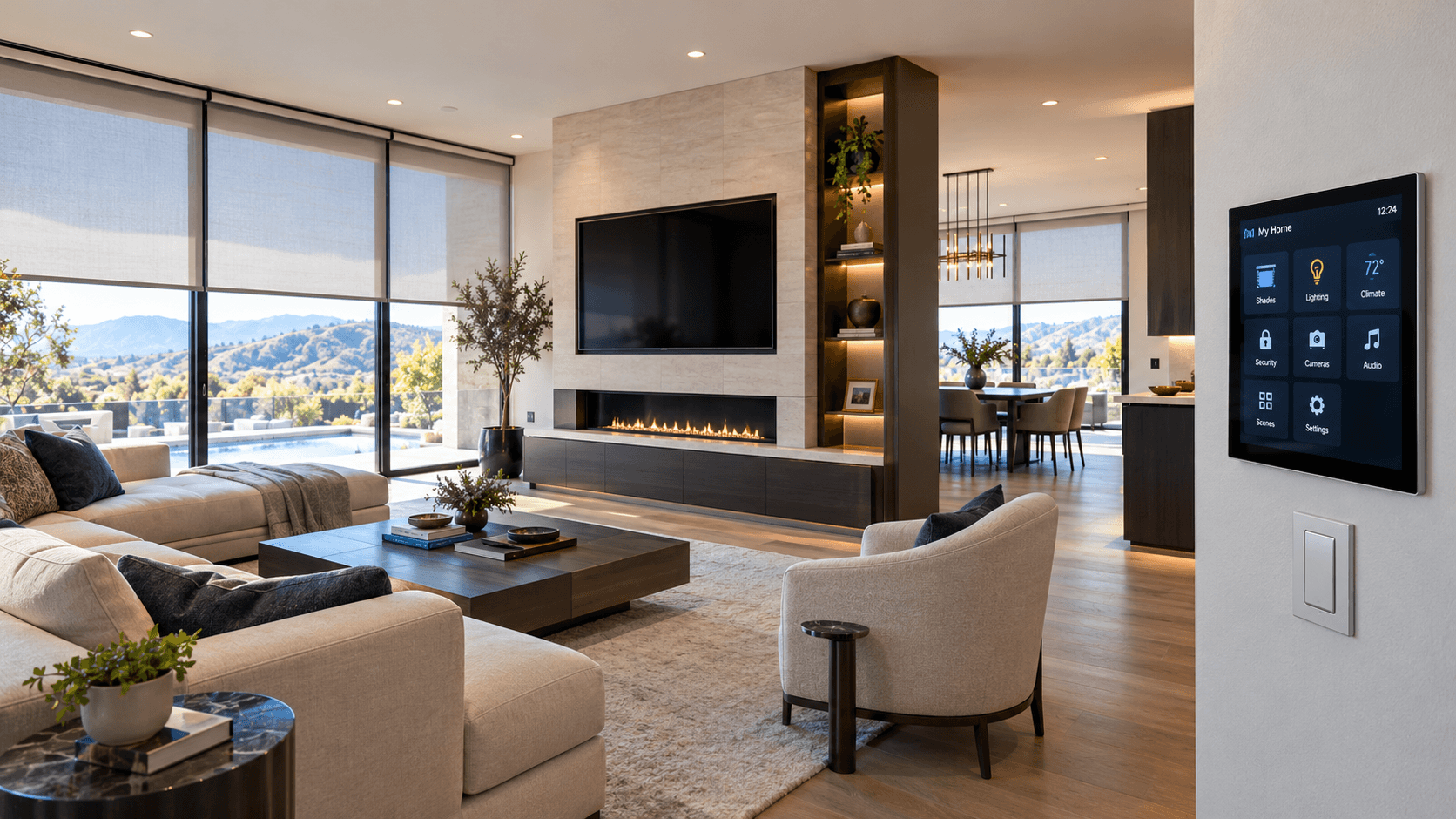
The work behind the walls deserves the same planning as the technology customers can see. Professional automation installation considers the equipment, its connections, the infrastructure supporting it, and how the complete system will operate together.
Projects involving power, permanent wiring, low-voltage infrastructure, networking, controls, and connected equipment should be planned around the actual requirements of the work being performed. When work is subject to specific installation, manufacturer, permitting, or other applicable requirements, those requirements should be addressed as part of the project.
Why Professional Installation MattersFUTURE EXPANSION
Today's Infrastructure Can Affect Tomorrow's Options.
Connected spaces rarely remain exactly the same forever. Cameras may be added. Networks may expand. Rooms may change. Additional shades, controls, sensors, speakers, access points, or automation may be wanted later.
Where practical, thinking about likely future changes during the initial project can make expansion easier than treating every addition as a new infrastructure problem. The goal is not to install unnecessary equipment. The goal is to avoid unnecessary limitations where future needs can reasonably be anticipated.
PLANNING A PROJECT?
Start With the Infrastructure.
If you're building, remodeling, or upgrading connected systems, bring the technology plan into the project early. Tell Zenith what systems you are considering and how you want the space to work. We can help determine the automation, connectivity, controls, and supporting infrastructure the project needs.
SMART SAFETY