PROFESSIONAL INSTALLATION
The System Is Only as Good as
the Installation Behind It.
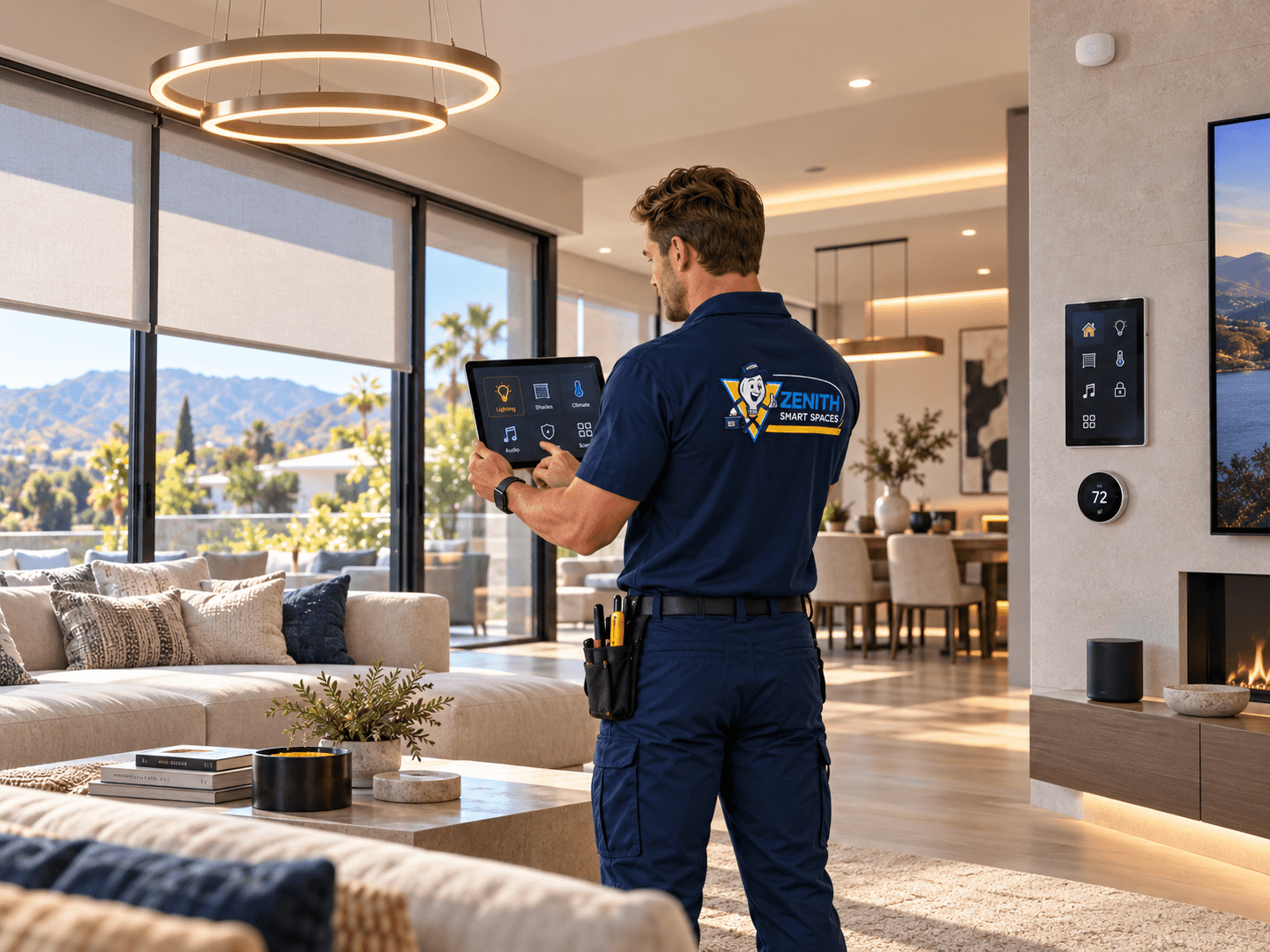
Planning, installation, integration, testing, and handoff all matter.
Smart technology can look simple on the surface, but the systems behind it often depend on careful planning, reliable infrastructure, correct installation, proper configuration, and testing.
A professional automation installation considers not only the device being installed, but how that device connects to the network, how it is controlled, how it interacts with other systems, and how the customer will use it every day.
That broader view is what turns individual products into a connected space.
MORE THAN INSTALLATION
Installing the Device Is Only One Part of the Job.
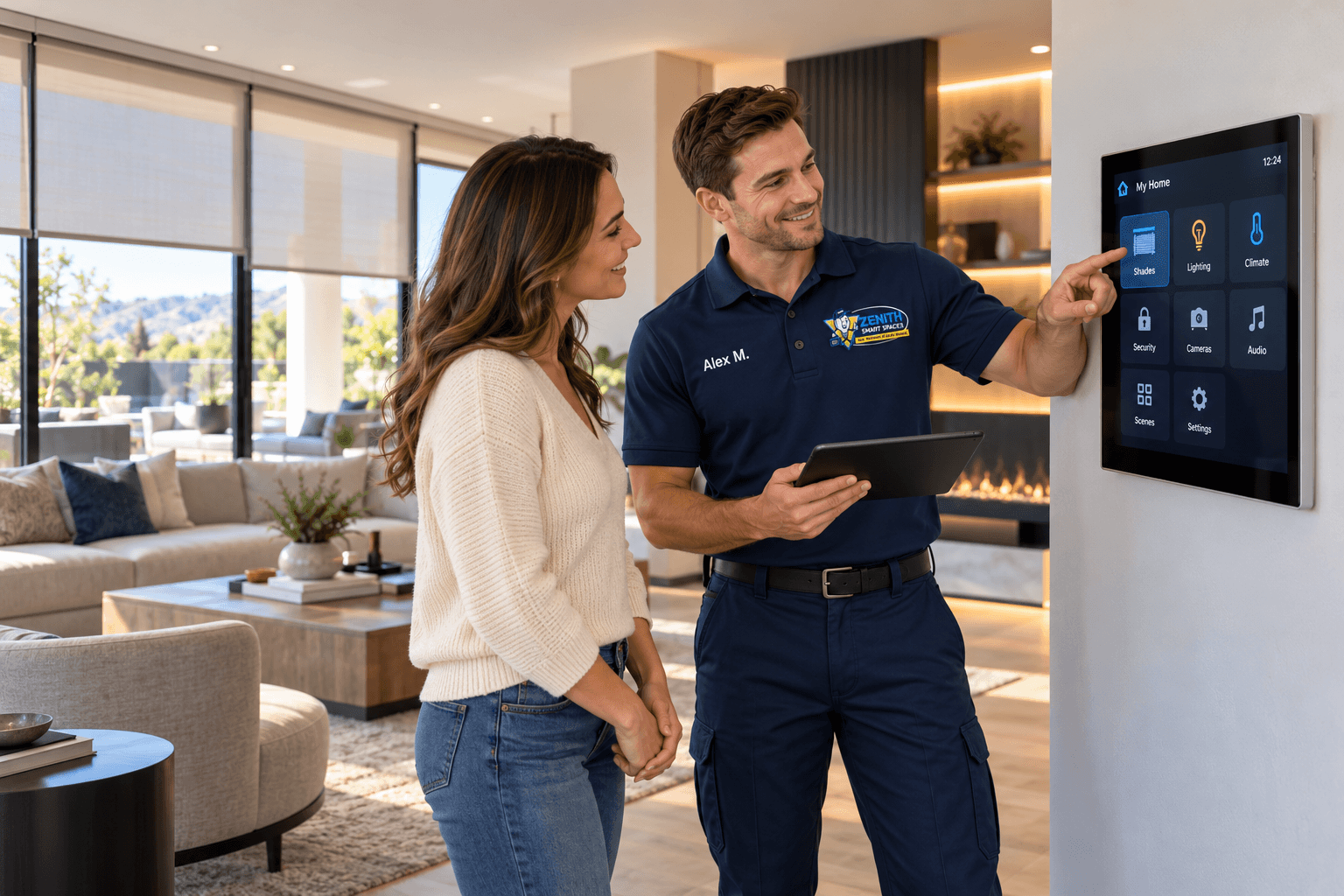
Connected technology often depends on several systems working correctly at the same time.
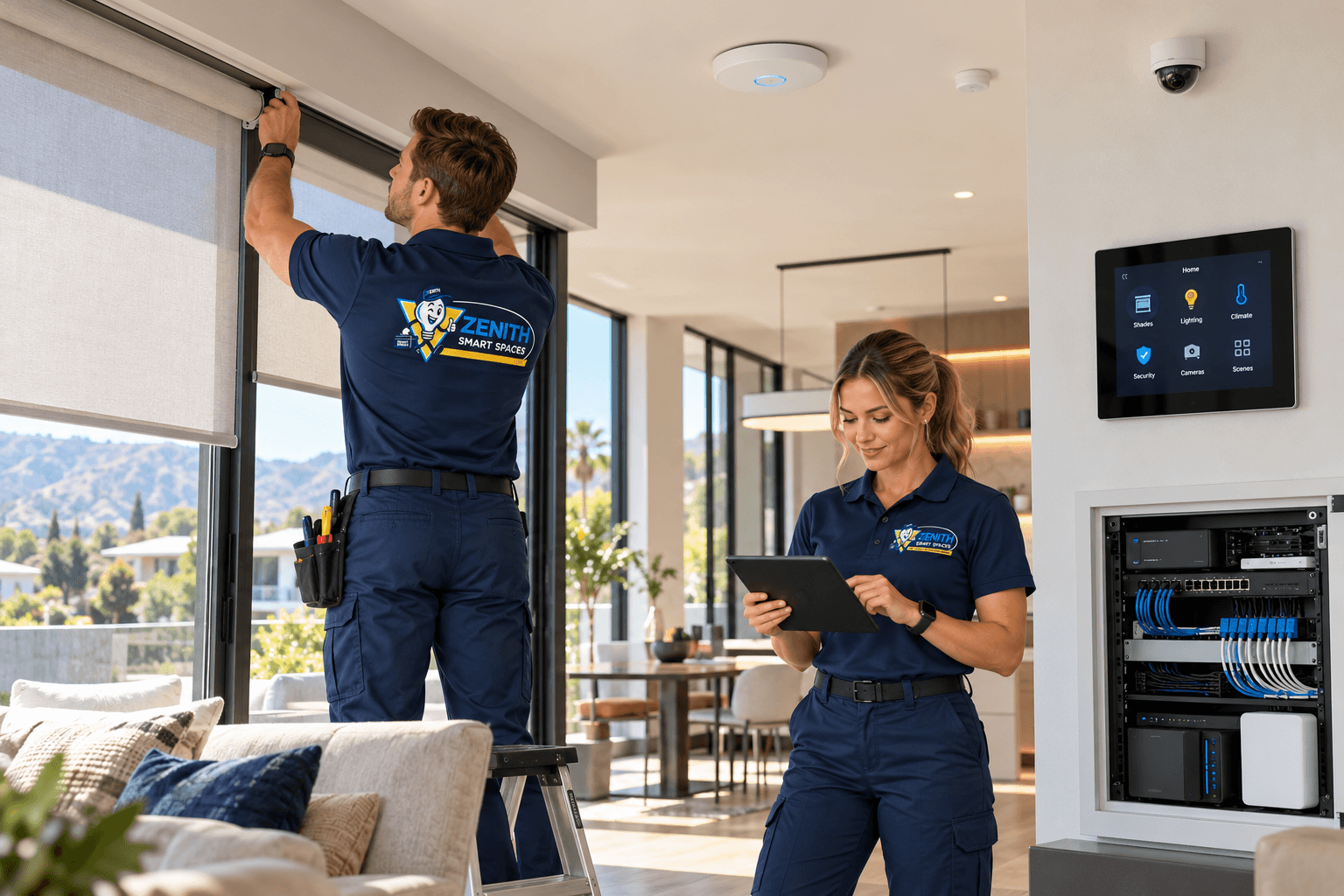
A camera may need power, networking, account configuration, positioning, and remote access.
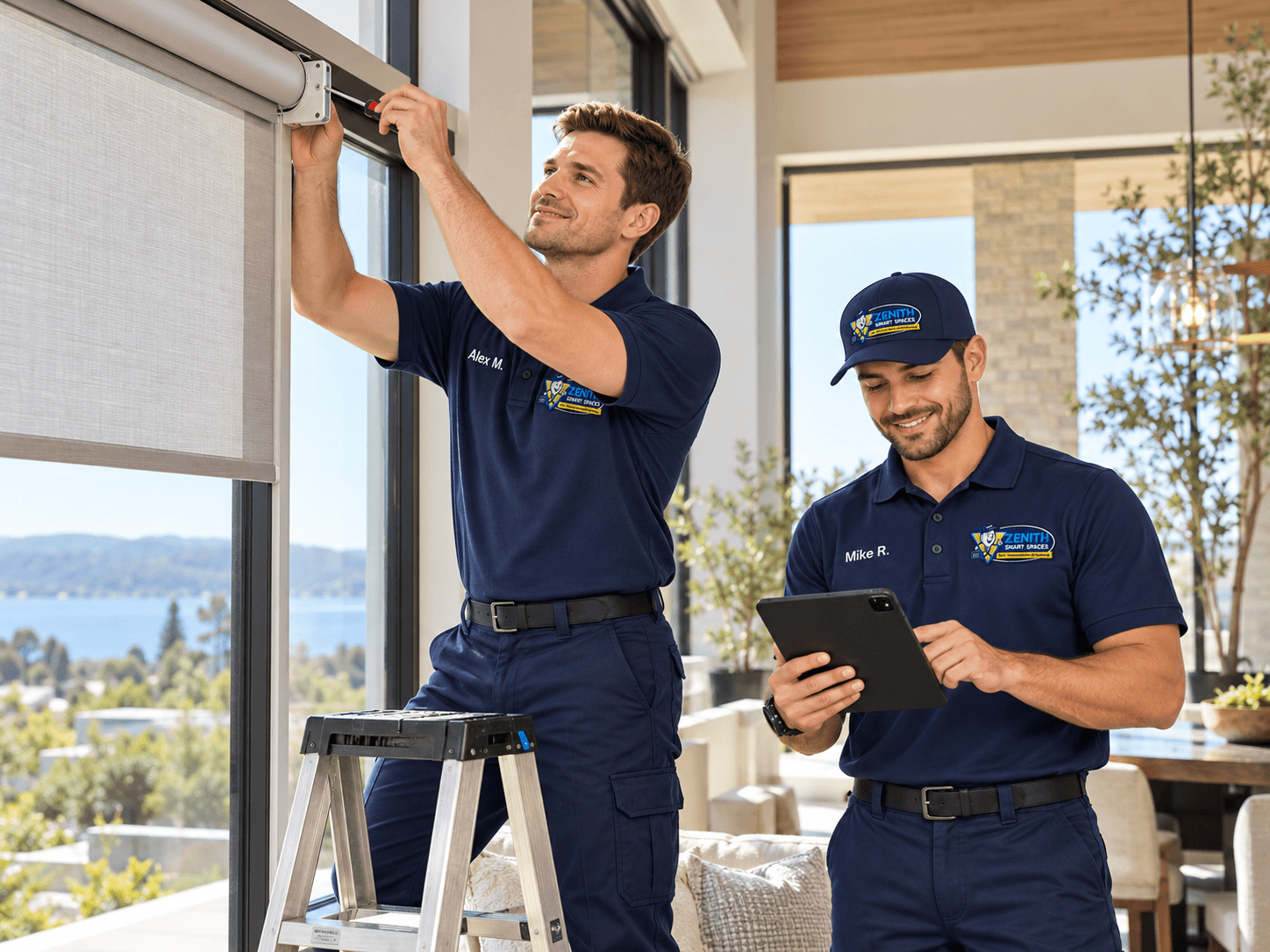
A motorized shade may require the correct measurements, mounting, power or control method, programming, grouping, and integration.
A lighting system may depend on controls, dimmers, scenes, sensors, and automation logic.
Professional installation looks at the complete path from equipment placement to final control.
THE COMPLETE PROCESS
From Planning to Handoff.
A successful project is built in stages.
Planning
01Understanding the space, existing systems, customer goals, and required technology.
Infrastructure
02Reviewing networking, cabling, equipment locations, controls, and supporting connections.
Installation
03Installing selected equipment carefully in the correct locations.
Configuration
04Setting up devices, controls, interfaces, accounts, communication, and supported settings.
Integration
05Connecting compatible systems through shared controls, scenes, schedules, or automations.
Testing & Handoff
06Verifying system operation and reviewing the primary controls with the customer.
NETWORKING
Connected Systems Depend on Reliable Communication.
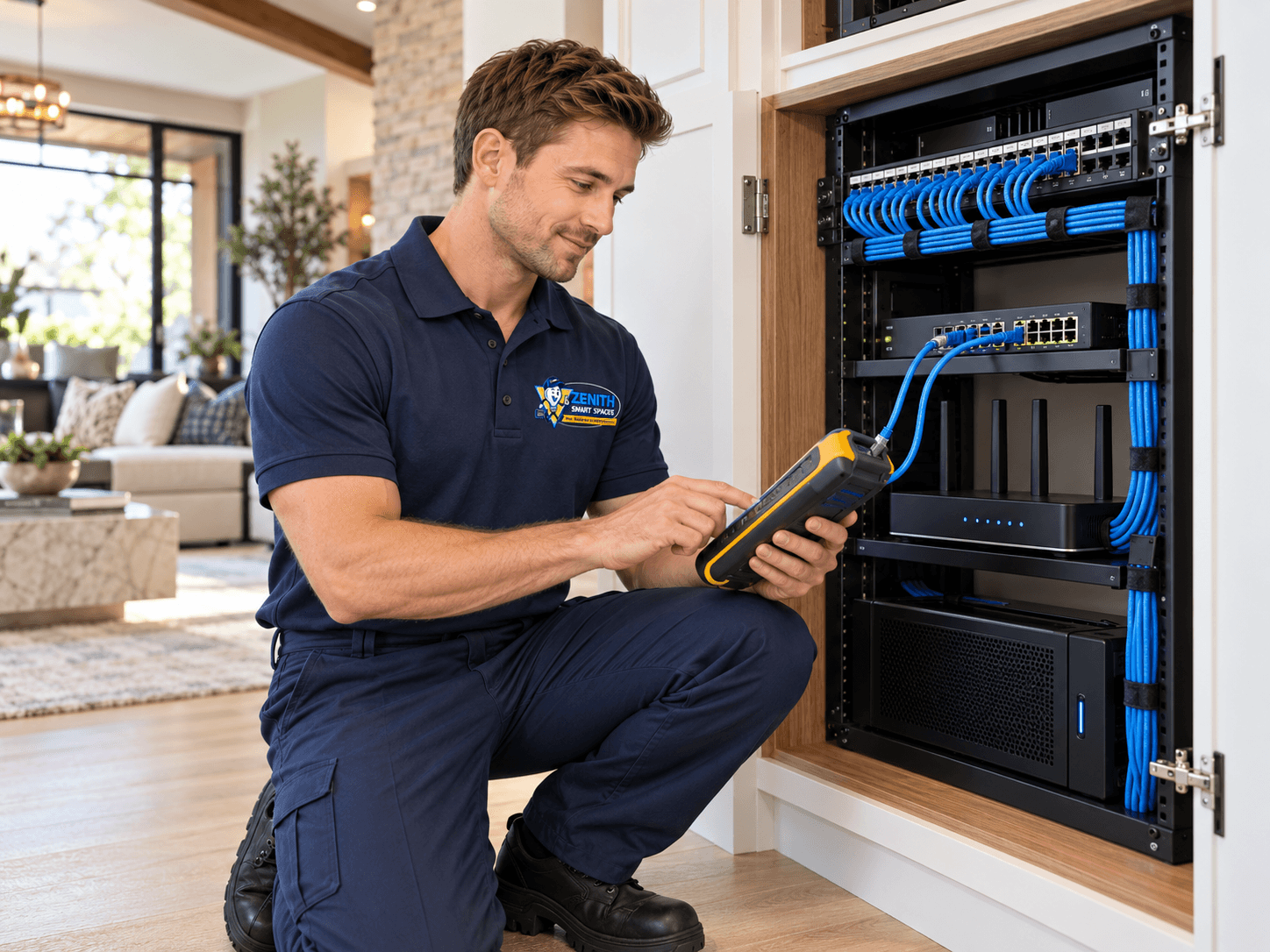
The network is part of the automation system. Many connected products depend on the network underneath them.
Cameras, mobile apps, automation controllers, touchscreens, access systems, entertainment equipment, and other connected devices may all depend on reliable communication.
Professional planning considers wireless coverage, wired connections, network equipment, device locations, and how much connected technology the property needs to support.
A device can be installed correctly and still perform poorly if the infrastructure behind it is not ready.
PLACEMENT
Where Equipment Goes Matters.
Connected systems interact with the physical environment around them.
Cameras
Placement affects field of view, coverage, mounting, access, and the usefulness of the finished system.
Wireless Equipment
Access-point positioning influences how well wireless coverage reaches the areas where connected systems are used.
Sensors
A sensor must be located where it can measure or detect the condition it is intended to monitor.
Controls
Keypads, touchscreens, switches, and other controls should be placed where they are practical to use.
SYSTEM COMPATIBILITY
Connected Does Not Always Mean Compatible.
Two products can both be called “smart” without being designed to work together.
Professional system planning considers compatibility before the project is built. That includes how devices communicate, which systems support integration, where control should happen, and whether the finished experience will actually be simpler for the customer. When compatibility is uncertain, it should be confirmed before the installation is treated as a complete integrated system.
CONFIGURATION
The Hardware Is Only Part of the System.
Many automation projects also depend on software, programming, and system configuration.
After equipment is installed, controls may still need to be configured, devices may need to be grouped, scenes may need to be created, schedules may need to be defined, and compatible systems may need to be integrated.
A professional installation includes the setup required for the technology to behave the way the project was intended to work.
The objective is not simply to make each device turn on. The objective is to make the complete system usable.
SECURITY & PRIVACY
Access Should Be Planned Carefully.
Connected systems bring new convenience, but they also introduce new considerations around access, account security, data privacy, and who can control what.
A professional installation considers how cameras, locks, microphones, sensors, system accounts, remote-access methods, and shared credentials are configured and who has access to them.
Security and privacy are affected by how the system is installed and configured, not just by the brand of equipment being used.
Read Smart Home Security & PrivacyTESTING
Installed Does Not Mean Finished.
A system should be checked before the project is handed over.
Controls
Verify the primary switches, keypads, touchscreens, apps, or other interfaces included in the project.
Devices
Check that the installed equipment responds correctly and performs the intended functions.
Automations
Test supported scenes, schedules, triggers, and coordinated system behavior.
Integration
Verify that compatible connected systems communicate and respond as intended.
HANDOFF
The Customer Should Know How to Use the Finished System.
A sophisticated system is not useful if the customer does not understand the controls.
Before completion, the primary controls and interfaces should be reviewed with the customer.
That may include switches, keypads, touchscreens, apps, scenes, automations, access controls, entertainment interfaces, or other features included in the project.
The customer should know how to perform the everyday functions they are expected to use.

DIY OR PROFESSIONAL?
Know When the Project Becomes a System.
Individual Smart Device
- Designed for straightforward consumer installation.
- Typically has a limited scope.
- May function independently.
- Often requires minimal configuration.
Integrated Smart System
- Multiple connected products and platforms.
- Networking, wiring, or motorization requirements.
- Programming, controls, and coordinated automations.
- Infrastructure and long-term integration considerations.
The question is not whether every smart device requires a professional.
The question is whether the complete project benefits from professional planning and integration.
BUILDING OR REMODELING?
Bring Automation Into the Plan Early.
The best time to prepare for connected systems is often before walls and finishes are complete.
Early planning creates an opportunity to think about wiring, networking, equipment locations, controls, motorized shades, cameras, sensors, audio/video, and future expansion while access to the structure is still available.
Even systems that will not be installed immediately may benefit from thoughtful preparation during construction.
Read Planning a Safe Smart HomeWORKMANSHIP
We Stand Behind the Work We Perform.
90 Days
Professional installation also means taking responsibility for the work behind the system. Zenith provides a 90-day workmanship warranty on covered installation work performed by our team.
If an issue related to covered workmanship appears within that period, contact Zenith so the work can be reviewed. Product warranties are separate and vary by manufacturer and equipment.
Read Our GuaranteePLANNING A PROJECT?
Talk to Zenith Before the Systems Are Chosen.
The earlier the complete technology plan is considered, the easier it is to make informed decisions.
Contact Zenith if you are planning automation for a home, business, or industrial space and want help determining how the systems should work together.
SMART SAFETY