SECURITY & PRIVACY
A Smarter Space Should Still
Be a Private Space.
Connected technology deserves thoughtful access, networking, and account management.
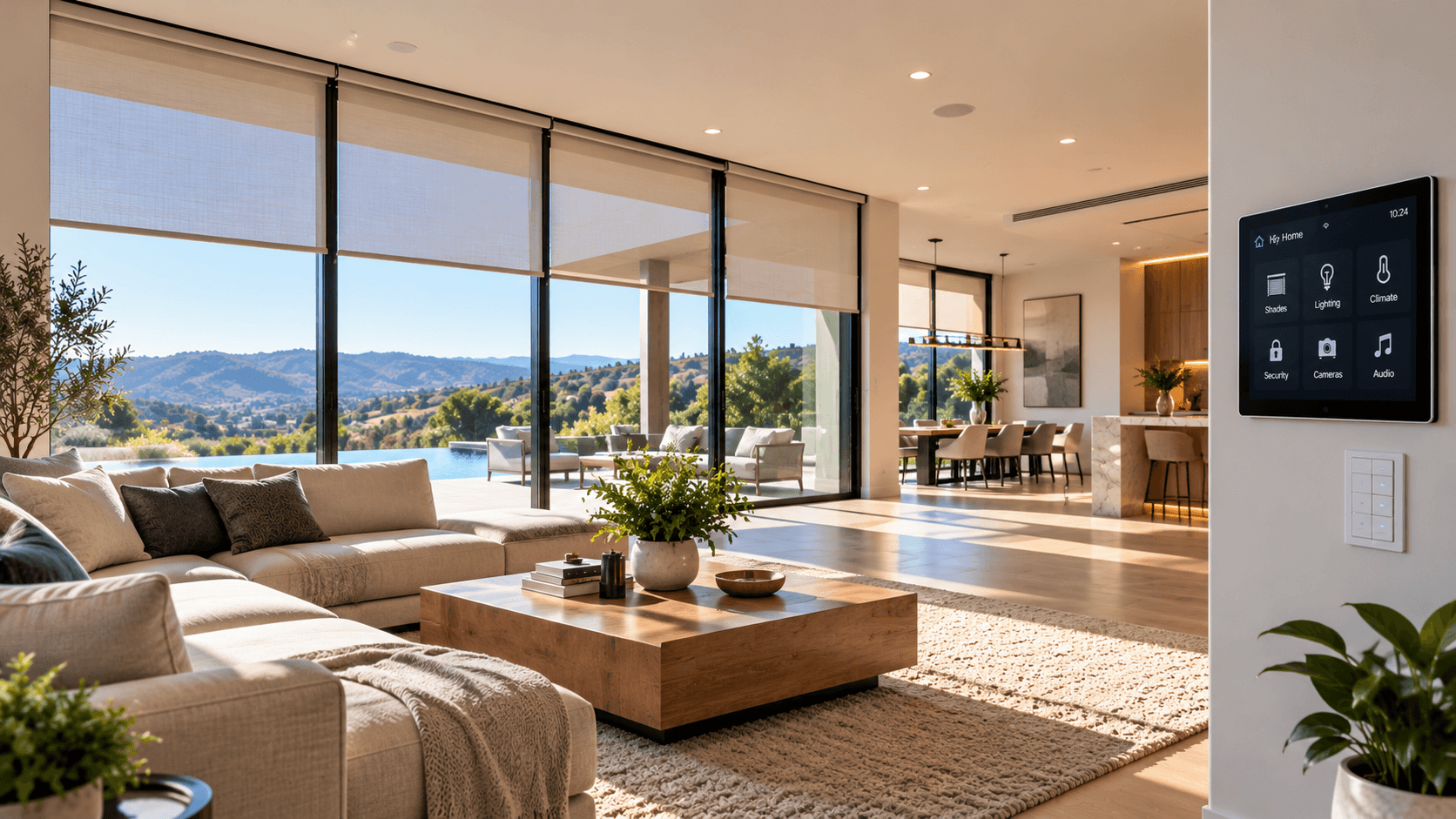
Automation can connect cameras, locks, access systems, controls, networks, sensors, mobile apps, and other technology throughout a property.
Those connections create convenience, but they also make it important to think about who can access the systems, how remote access is configured, how accounts are managed, and how connected equipment communicates.
Security and privacy should be considered as part of the system from the beginning — not after the installation is complete.
THE COMPLETE SYSTEM
Security Is More Than the Camera or the Lock.
A connected security device is part of a larger environment.
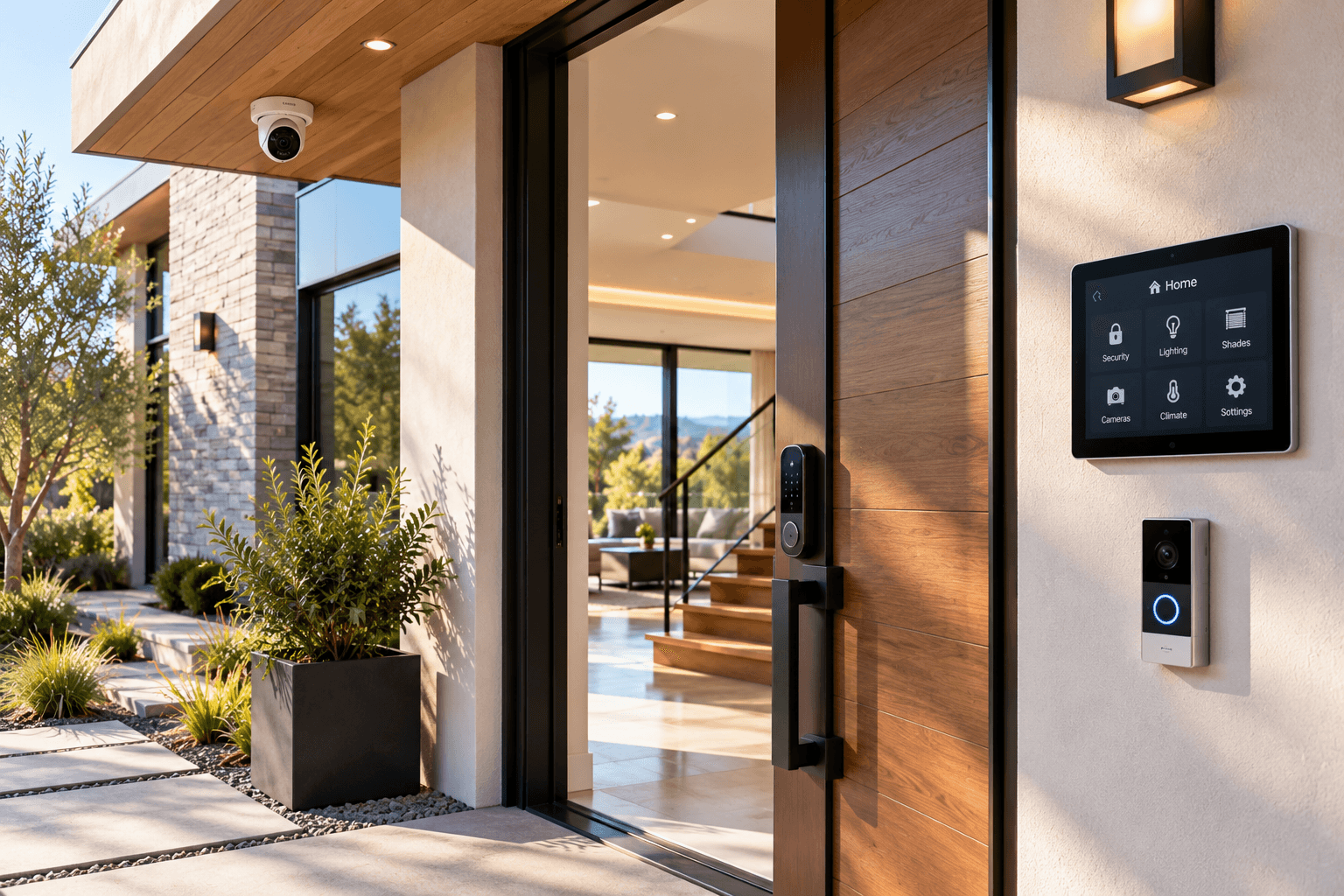
A camera may depend on the network, an account, an application, remote access, storage, and user permissions. A smart lock may involve authorized users, access credentials, remote control, automation, and integration with other compatible systems. A connected control system may provide access to several parts of the property through a single interface.
That is why security and privacy should be considered across the complete system rather than one device at a time.
THE LAYERS
Protect the Complete Path.
Connected systems can involve several layers of access and communication.
Network
The network provides communication for many connected systems and should be considered part of the larger security plan.
Accounts
Apps and connected services may rely on accounts that control access to devices, settings, and remote functions.
Devices
Cameras, locks, controls, sensors, and other connected equipment may have their own access and configuration requirements.
Remote Access
Remote control can be useful, but it should be enabled and configured deliberately rather than treated as an automatic requirement.
Permissions
Different people may need different levels of access depending on the property and the systems being used.
Updates
Supported equipment and applications may receive software or firmware updates that can include reliability, compatibility, or security changes.
NETWORK SECURITY
The Network Connects More Than Your Laptop.
Modern properties may have many connected systems communicating through the same larger environment.
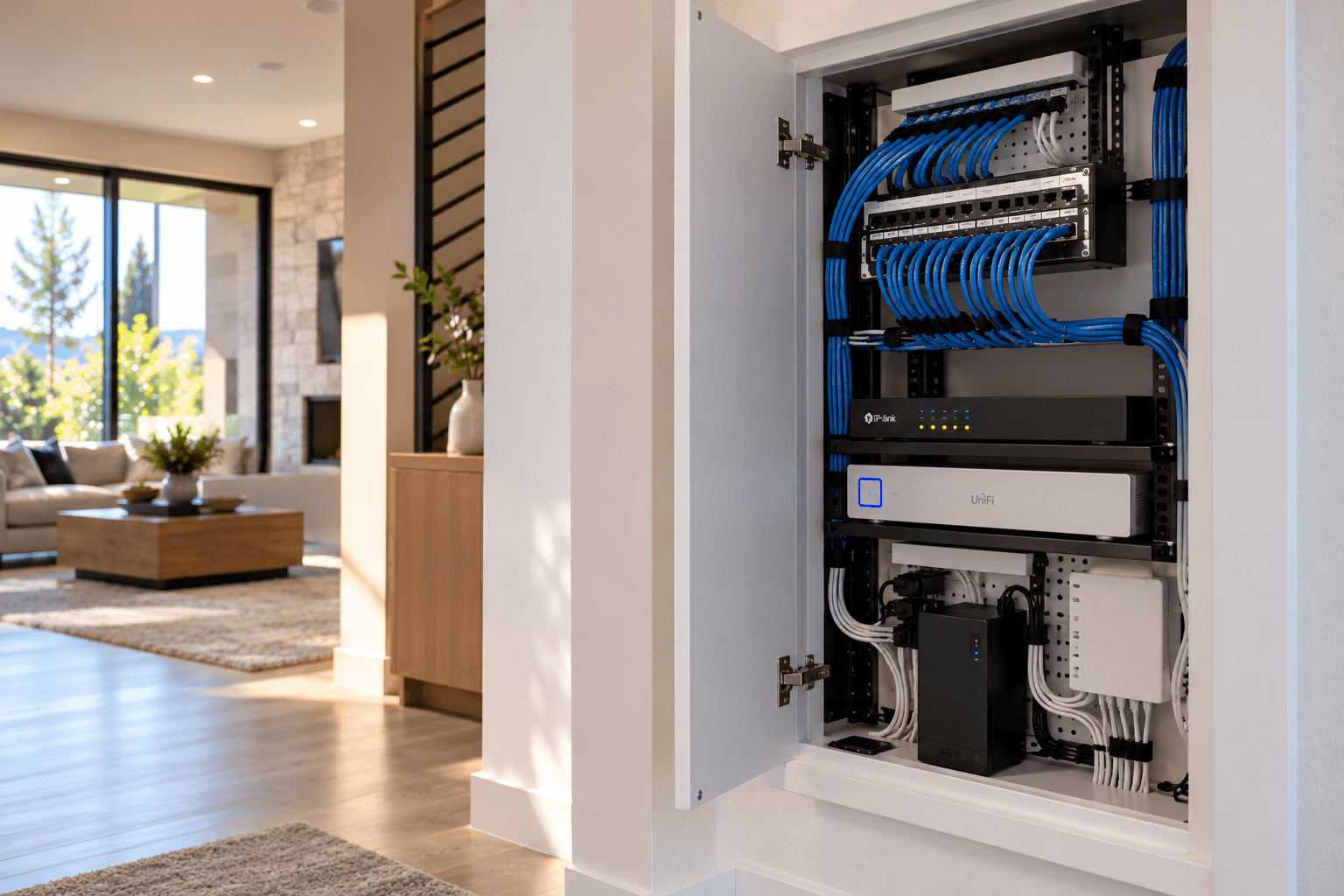
Cameras, automation controllers, touchscreens, entertainment equipment, mobile applications, access systems, and other devices may all depend on network connectivity.
The network should be planned for the number and types of systems it needs to support. Account security and device security matter, but they do not replace thoughtful network planning.
The connected system is only one part of the network environment.
ACCOUNT ACCESS
Control Who Can Get In.
Connected systems often depend on accounts and credentials.
Use Unique Credentials
Avoid reusing the same password across important connected-system accounts.
Protect Important Accounts
Use the security features supported by the account or service and keep recovery information under your control.
Know Who Has Access
Review which household members, employees, administrators, vendors, or other authorized users have access to important systems.
Remove Access When It Is No Longer Needed
When someone should no longer have access to a system, review and update their permissions where supported.
REMOTE ACCESS
Convenience Should Be Deliberate.
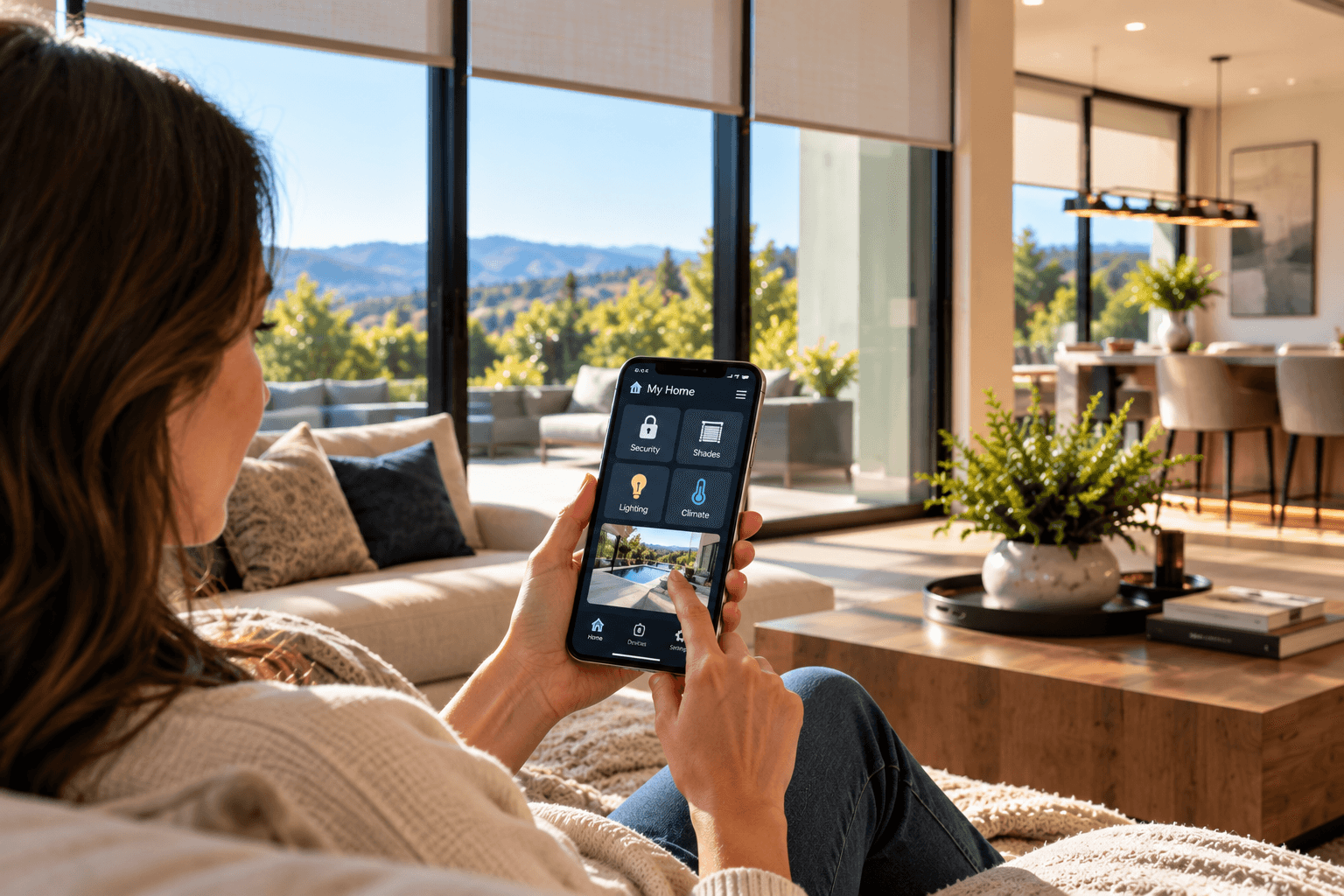
Remote access can make connected systems easier to monitor and control away from the property.
The ability to view cameras, adjust controls, manage access, or interact with other systems remotely can be valuable. But remote access should be enabled because it serves a real purpose, not simply because the feature exists.
Consider which systems need remote access, which users should have it, and how the selected platform manages that access. If a system does not need to be remotely accessible, that should be part of the planning discussion.
CAMERAS
Think About What the Camera Can See.
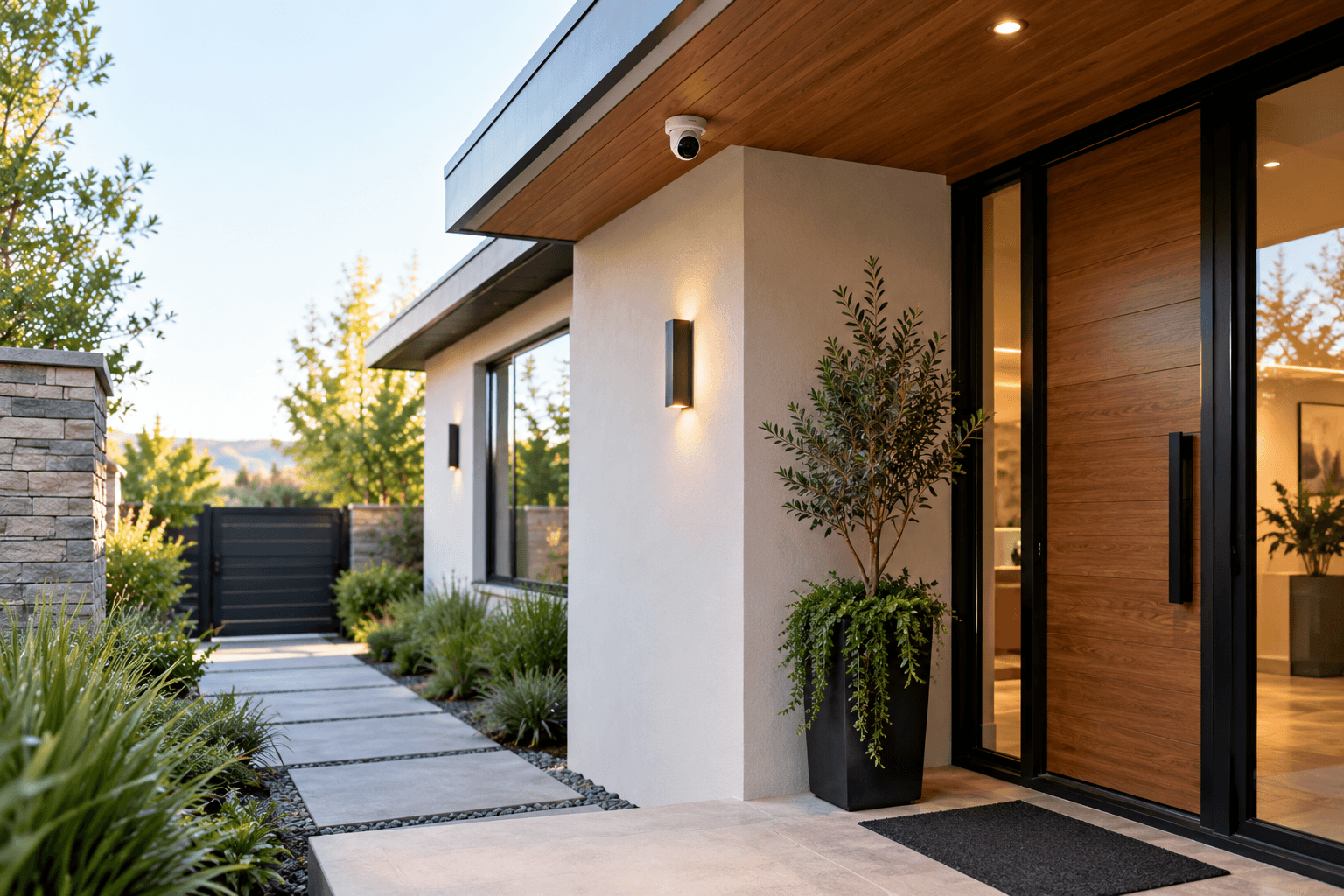
Camera placement affects both security coverage and privacy.
Before installing a camera, consider what area it is intended to monitor and what may appear within its field of view. A useful camera should be positioned around the purpose of the installation rather than simply covering the largest possible area.
Indoor cameras deserve additional consideration because they may capture private areas, household activity, employees, guests, or other people inside the property. Camera placement should reflect the environment, intended purpose, and applicable requirements.
ACCESS CONTROL
Access Should Match the Person.
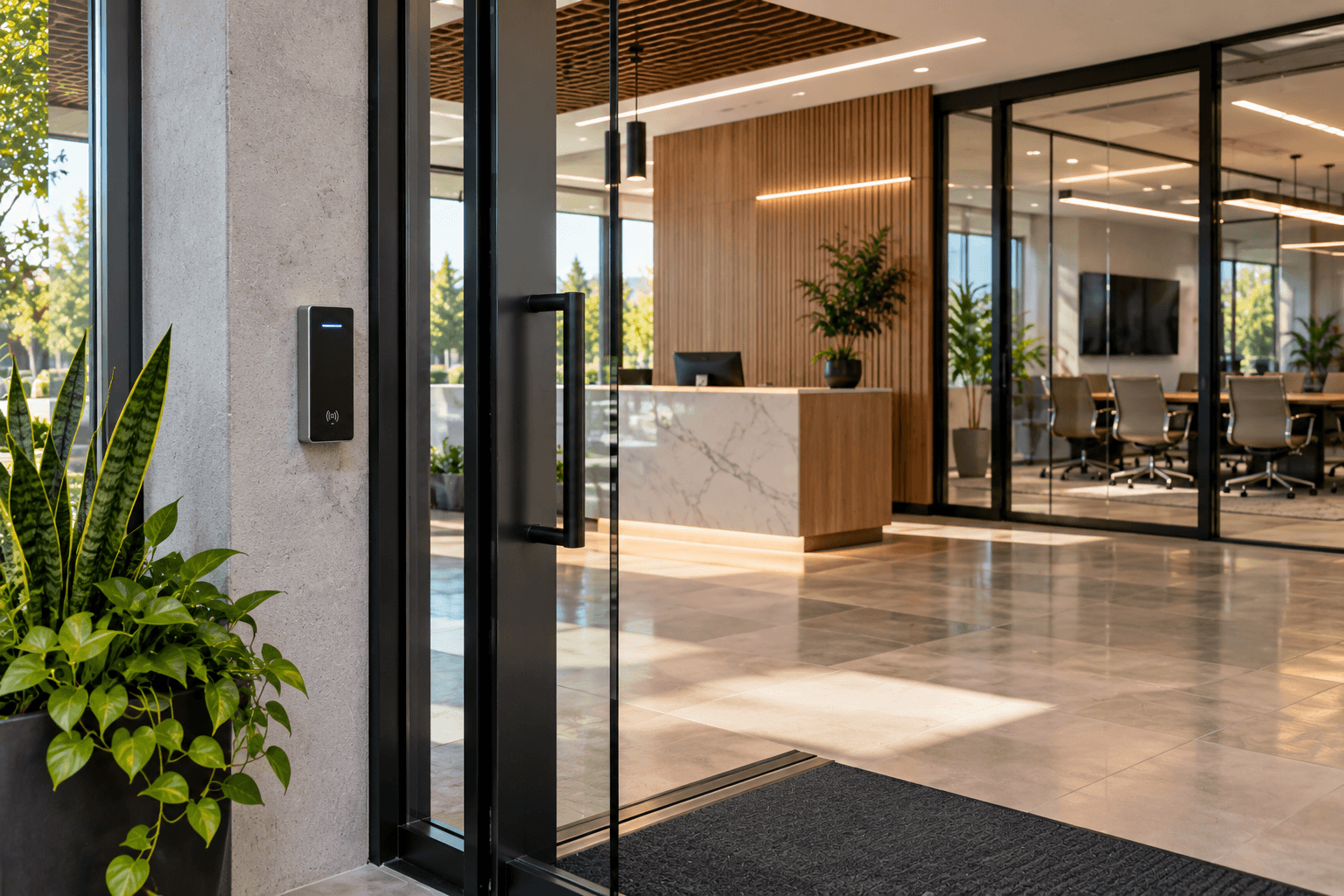
Connected access systems can make entry easier to manage, but permissions still need to be deliberate.
Owners & Administrators
Primary users may require broader control over system settings and authorized access.
Household Members or Employees
Regular users may need everyday access without necessarily requiring full administrative control.
Guests & Temporary Users
Where supported, temporary or limited access may be more appropriate than sharing permanent credentials.
Former Users
Access should be reviewed when a person no longer needs permission to enter or control the property.

APPS & SERVICES
Know What Controls the System.
A connected property may rely on several applications and services. Before adopting a connected product or platform, understand what application or service is required to operate it.
Consider who owns the account, who has administrative access, whether remote functionality depends on an external service, and what happens to everyday control if that service is unavailable.
The objective is not to avoid connected services. The objective is to understand what the finished system depends on.
System Ownership
The finished system belongs in the customer's environment, and account ownership should reflect that. Where customer-owned accounts are required for installed systems, the customer should understand which accounts are associated with the property and who has administrative control. A professional handoff should make it clear which primary applications, interfaces, and accounts are part of everyday system use. When access is provided to another person for installation, support, or management, that access should be appropriate to the work being performed.
UPDATES
Connected Technology Changes Over Time.
The system installed today may receive software and firmware changes later. Manufacturers and software providers may release updates for supported products and applications. Updates can affect features, compatibility, reliability, interfaces, or security.
Before making significant changes to an integrated environment, consider whether an update could affect another part of the system. A connected space should be treated as a system that may evolve — not as equipment that will remain unchanged forever.
ACCESS CHANGES
Review Access When the People Change.
Permissions that made sense yesterday may not make sense tomorrow. Homes, businesses, and facilities change over time.
Employees leave. Contractors finish projects. Guests no longer require access. Property managers change. Household access can change. When that happens, review relevant accounts, access permissions, door or gate credentials, applications, and other connected-system access where appropriate.
Access management is not a one-time task.
A PRACTICAL APPROACH
Connected Technology Should Add Control, Not Anxiety.
Security planning should be thoughtful without turning every connected device into a source of fear. There is no connected system that can promise to eliminate every security or privacy risk.
The practical goal is to make informed decisions about the network, equipment, accounts, permissions, remote access, placement, and configuration involved in the project. A well-planned system makes those decisions intentionally rather than leaving them to chance.
BEFORE COMPLETION
Know What You Control.
The customer should understand the primary access points into the finished system.
Primary Accounts
Identify the primary customer accounts associated with the installed systems where applicable.
Control Interfaces
Review the primary apps, keypads, touchscreens, or other interfaces used to control the system.
Authorized Access
Understand who has access to important connected systems and how that access can be changed where supported.
Remote Functions
Review the primary remote-access features included in the project where applicable.

DIFFERENT ENVIRONMENTS
Privacy and Access Change With the Space.
The right approach depends on who uses the property and what the connected systems control.
Residential
Consider household access, guests, cameras, locks, remote control, privacy inside the home, networking, and the accounts associated with connected systems.
Commercial
Consider employees, administrators, visitors, shared spaces, access changes, cameras, networked systems, and who needs control over different parts of the environment.
Industrial
Consider operational access, authorized personnel, monitoring, networking, sensors, controls, and the systems appropriate to the technical requirements of the environment.
PLANNING A CONNECTED SPACE?
Build Security & Privacy Into the Plan.
Think about access, networking, accounts, and controls while the system is being designed. Tell Zenith what systems you want to connect and how the property will be used. We can help plan the automation, controls, connectivity, and integration around the requirements of the project.
SMART SAFETY