
PLANNING A SAFE SMART HOME
Plan the System Before You Install the Devices.
Good automation begins with the space, the people using it, and the systems that need to work together.
A connected home can include lighting, shades, security, access, networking, climate, sensors, entertainment, automation, and other technology.
Planning these systems separately can create unnecessary complexity, duplicated controls, weak infrastructure, and technology that does not work together the way the customer expected.
A better approach is to plan the connected environment first, then select the equipment that supports that plan.
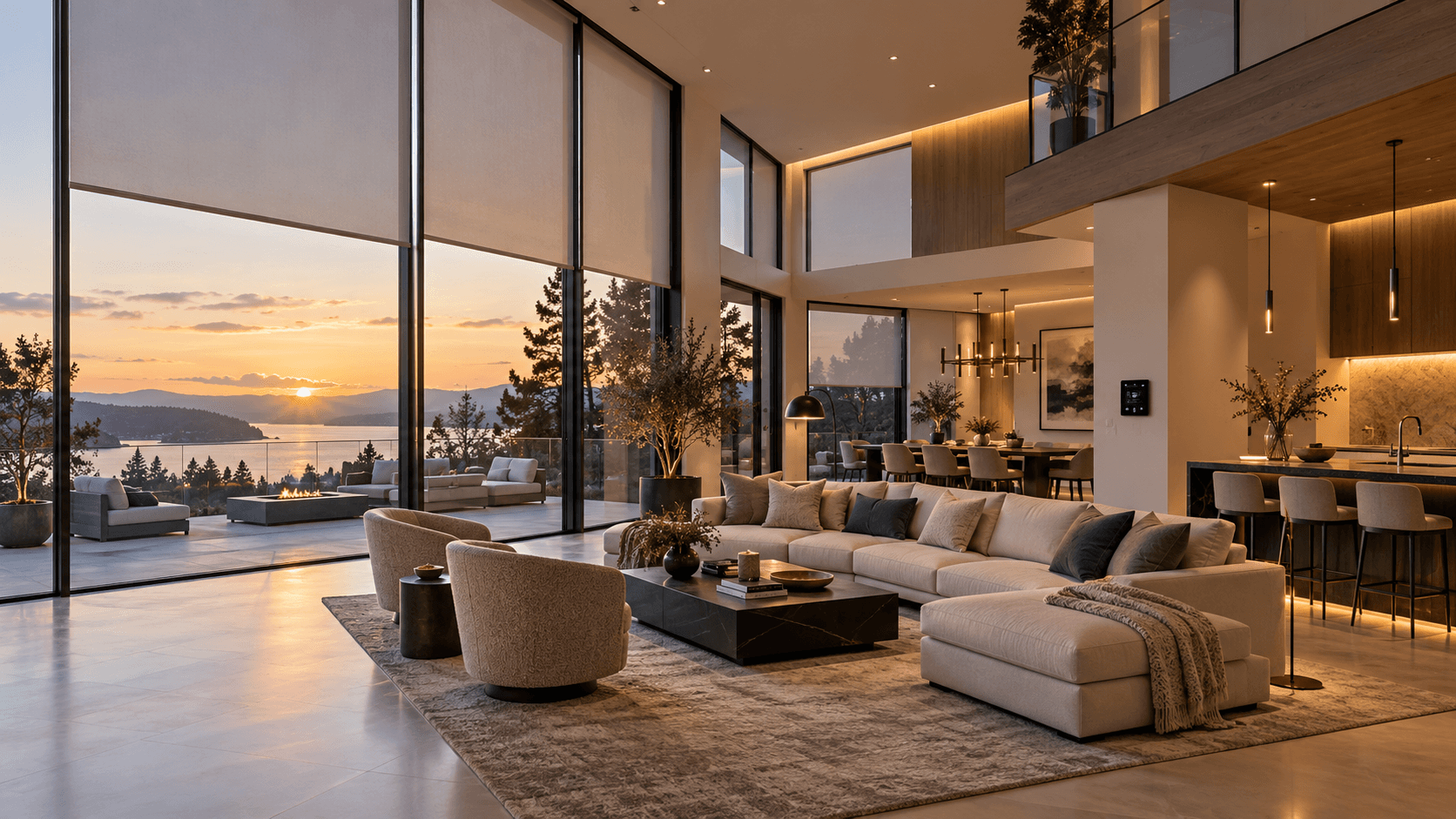
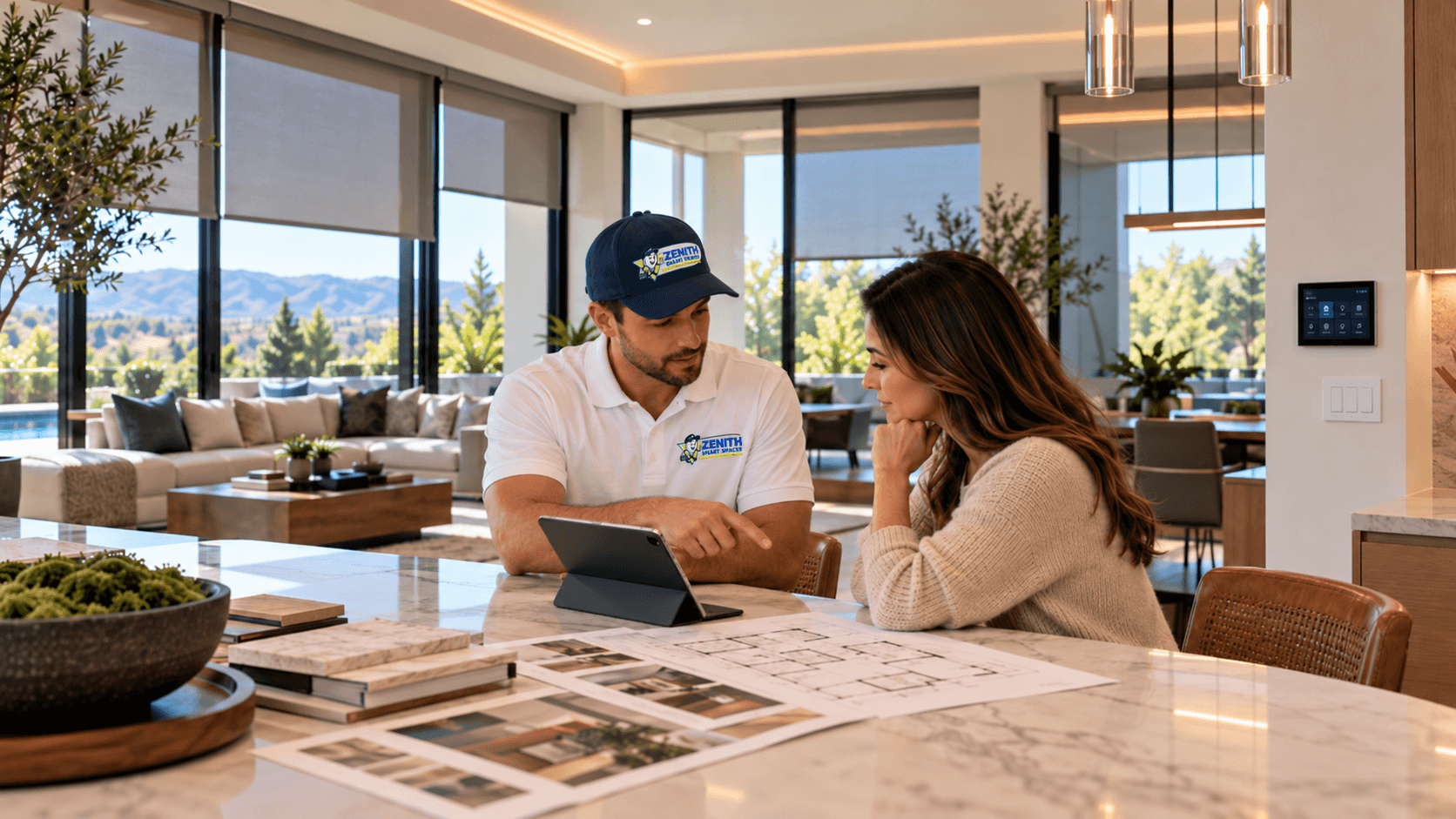
START WITH THE SPACE
Decide What You Want the Space to Do.
The first question should not be which device to buy.
Start by thinking about the experience you want.
Do you want easier control of lighting?
More privacy through automated shades?
Better visibility around the property?
Simpler temperature control?
More reliable networking?
Integrated entertainment?
Automatic responses to schedules, sensors, or daily routines?
Once the goals are clear, the systems and equipment can be planned around them.
SYSTEM PLANNING
One Space. Many Connected Systems.
The systems throughout a property often affect one another.
Automation & Controls
Plan how scenes, schedules, apps, keypads, touchscreens, voice control, and other interfaces should work together.
Lighting
Consider which lighting should be manually controlled, automated, or included in larger scenes.
Motorized Shades
Think about privacy, sunlight, glare, schedules, grouping, and how shades should interact with the rest of the system.
Security & Access
Consider cameras, locks, doorbells, gates, alarms, intercoms, and who needs access to each system.
Networking
Plan the connectivity that cameras, controls, entertainment, apps, automation, and other connected systems will depend on.
Climate & Sensors
Consider thermostats, environmental sensors, leak detection, water shutoff, and the conditions the system should monitor.
Audio / Video
Plan displays, speakers, media rooms, sources, controls, and equipment locations as part of the connected environment.
System Integration
Determine which compatible systems should share controls, scenes, schedules, or automation.
INFRASTRUCTURE
The Technology You See Depends on What You Don't.
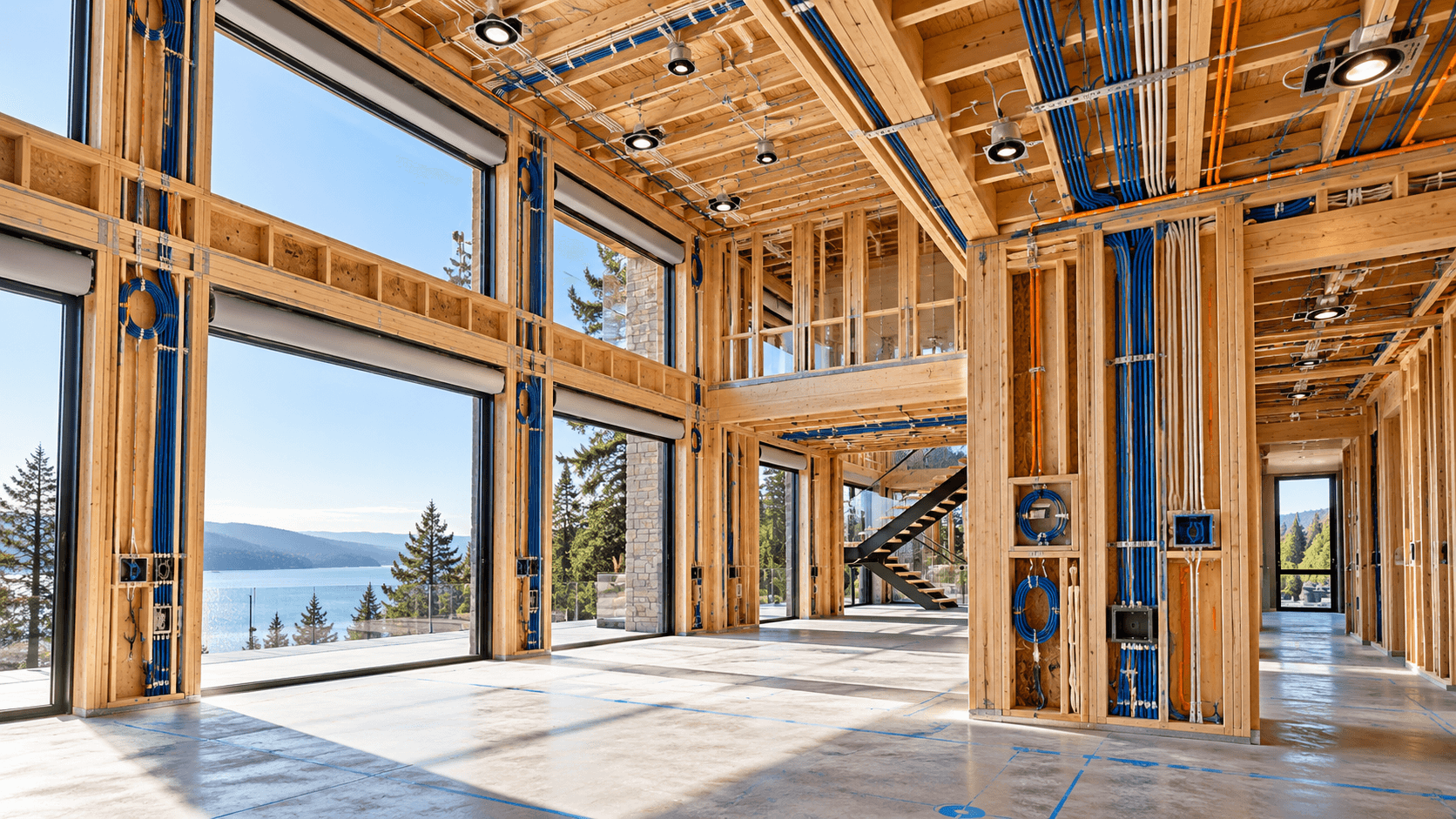
Connected systems rely on infrastructure behind the finished space.
Networking, power, low-voltage cabling, control wiring, equipment locations, and communication pathways should be considered before the system is installed.
This is especially important during new construction and remodeling, when the structure may still be accessible.
Planning early can make it easier to support the systems being installed today and reduce unnecessary limitations later.
Electrical & Low-Voltage Safety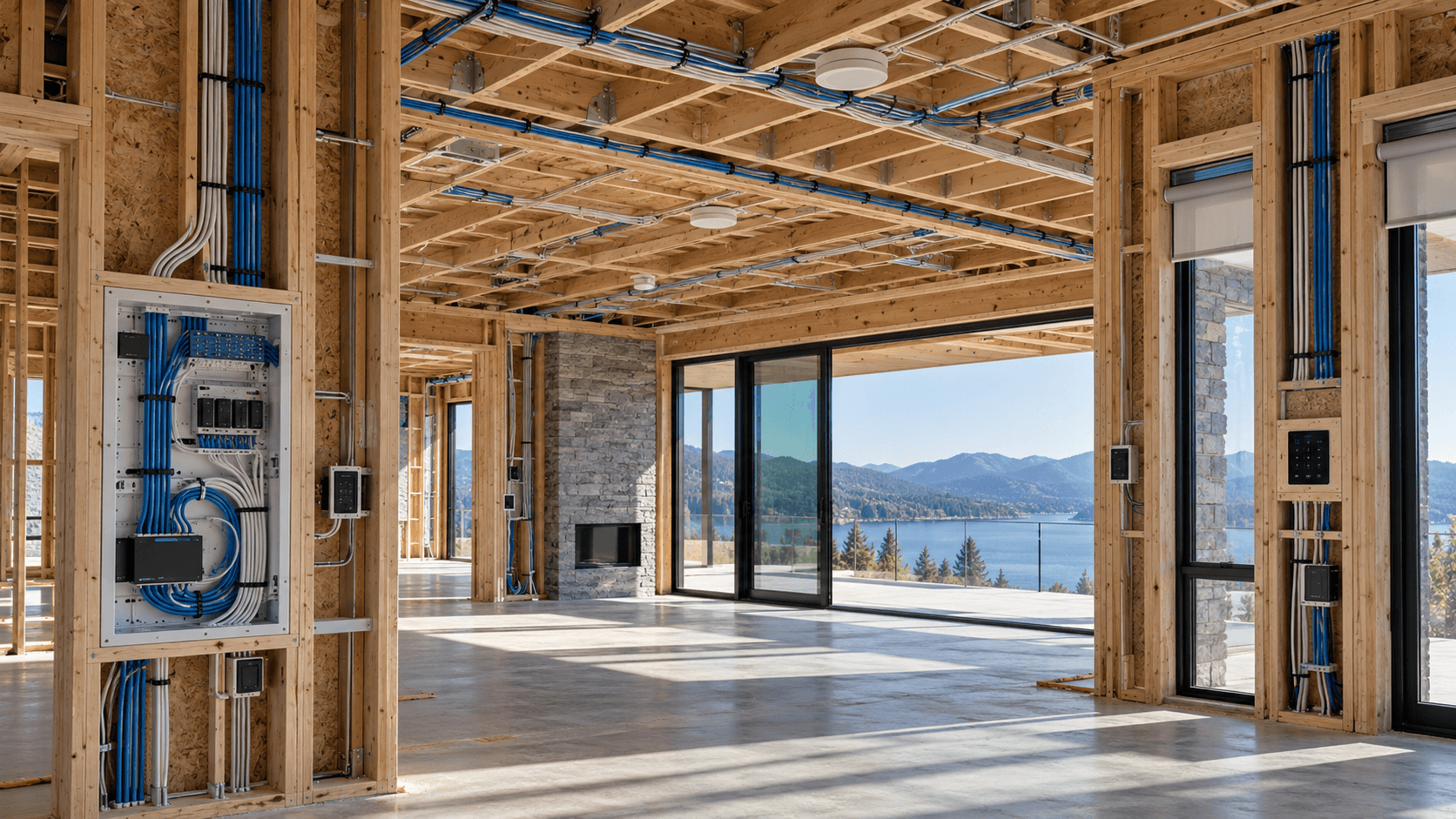
NETWORKING
Build the Network Around the Connected Environment.
The network should be planned around the systems that will depend on it.
A connected property may include cameras, access points, automation processors, mobile applications, televisions, speakers, touchscreens, access systems, and other networked equipment.
Planning should consider where wired connections are practical, where wireless coverage is required, where network equipment will live, and how many connected systems the property needs to support.
Wi-Fi should not be treated as an invisible utility that will automatically work everywhere without planning.
PLACEMENT
Put Technology Where It Can Do Its Job.
The physical location of connected equipment affects how useful it is.
Cameras
Place cameras around the areas they are intended to monitor while considering field of view, mounting, access, and privacy.
Sensors
Place sensors where they can measure or detect the condition they are intended to monitor.
Controls
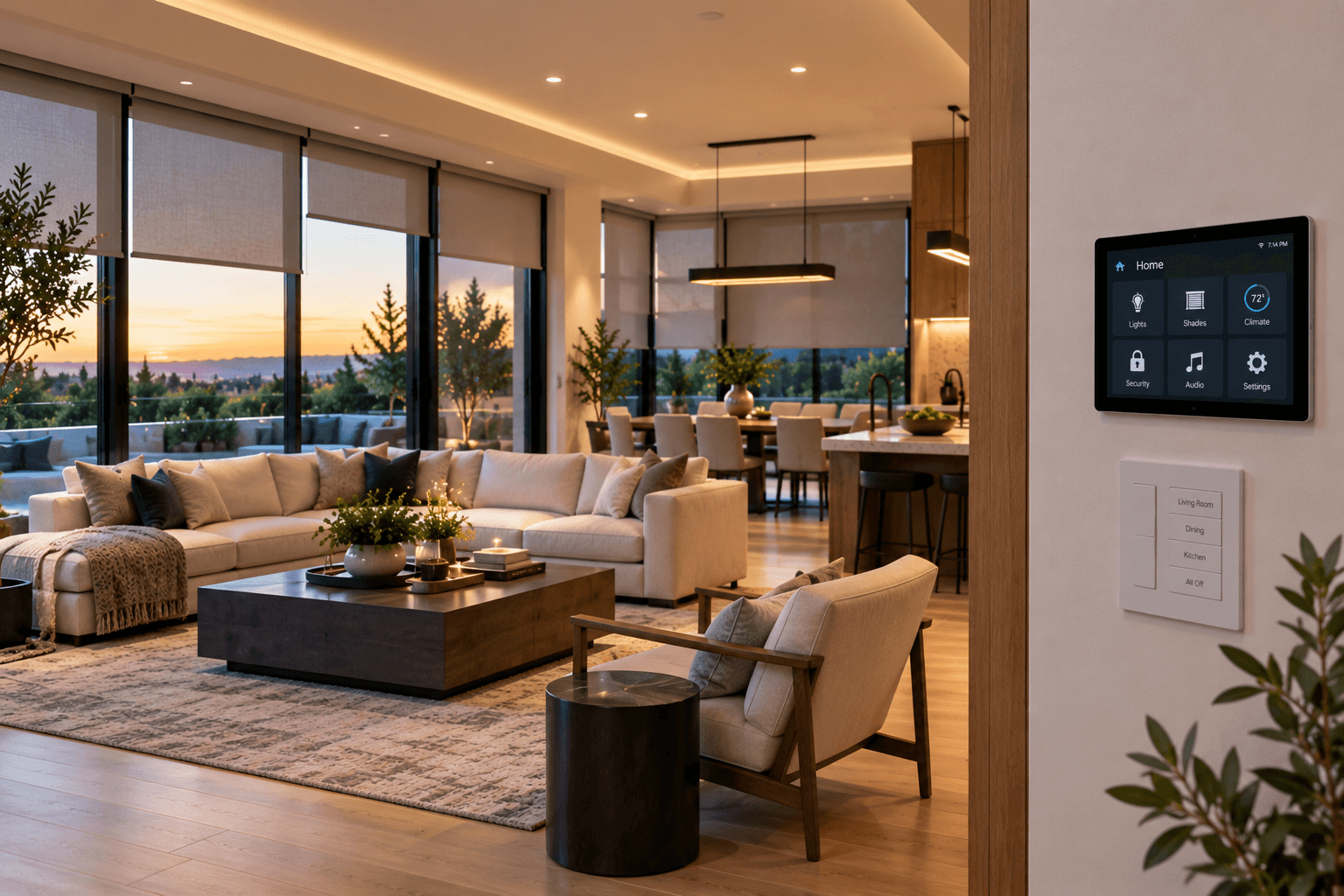
Place keypads, touchscreens, switches, and other interfaces where they are practical to use.
Network Equipment
Plan access points and supporting network equipment around the connectivity needs of the space.
SECURITY & PRIVACY
Decide Who Should Have Access.
Connected systems can create powerful controls over the property.
Cameras, locks, access systems, networks, apps, automation platforms, and remote controls may all involve users, accounts, permissions, or credentials.
Plan who should have administrative access, who needs everyday access, which systems need remote control, and how permissions should change when people change.
Security and privacy should be considered while the system is being designed rather than added as an afterthought.
Smart Home Security & Privacy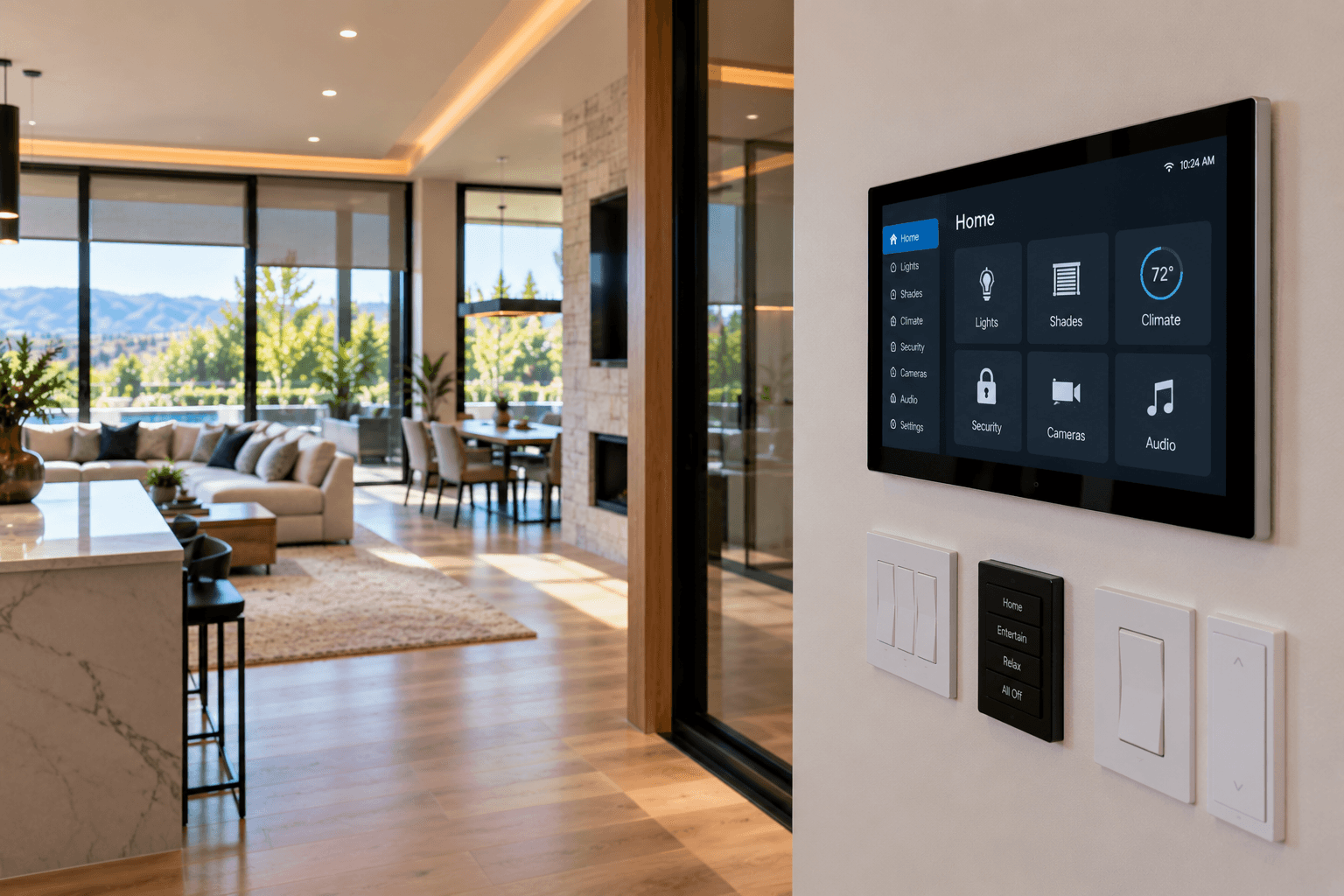
CONTROL STRATEGY
Automation Should Make the Space Easier.
More automation is not automatically better automation.
The system should reduce unnecessary effort without making simple tasks harder.
Some functions are ideal for schedules, scenes, or sensors. Other functions should remain immediately accessible through a familiar switch, keypad, touchscreen, app, or other control.
The goal is not to automate every possible action. The goal is to use automation where it creates meaningful convenience, coordination, awareness, or control.
CONTROL OPTIONS
Different Moments Need Different Controls.
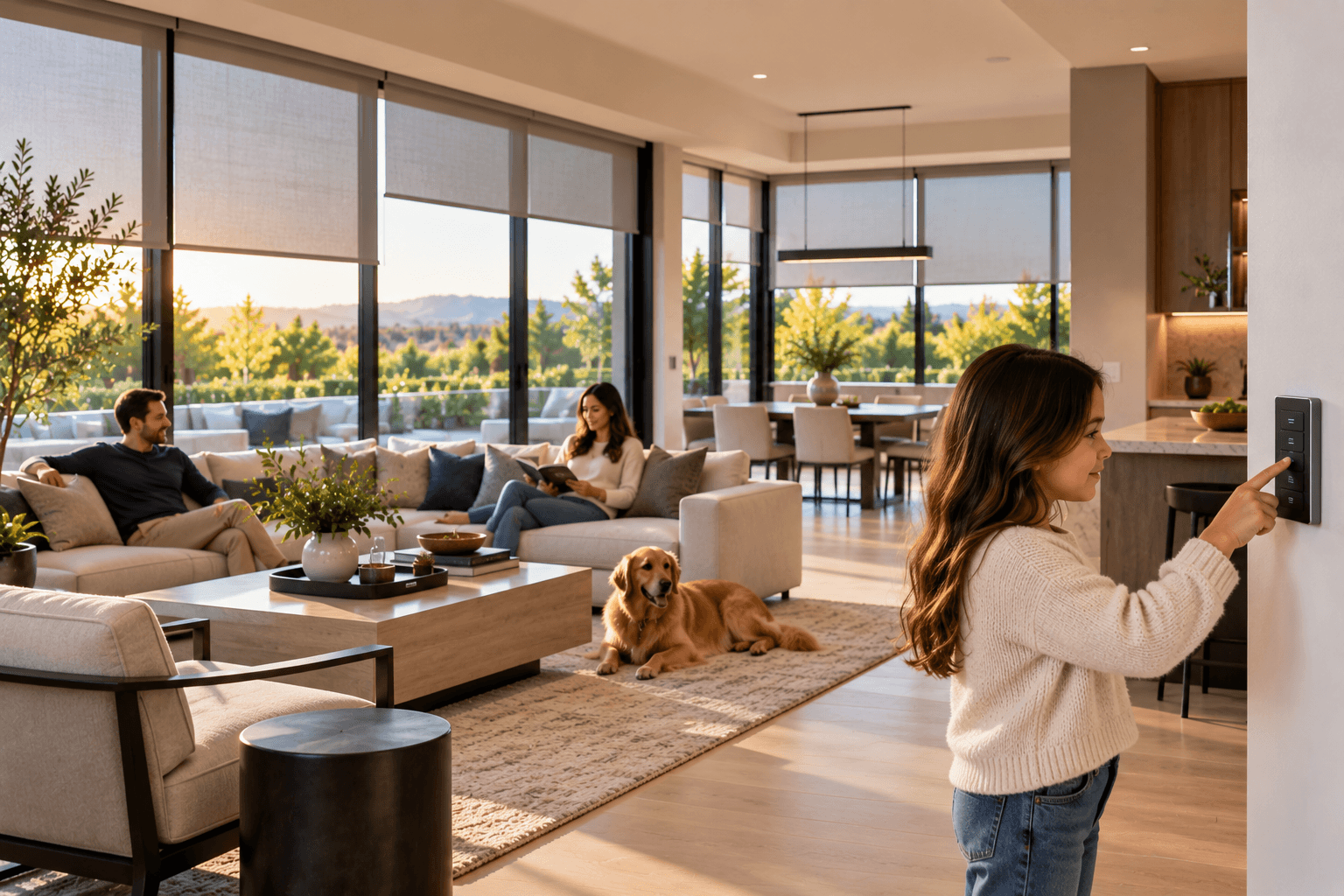
There should not be only one way to use the system.
Wall Controls
Keypads and switches provide immediate access to common functions without requiring a phone.
Touchscreens
Dedicated interfaces can provide broader control over several compatible systems from one location.
Mobile Apps
Phones and tablets can provide detailed or remote control where supported.
Automation
Schedules, scenes, sensors, and system conditions can handle routine actions automatically.
REAL-WORLD USE
The System Should Make Sense to More Than the Person Who Designed It.
Connected spaces are used by families, guests, employees, visitors, and other people with different levels of technical experience.
Everyday functions should be easy to understand.
A guest should not need a technical manual to turn on a light. A family member should not need administrative access to perform simple functions.
A business should not require every employee to control every part of the system.
Good planning considers who will use the space and what level of control each person actually needs.
NEW CONSTRUCTION
Bring the Technology Plan Into the Project Early.
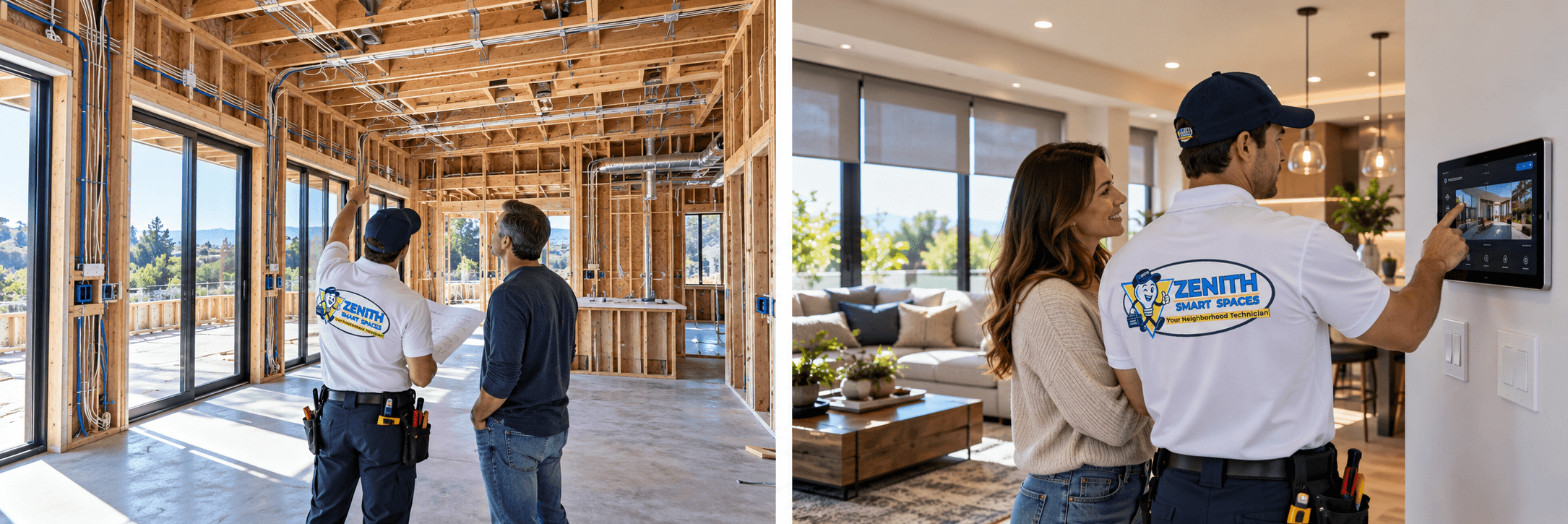
New construction creates the best opportunity to plan the complete infrastructure before the space is finished.
Think about networking, controls, equipment locations, motorized shades, cameras, sensors, speakers, access systems, audio/video, and future technology before walls and finishes are completed.
That does not mean installing every possible technology immediately. It means considering what the property may require while the infrastructure is still easier to plan.
REMODELING
Use the Remodel to Improve the Technology Plan.
A remodel can create opportunities to improve systems that were never planned together originally.
If walls, ceilings, windows, lighting, networking, entertainment, or other parts of the property are already changing, it may be the right time to review how connected technology should fit into the new space.
Planning the automation alongside the remodel can help avoid making technology decisions after the construction work is already finished.
EXISTING HOMES
A Connected Home Does Not Require Starting Over.
Existing properties can still be upgraded thoughtfully.
Begin by understanding what is already installed. Existing wiring, networking, controls, devices, equipment locations, and systems may affect what can be reused and what should change.
A good plan works with the property that exists rather than assuming every project begins with open walls.
LONG-TERM THINKING
Technology Changes. The Space Should Still Work.
Connected systems should be planned with the expectation that devices, software, networks, and customer needs may change over time.
Products can fail. Networks can change. Software can be updated. Devices can be replaced. Rooms can be remodeled. New technology can be added.
Planning should make everyday operation understandable and consider how the system can be serviced, adjusted, or expanded later.
A smart space should not become unusable simply because one part of the technology changes.
TESTING
A System Is Not Finished Until It Has Been Tested.
Installation and configuration should be followed by verification.
Devices
Verify that the installed equipment performs the functions expected for the project.
Controls
Check the primary switches, keypads, touchscreens, apps, and other interfaces.
Automation
Test scenes, schedules, triggers, and supported automated behavior.
Integration
Verify that compatible systems communicate and respond as intended.
HANDOFF
Know How the Finished Space Works.
The customer should understand the primary controls before the project is considered complete.
The handoff should identify the main controls, applications, interfaces, and accounts the customer needs for everyday use.
Customers should also understand the primary scenes or automations that were included and how to make normal adjustments where appropriate.
A connected environment can be sophisticated behind the scenes without being difficult to operate.
BEFORE INSTALLATION
Questions Worth Answering First.
A few clear decisions can prevent a lot of confusion later.
What do I want the space to do?
01Which systems need to work together?
02How should people control those systems?
03What networking, power, wiring, and infrastructure do they require?
04Who should have access to the connected systems?
05How might the property or technology change later?
06PLANNING A PROJECT?
Start With the Complete Space.
You do not need to choose every device before talking with Zenith.
Tell us about the property, what you want the technology to do, and which systems you are considering.
We can help determine how the automation, controls, networking, security, shades, climate, entertainment, sensors, and infrastructure should fit together.
SMART SAFETY