
Lighting & Controls
Designing Lighting Scenes That Work for Everyday Life
Well-designed lighting scenes make a home easier to use. Learn how to combine lighting zones, dimmers, controls, schedules, and automation around everyday routines.
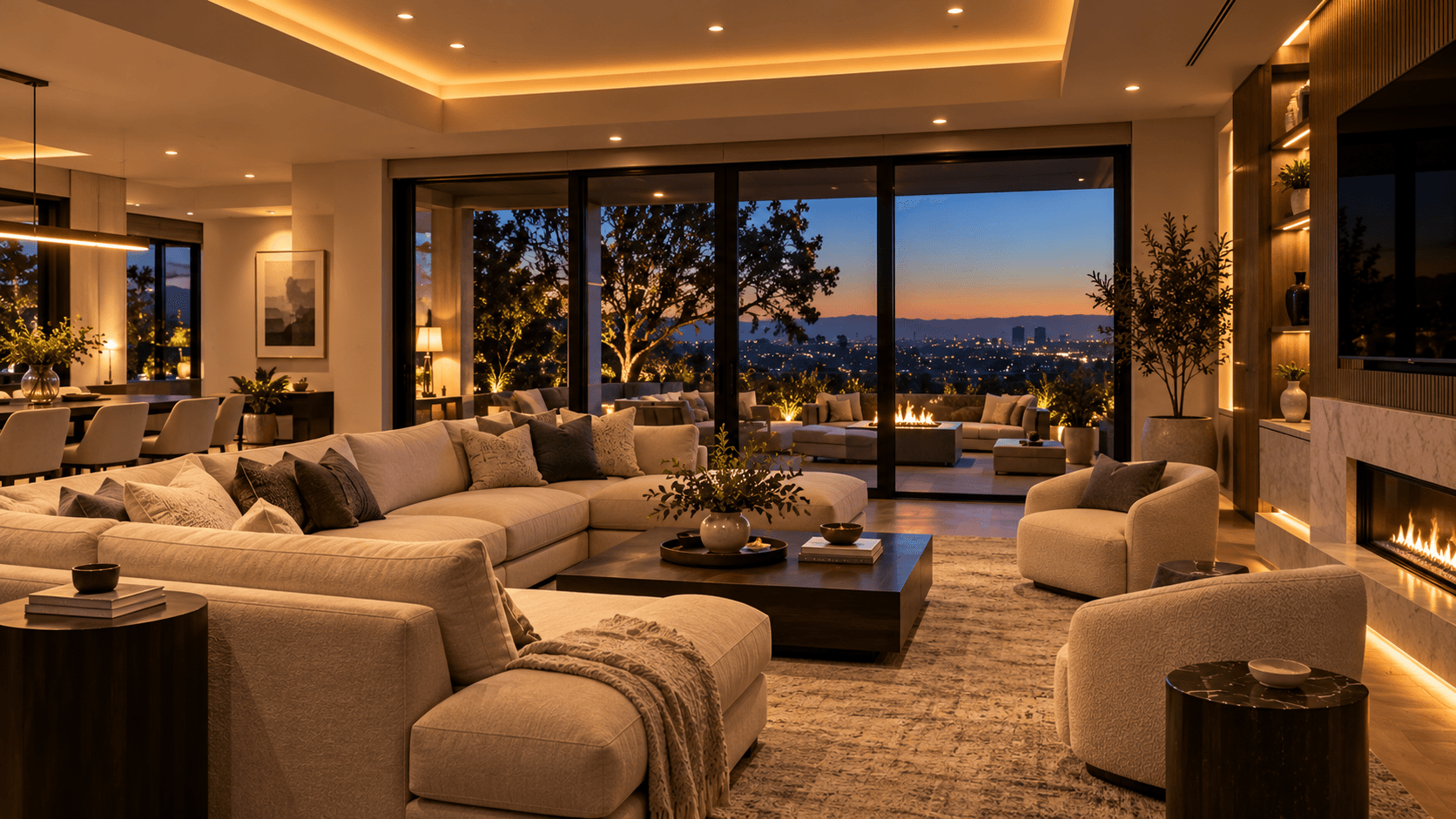
Smart lighting is about more than turning lights on and off from a phone.
A well-planned lighting system can change how a room feels, reduce repeated adjustments, and make everyday activities more convenient.
Instead of controlling every light individually, homeowners can use lighting scenes to coordinate several compatible lights with one command.
The most useful scenes are not necessarily the most elaborate. They are the ones that make sense for how people actually use their homes.
Start With the Room and Its Purpose
Before programming lighting scenes, consider what happens in each space.
A kitchen may be used for preparing meals, eating, entertaining, and evening cleanup.
A living room may support conversation, television, reading, and relaxation.
Bedrooms, hallways, home offices, and outdoor areas all have different lighting requirements.
The best starting point is to identify the common activities in each room and determine what lighting supports them.
A single room may need several lighting conditions throughout the day.
For example, a kitchen might benefit from brighter task lighting during food preparation and softer ambient lighting after dinner.
Planning around these activities helps determine which lights should be grouped and how they should respond.
Understand Lighting Zones
A lighting zone is a group of lights controlled together.
Depending on the property, zones might include ceiling downlights, decorative fixtures, under-cabinet lighting, accent lighting, or exterior fixtures.
Separating appropriate lighting into zones gives homeowners greater control over the space.
A room with only one lighting circuit may offer limited scene flexibility.
A room with several properly planned zones can support multiple activities and atmospheres.
However, creating too many independently controlled zones can also make the system unnecessarily complicated.
The goal is to provide useful flexibility without requiring the homeowner to manage dozens of controls.
The number and arrangement of lighting zones should reflect the actual room and its intended use.
Build Scenes Around Everyday Activities
Lighting scenes allow compatible fixtures or zones to respond together.
Consider a few common examples.
Morning: Provide comfortable lighting in frequently used areas without turning on every fixture at full brightness.
Cooking: Emphasize useful task lighting across countertops and preparation areas.
Entertaining: Balance ambient lighting, decorative fixtures, and accent lighting to create a welcoming environment.
Movie Night: Reduce glare and lower selected lighting levels while retaining any lighting needed for safe movement.
Evening: Gradually shift toward softer lighting in rooms used for relaxation.
Goodnight: Turn off selected lights or activate a planned overnight lighting arrangement.
These are examples rather than a universal set of scenes.
A homeowner may need only a handful of dependable scenes, while a larger property may benefit from more detailed control.
Scenes should support real routines instead of requiring customers to learn an unnecessary collection of commands.
Make Manual Control Easy
Automation should not replace the ability to control lighting normally.
Wall switches, dimmers, and keypads remain valuable because they provide familiar, immediate control.
A well-designed system allows everyday users to perform common tasks without locating a phone or opening an application.
A keypad near an entry may provide direct access to commonly used scenes.
A bedside control may provide access to selected bedroom lighting or a Goodnight command.
In a kitchen, a familiar control may be more practical than a touchscreen for basic functions.
The right interface depends on the space and the people using it.
Lighting should remain understandable for family members, guests, and anyone else who needs to use the room.
Use Schedules and Sensors Selectively
Schedules and sensors can make lighting more convenient.
Exterior lights might follow a schedule based on sunset or a selected time.
Occupancy sensors may support lighting in hallways, utility areas, or other appropriate locations.
Selected lights may respond to supported automation conditions or established scenes.
But automatic behavior should always be considered carefully.
A light turning off unexpectedly while someone is still using a room can make automation frustrating.
Similarly, automatically activating bright lighting at night may be uncomfortable.
Sensor placement, timeouts, schedules, and manual overrides should be planned around how the room is used.
The objective is predictable convenience, not automation for its own sake.
Coordinate Lighting With Motorized Shades
Lighting and motorized window treatments often affect the same experience.
Natural daylight can provide useful illumination, but it can also create glare or unwanted brightness.
Motorized shades can help manage the amount of sunlight entering a room.
Where compatible integration is supported, a scene may coordinate selected lighting and shade positions.
For example, a media-room scene might dim lights and lower shades to reduce glare.
A morning scene might raise selected shades while adjusting interior lighting.
Not every property requires this level of integration.
The important point is to consider daylight and artificial lighting together while planning the room.
Consider the Actual Lighting Equipment
Lighting control capabilities vary by fixture, driver, dimmer, and automation platform.
Not every LED fixture dims in the same way.
Some products support particular dimming technologies or require compatible control equipment.
Before choosing switches, dimmers, or controllers, the proposed equipment should be checked for compatibility.
Lighting behavior should also be tested after installation.
A technically connected light is not automatically a well-performing light.
Unexpected flickering, inconsistent dimming, or undesirable minimum brightness may require further evaluation.
Where line-voltage electrical work is required, that work must be performed by appropriately qualified personnel under applicable requirements.
Good lighting design includes both the intended experience and the equipment needed to achieve it.
Plan for the People Using the Home
The most impressive scene is not necessarily the most useful one.
A homeowner may enjoy detailed application control, while another household member simply wants to press a wall button.
Guests may need intuitive access to basic lighting.
Children and older family members may benefit from predictable controls in familiar locations.
The system should not depend on one person understanding every technical setting.
Common lighting functions should remain easy to access.
Advanced automation can operate in the background without making basic tasks harder.
Test and Refine the Scenes
Scenes should be evaluated in the actual environment.
Lighting that seems appropriate during daytime configuration may feel different in the evening.
Fixtures, windows, finishes, furniture, and personal preferences influence the result.
Testing should include the intended brightness levels, zone behavior, keypad assignments, schedules, and compatible automation.
Small adjustments may significantly improve the everyday experience.
The goal is a finished system that feels natural rather than a collection of lighting presets that nobody uses.
Bring Lighting Into the Complete Smart Home
Lighting scenes can operate independently, but they can also become part of a broader connected environment.
Where supported, lighting can coordinate with motorized shades, entertainment, sensors, and home automation.
Learn more about home automation and integrated controls. Home Automation
The best approach begins with the room, the people using it, and the activities the lighting should support.
Zenith Smart Spaces helps customers plan lighting controls and compatible automation around the way their spaces are actually used.
Whether the project involves one room or a larger connected property, thoughtful lighting scenes can make daily control more comfortable and convenient.
See how motorized shades can coordinate with your lighting scenes. Motorized Shades & Blinds
Explore our lighting controls and scene design services. Lighting & Controls
Review our guide for planning a safe and well-connected smart home. Planning a Safe Smart Home
Planning a Connected Space?
Tell Zenith what you want your technology to do, and we’ll help you determine how the systems should work together.
Related Advice
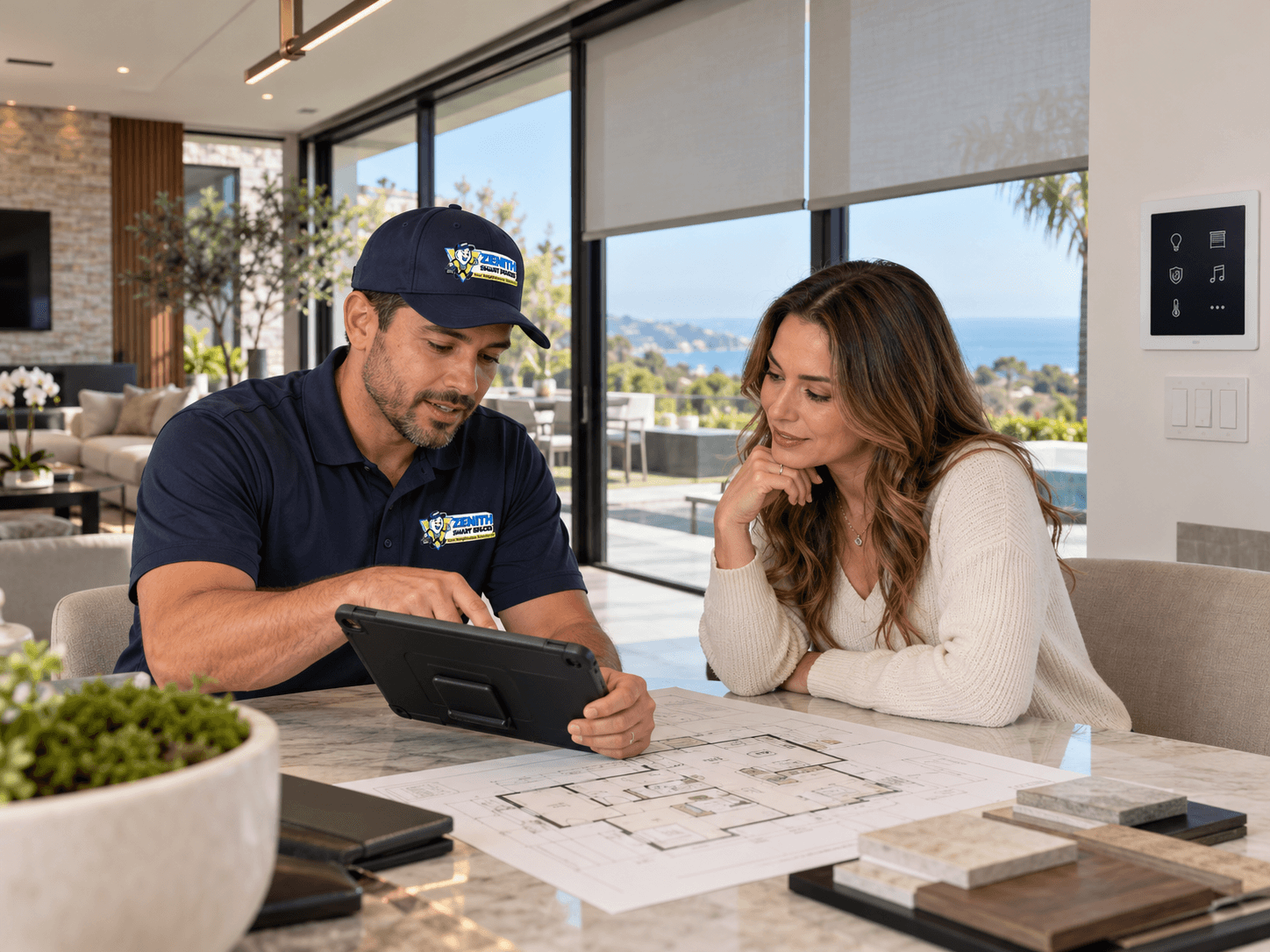
Planning & Integration
Plan Your Smart Systems as One
Connected home technology works best when the systems are planned together. Lighting, shades, security, networking, climate, entertainment, and controls should be considered as parts of the same connected environment.
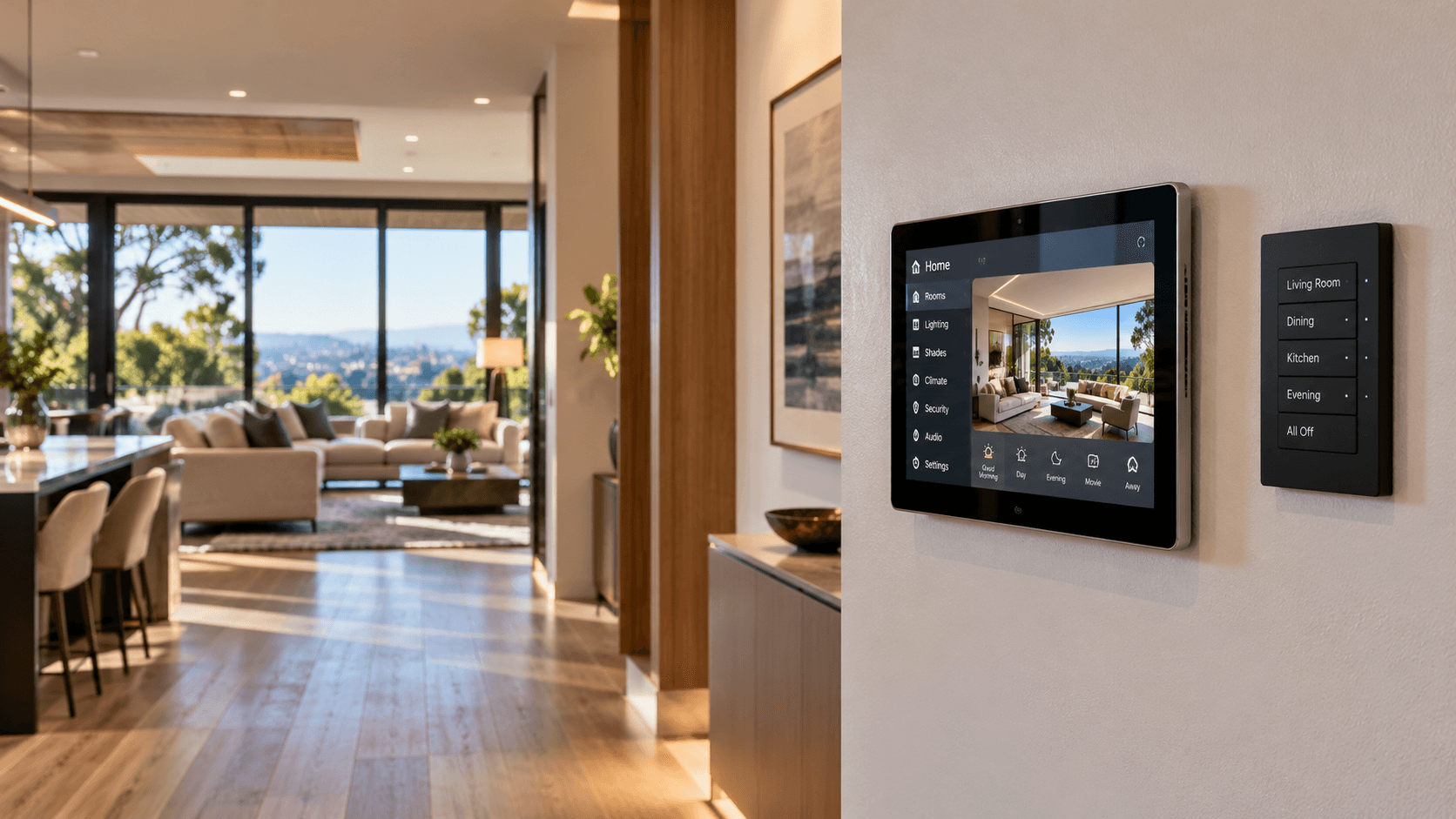
Home Automation
Choosing the Right Smart Home Controls
Keypads, touchscreens, apps, voice commands, and automation each serve different purposes. Learn how to choose controls that make everyday life simpler.
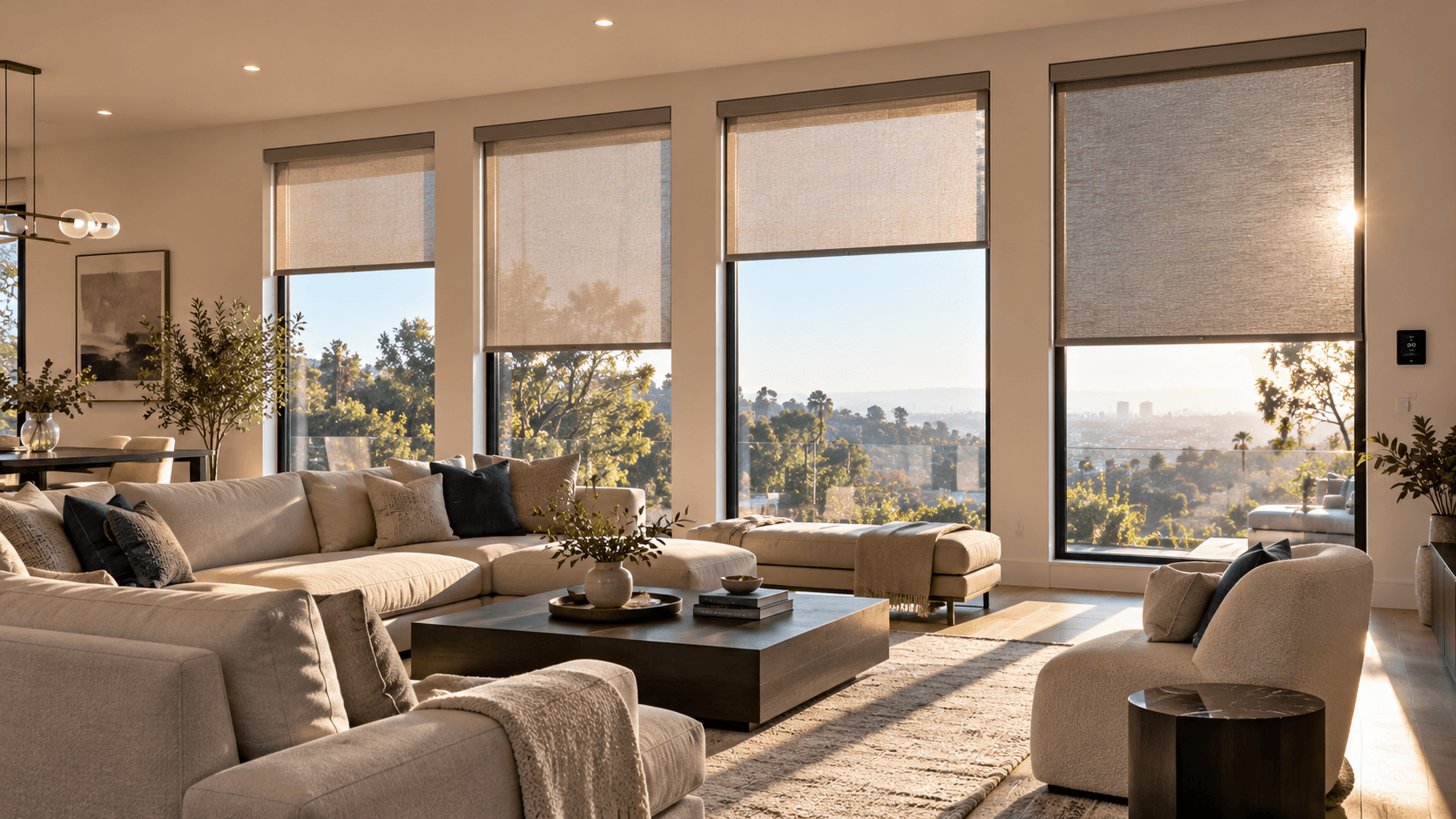
Motorized Shades & Blinds
Control Heat and Glare with Motorized Shades
Motorized shades do more than add convenience — they help manage sunlight, reduce glare, protect interiors, and improve energy efficiency throughout the day.