
Planning & Integration
Plan Your Smart Systems as One
Connected home technology works best when the systems are planned together. Lighting, shades, security, networking, climate, entertainment, and controls should be considered as parts of the same connected environment.
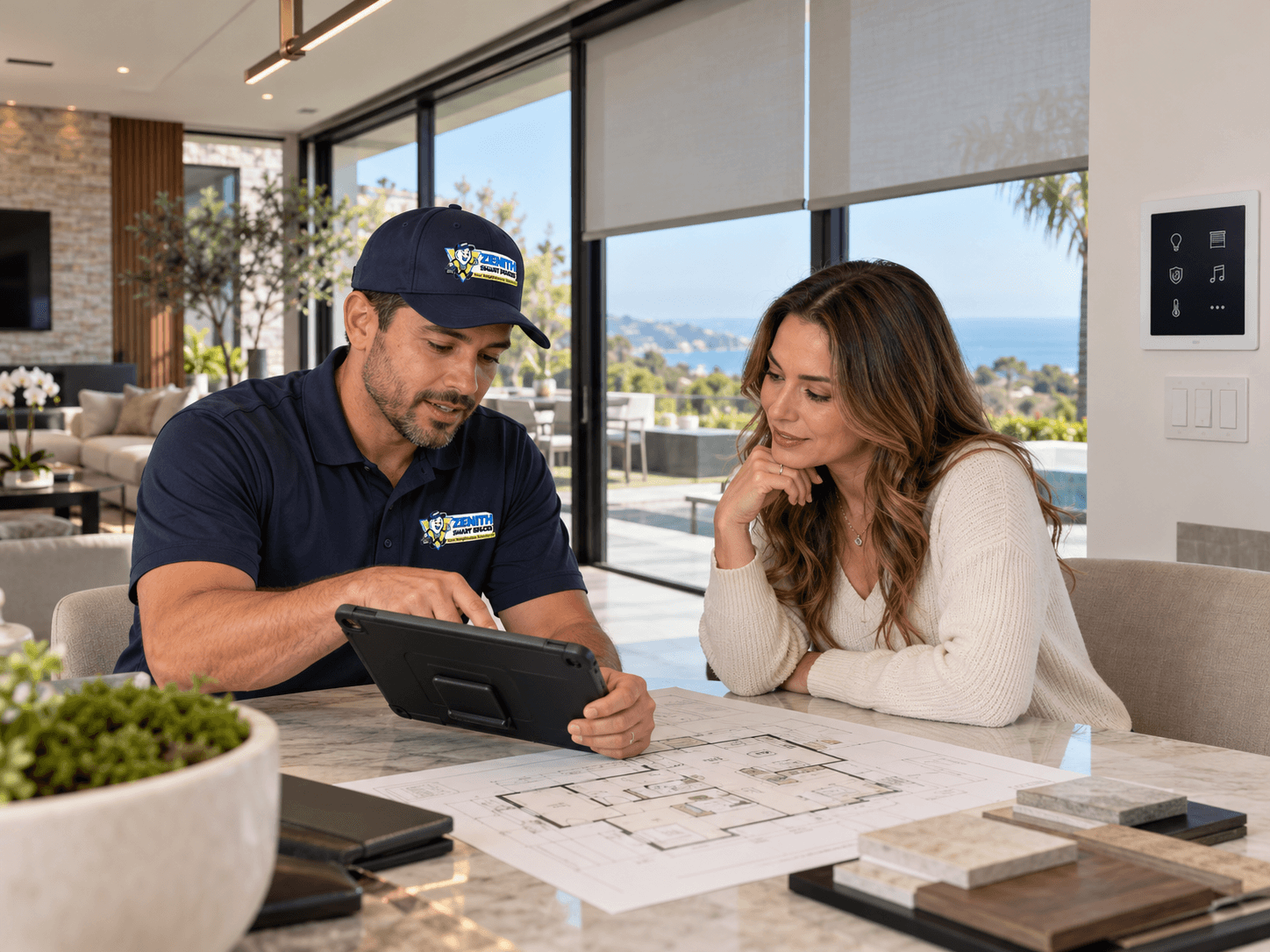
Start With the Experience, Not the Devices
Smart technology is often introduced one product at a time.
A homeowner may begin with connected lighting, add motorized shades, install cameras, upgrade the Wi-Fi network, and later introduce climate controls or entertainment automation.
Each product may work well independently, but managing several disconnected systems can become unnecessarily complicated.
Different apps, remotes, keypads, settings, and schedules may create more daily work rather than less.
A better starting point is to consider what the finished space should do and how the customer wants to interact with it. That makes it easier to determine which systems should operate independently and which compatible systems would benefit from coordinated control.
Think About the Complete Connected Environment
A modern smart home can include several technologies that affect one another.
Lighting can work with occupancy sensors and schedules. Motorized shades can help manage sunlight, glare, and privacy. Climate systems may respond to temperature settings and supported sensor information.
Security systems can include cameras, locks, doorbells, intercoms, and access controls.
Entertainment may include televisions, speakers, media sources, distributed audio, and room-specific control systems.
Networking supports communication among many of these technologies.
Planning them together helps establish how they should be controlled, what supporting infrastructure they require, and which functions should be coordinated.
Not every device needs to interact with every other device. The goal is useful integration, not unnecessary complexity.
Plan Networking and Infrastructure Early
Connected products depend on infrastructure that may not be visible after installation.
Depending on the project, that can include structured network cabling, wireless access points, power connections, low-voltage wiring, equipment locations, and communication pathways.
A product can be installed correctly and still perform poorly when the supporting network or connection method is inadequate.
New construction and remodeling provide opportunities to consider these requirements before walls and finishes are completed.
Existing homes can also be upgraded, but the plan should account for existing wiring, equipment locations, connectivity, and available installation pathways.
Network and infrastructure requirements should be identified as part of system planning rather than treated as last-minute additions.
Learn more about electrical and low-voltage infrastructure. Electrical & Low-Voltage Safety
Choose Controls Around Everyday Use
A connected home should remain simple to operate.
For some everyday functions, a familiar wall switch or keypad is the most practical interface.
A touchscreen may provide broader control of lighting, shades, climate, entertainment, or other compatible systems.
Mobile apps can be useful for direct and remote control where supported.
Voice commands can provide convenience for selected tasks.
Scenes, schedules, sensors, and automation can reduce the need to make repeated adjustments throughout the day.
The right combination depends on the property and the people using it.
A guest should not need administrative access to turn on the lights. A homeowner should not need to open several apps to prepare the living room for the evening.
Good control design makes common activities straightforward while preserving access to more detailed functions when needed.
Confirm Compatibility Before Selecting Equipment
Products can all be marketed as smart without necessarily being designed to work together.
Different devices may rely on different platforms, communication protocols, applications, accounts, and integration capabilities.
Before selecting equipment, determine which systems need shared control or automation.
Then confirm whether the proposed products and platforms support those requirements.
Compatibility should be verified for the actual equipment and intended functions rather than assumed from general marketing descriptions.
Where systems cannot be integrated as intended, it is better to identify that limitation during planning than after installation.
Design Automation Around Real Routines
Automation is most useful when it supports how people use the space.
A morning scene might raise selected shades, adjust lighting, and prepare compatible climate settings.
A leaving-home scene might coordinate selected lights, shades, climate settings, and compatible security functions.
An evening scene could adjust room lighting and entertainment settings.
These examples are starting points, not requirements for every home.
Some functions should remain manual, especially when people need immediate and predictable control.
The objective is to reduce unnecessary effort without making the home difficult to understand.
Include Installation, Configuration, and Testing in the Plan
Selecting devices is only part of an integrated automation project.
Equipment must be placed appropriately, connected to its supporting infrastructure, configured, and tested.
Where compatible systems are intended to work together, their integration should also be verified.
The project should consider mounting locations, network requirements, control interfaces, account configuration, scenes, schedules, and handoff.
A completed installation should be evaluated based on how the complete system operates, not simply whether each individual device powers on.
See why professional installation matters for smart systems. Why Professional Installation Matters
Consider Security, Privacy, and Access
Connected systems may include cameras, locks, remote access, automation controllers, mobile applications, and customer accounts.
Planning should identify who needs access, which systems should be remotely available, and how primary accounts will be managed.
Different users may require different levels of control.
Customer ownership and administration of relevant accounts should be understood before the project is handed over.
Security and privacy should be considered throughout the planning process, not treated as a separate task at the end.
Explore smart home security and privacy considerations. Smart Home Security & Privacy
Leave Room for Future Changes
Connected homes change over time.
Devices may be upgraded, rooms remodeled, network equipment replaced, or additional technology introduced.
Planning should consider reasonable expansion opportunities without requiring unnecessary equipment to be installed immediately.
Accessible equipment locations, organized connections, understandable controls, and documented system requirements can help make future adjustments more manageable.
The goal is a connected environment that remains useful as the property and its technology evolve.
Bring the Complete Plan Together
A successful smart-home project begins with understanding the space and the people who use it.
From there, equipment, networking, infrastructure, controls, integration, and installation can be planned around the intended experience.
At Zenith Smart Spaces, we focus on bringing compatible technology together into a coordinated environment that's easier to use and easier to manage.
Whether you're planning a single-room upgrade, remodeling, or a complete residential automation system, the best starting point is understanding how the finished space should work.
Planning a Connected Space?
Tell Zenith what you want your technology to do, and we’ll help you determine how the systems should work together.
Related Advice
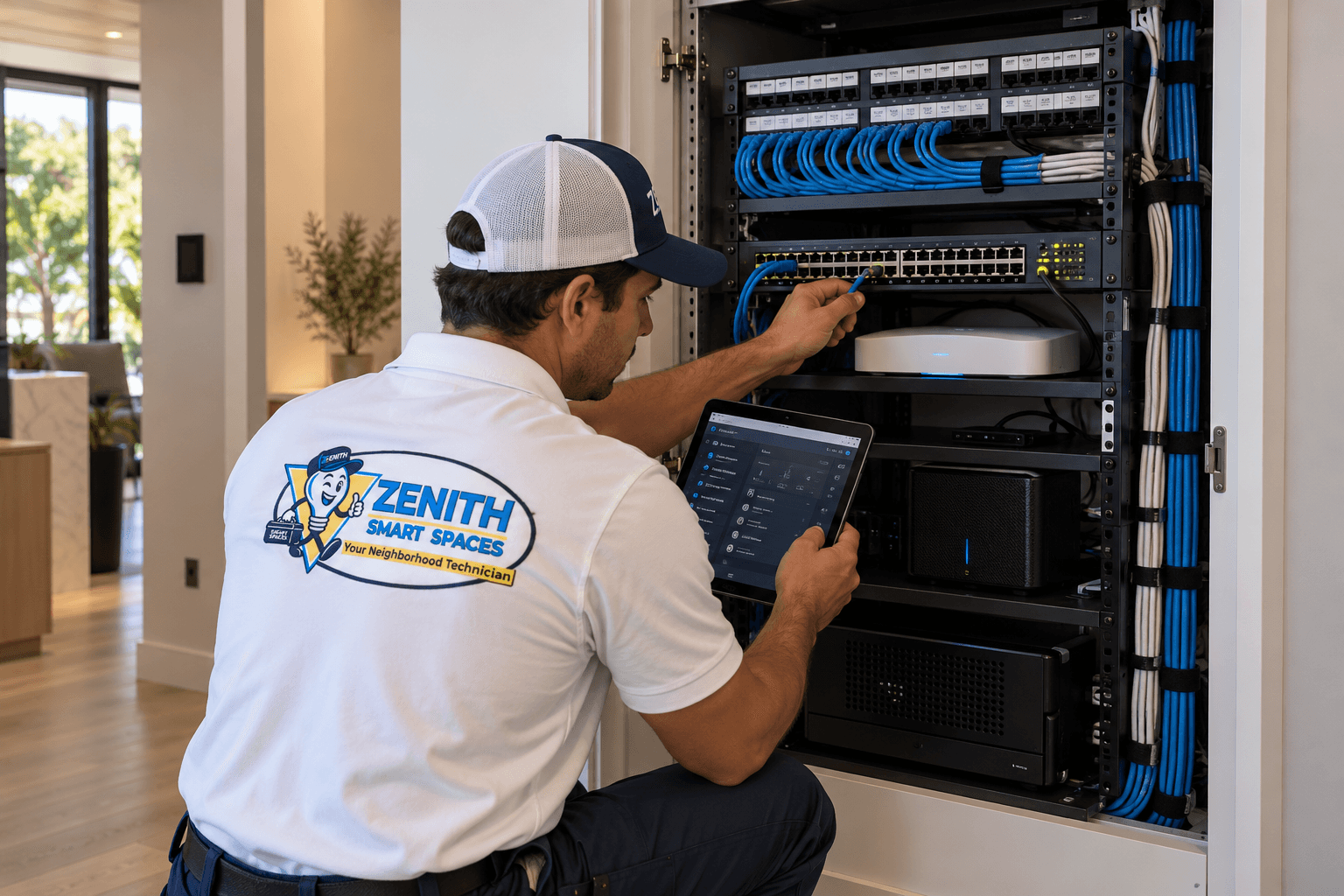
Networking & Connectivity
Building a Reliable Smart Home Network
A strong network is the foundation of every connected home. Learn what to consider when planning Wi-Fi coverage, wired connections, and network hardware for automation.
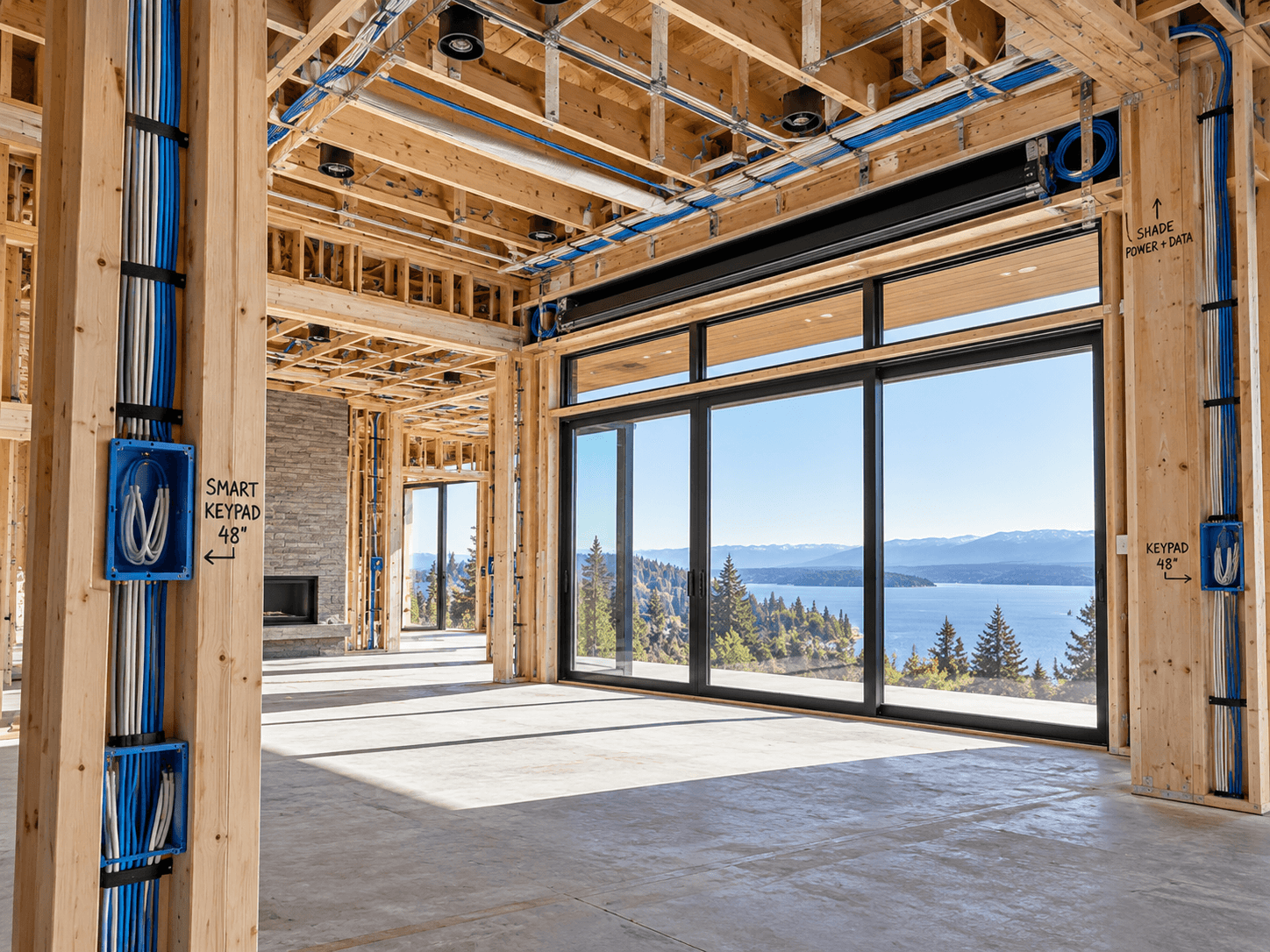
Planning & Integration
Smart Home Planning During Construction or Remodeling
Construction and remodeling create opportunities to plan smart-home infrastructure before the finished surfaces conceal it. Learn what to consider early.
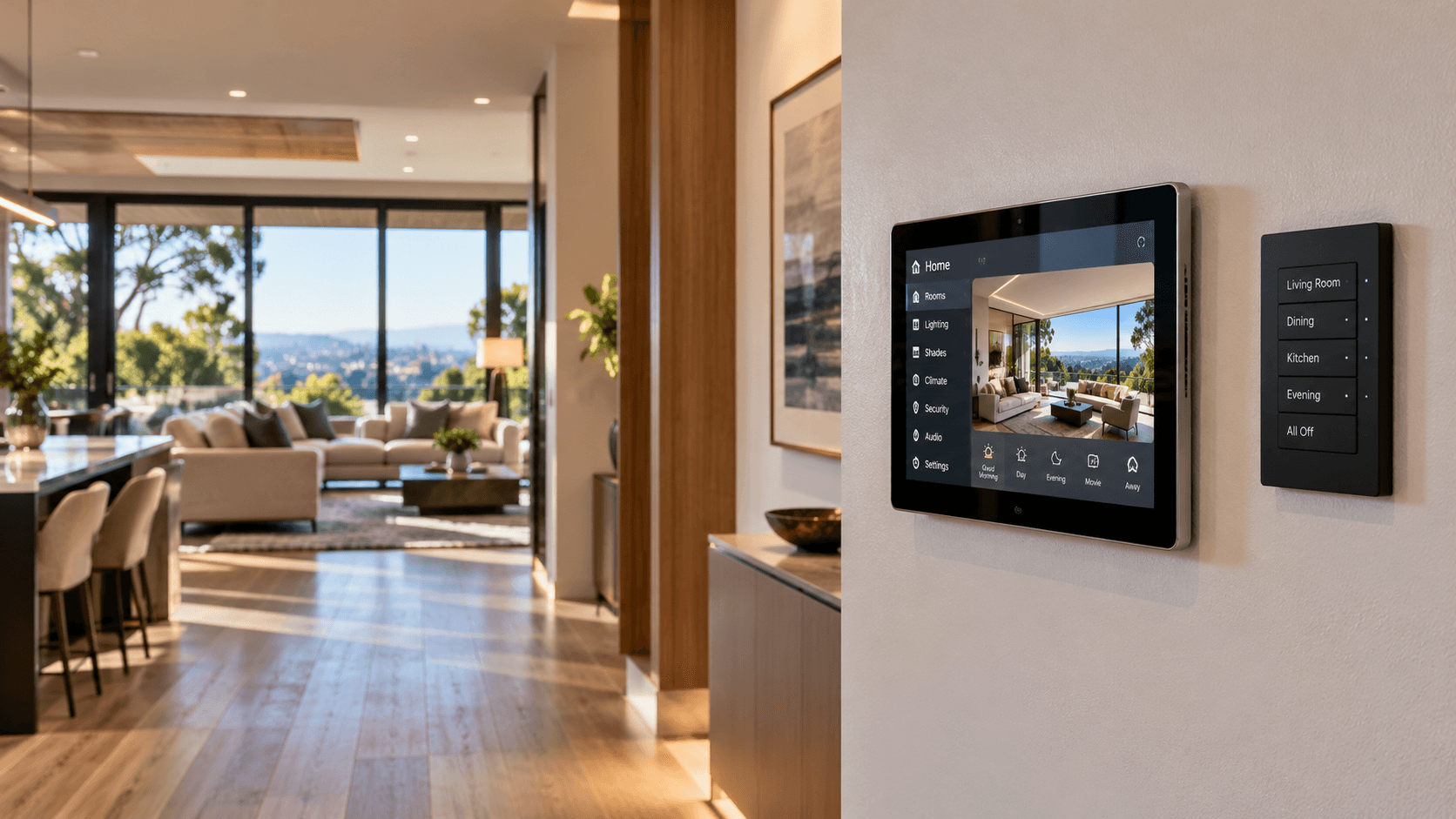
Home Automation
Choosing the Right Smart Home Controls
Keypads, touchscreens, apps, voice commands, and automation each serve different purposes. Learn how to choose controls that make everyday life simpler.