Home Automation
Choosing the Right Smart Home Controls
Keypads, touchscreens, apps, voice commands, and automation each serve different purposes. Learn how to choose controls that make everyday life simpler.
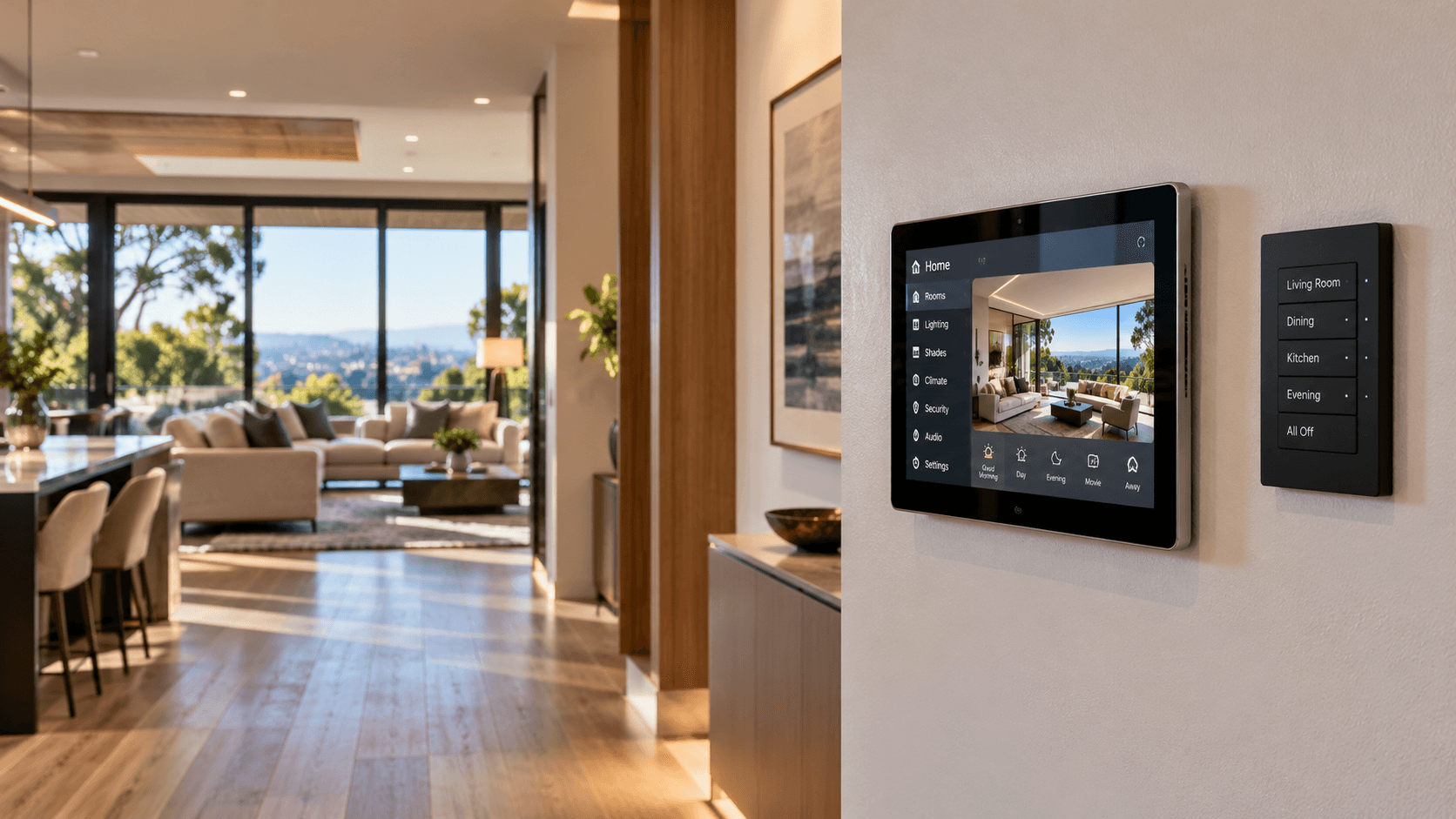
A smart home may include lighting, motorized shades, climate systems, entertainment, security, access, and other connected equipment.
The technology behind these systems can be sophisticated, but everyday control should feel straightforward.
Homeowners should not need to open several applications to perform simple tasks.
The challenge is choosing the right combination of controls for the property and the people who use it.
Wall switches, keypads, touchscreens, mobile applications, voice commands, and automated routines each have advantages.
The best smart home usually uses several methods together rather than forcing every task through one interface.
Begin With Everyday Activities
Before choosing control hardware, consider what people actually do throughout the day.
Someone entering a room may want to turn on the lights immediately.
A family member may want to lower several shades without adjusting each window individually.
A homeowner leaving the property may want to activate a coordinated set of supported actions.
A guest may only need basic access to lighting and climate controls.
These tasks should help determine control locations and interface design.
Instead of asking which device has the most features, ask which interaction is simplest for the intended function.
That keeps the design focused on daily usability.
Wall Switches and Keypads
Wall-mounted controls remain one of the most useful ways to interact with a connected home.
They are available in familiar locations and do not require customers to carry a phone.
Traditional switches or dimmers may remain appropriate for some functions.
Programmable keypads can provide access to selected scenes, lighting zones, shades, or other compatible systems.
For example, an entrance keypad might provide common lighting controls and an appropriate leaving-home scene.
A bedside keypad might support bedroom lighting and selected shades.
Keypad design should avoid unnecessary complexity.
A control with too many unclear buttons may be less useful than a simpler arrangement with a few familiar functions.
Physical controls should make the home's most common actions predictable.
Touchscreens for Broader Control
Touchscreens can offer a broader interface for compatible connected systems.
Depending on the platform, they may display lighting controls, shades, climate settings, media functions, or other information.
They can be useful in central locations where several systems need to be accessed.
However, touchscreen placement matters.
A large interface in an inconvenient hallway may receive less use than a smaller control near the location where people naturally interact with the system.
The organization of the interface also matters.
Common actions should be easy to find without navigating through unnecessary menus.
More screen space does not automatically produce a better experience.
Mobile Applications
Phones and tablets can provide flexible system control.
Applications may allow users to adjust settings, manage selected devices, review information, or access compatible systems remotely.
Mobile control is especially useful for functions that require more detail than a physical keypad can provide.
However, apps should not become the only way to perform common tasks.
People may not have their phones nearby.
Guests may not have access to an application.
Different household members may prefer different control methods.
A well-planned system combines convenient mobile access with practical controls in the physical space.
Voice Control
Voice assistants can make selected tasks easier.
Where compatible, a person might use a voice command to turn on lighting, adjust shades, or activate a scene.
Voice control can be especially convenient when someone's hands are occupied.
However, it is not ideal for every situation.
Background noise, privacy preferences, network connectivity, and supported platform capabilities can affect the experience.
Some customers may prefer not to use voice platforms for particular functions.
Voice should be treated as an optional control method where it adds convenience, not as the foundation of the entire system.
Automation Without Constant Commands
One of the most valuable aspects of connected technology is the ability to reduce repetitive actions.
Automation can involve schedules, scenes, sensors, and supported system conditions.
For example, exterior lights may follow a schedule.
Selected shades may move at established times.
A scene may coordinate compatible lighting and entertainment equipment.
Certain environmental systems may respond to appropriate sensor conditions.
The purpose is to eliminate unnecessary manual adjustments while preserving control when people need it.
Automatic actions should be predictable and should not create problems when a person wants to do something different.
Scenes Simplify Multiple Systems
Scenes can bring several compatible devices or functions into a single command.
A Movie Night scene might dim selected lights and lower compatible shades.
A Morning scene might adjust lighting and selected window treatments.
A Leaving Home scene might apply appropriate settings to supported lighting, climate, and other connected systems.
A scene does not need to involve every device in the property.
The most useful scenes coordinate the functions that naturally belong together.
Scene names, control locations, and behavior should be easy for household members to understand.
Different People Need Different Levels of Control
Not every person using the property should need the same permissions or interface.
Owners may need administrative access to system configuration.
Household members may need common daily controls.
Guests may only need simple access to selected functions.
In commercial settings, employees may have different access requirements based on their responsibilities.
Where a platform supports permissions and user roles, these should be considered during planning.
A thoughtfully configured system provides appropriate control without unnecessary complexity or access.
Compatibility Matters
Connected devices may rely on different platforms, communication technologies, and applications.
Not every keypad, touchscreen, app, or voice assistant can control every device.
Before choosing equipment, identify the intended functions and verify whether the specific products support them.
A wall keypad may work with a particular control system but not with unrelated devices.
A voice platform may support basic commands without supporting every advanced function.
Compatibility should be checked at the level of the actual equipment and intended actions.
It should not be assumed simply because multiple products are described as smart.
Keep Important Functions Accessible
Connected homes rely on electronic controls and supporting infrastructure.
The design should consider how important everyday functions remain accessible when circumstances change.
Network interruptions, account changes, software updates, and equipment failures may affect some control methods.
Where practical and supported by the system, essential functions should have appropriate local or familiar control options.
The exact approach depends on the product, installation, and system architecture.
The goal is to avoid unnecessary dependence on a single application or interface for every activity.
Test the Controls With the Customer
Controls that seem obvious to a system designer may not be intuitive to the homeowner.
A finished installation should be demonstrated using the actual controls and everyday functions.
The customer should understand how to operate common scenes, keypads, touchscreens, and applications included in the project.
Questions during handoff may reveal opportunities to simplify control assignments or clarify operation.
Good control design is measured by how naturally the system can be used.
Choose Simplicity Over More Features
The purpose of smart home control is not to create the largest possible collection of buttons, apps, and commands.
It is to make the connected environment easier to use.
Explore home automation platforms and control systems. Home Automation
Learn about lighting controls and scene programming. Lighting & Controls
Review our guide for planning a safe and well-connected smart home. Planning a Safe Smart Home
Explore smart home security and privacy considerations. Smart Home Security & Privacy
Zenith Smart Spaces helps customers plan compatible controls around their properties, systems, and daily routines.
A well-designed connected home should provide the right control at the right moment without making the customer think about the technology behind it.
Planning a Connected Space?
Tell Zenith what you want your technology to do, and we’ll help you determine how the systems should work together.
Related Advice
Planning & Integration
Plan Your Smart Systems as One
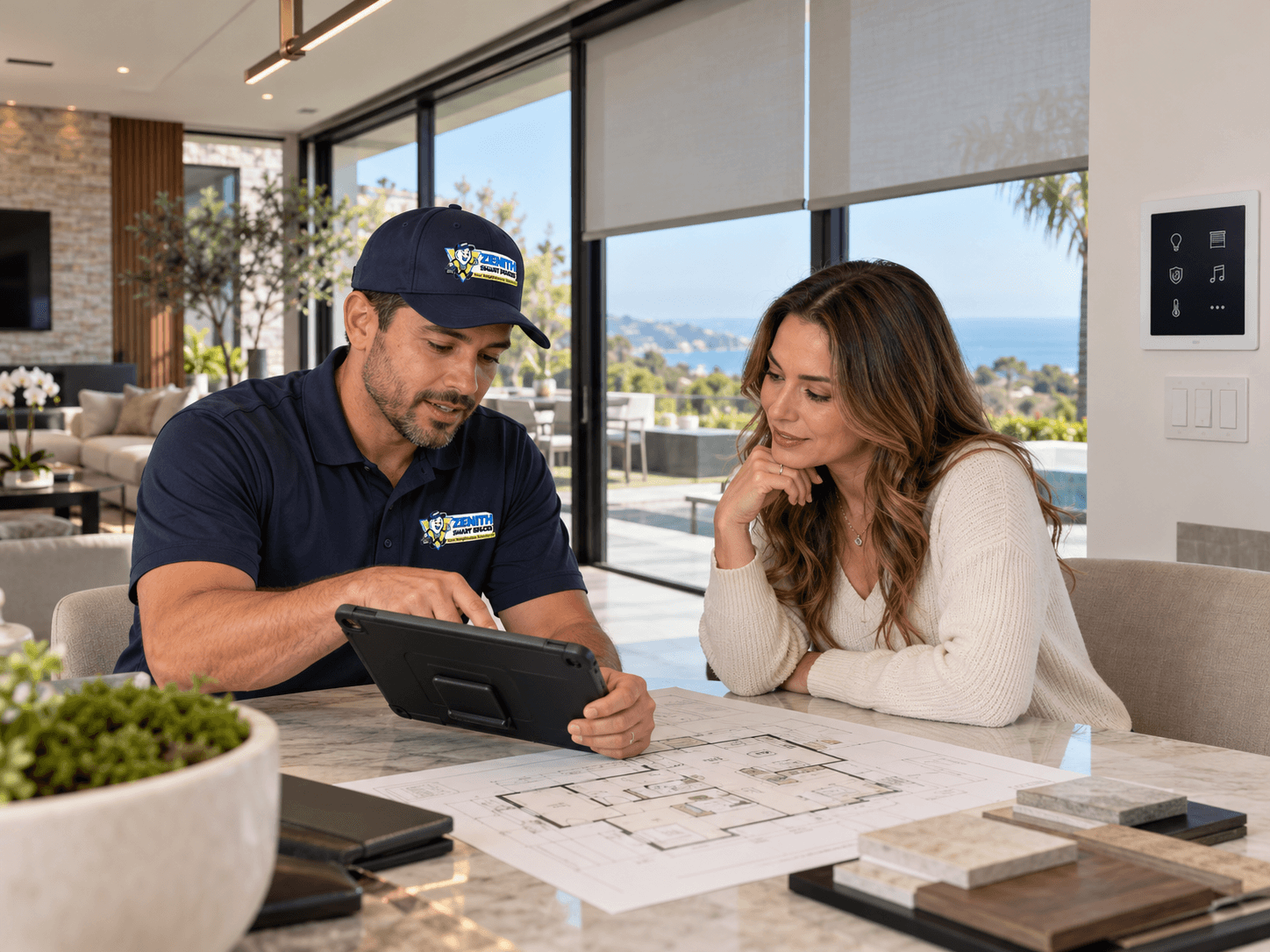
Connected home technology works best when the systems are planned together. Lighting, shades, security, networking, climate, entertainment, and controls should be considered as parts of the same connected environment.
Lighting & Controls
Designing Lighting Scenes That Work for Everyday Life
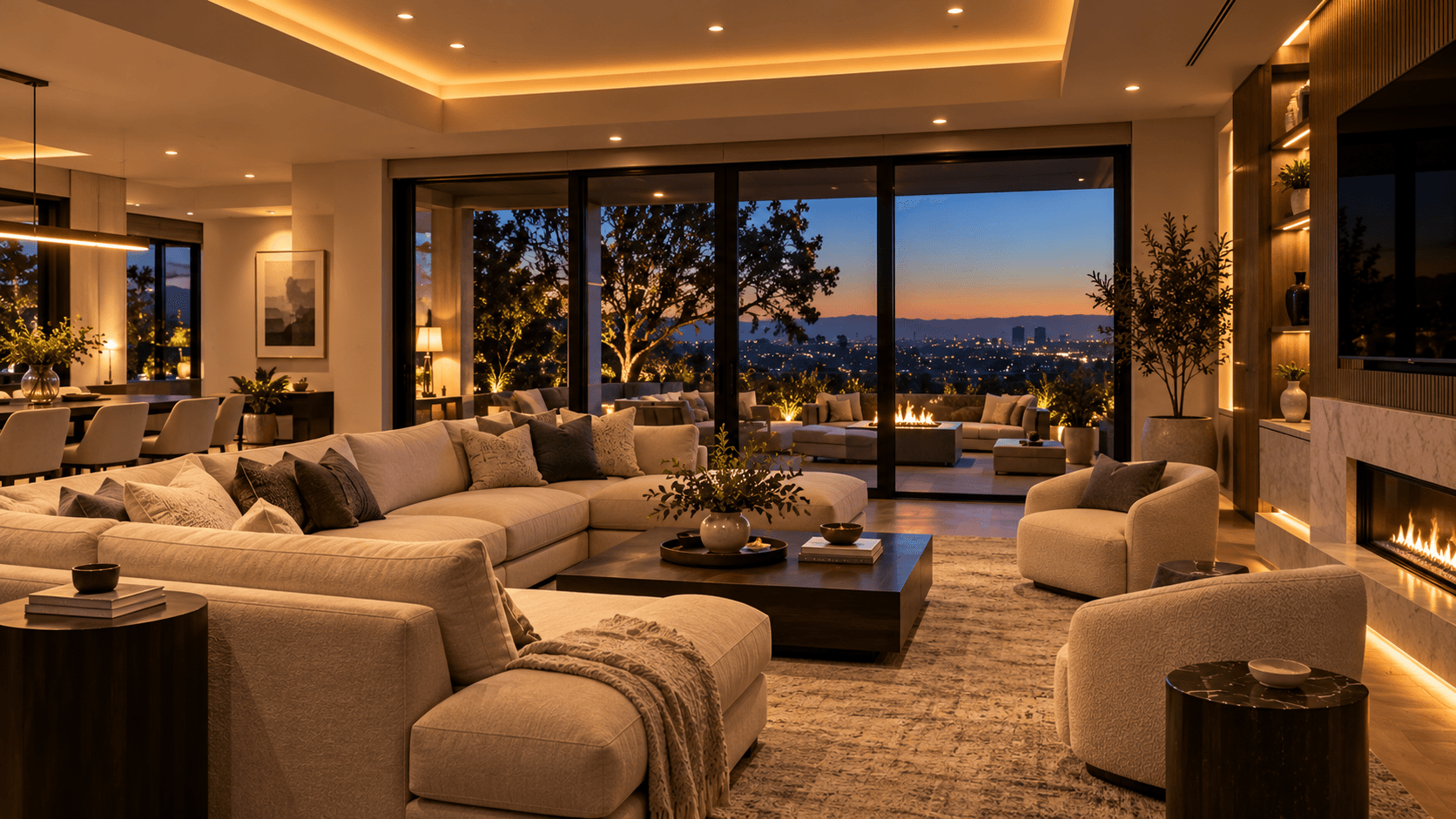
Well-designed lighting scenes make a home easier to use. Learn how to combine lighting zones, dimmers, controls, schedules, and automation around everyday routines.
Planning & Integration
Smart Home Planning During Construction or Remodeling
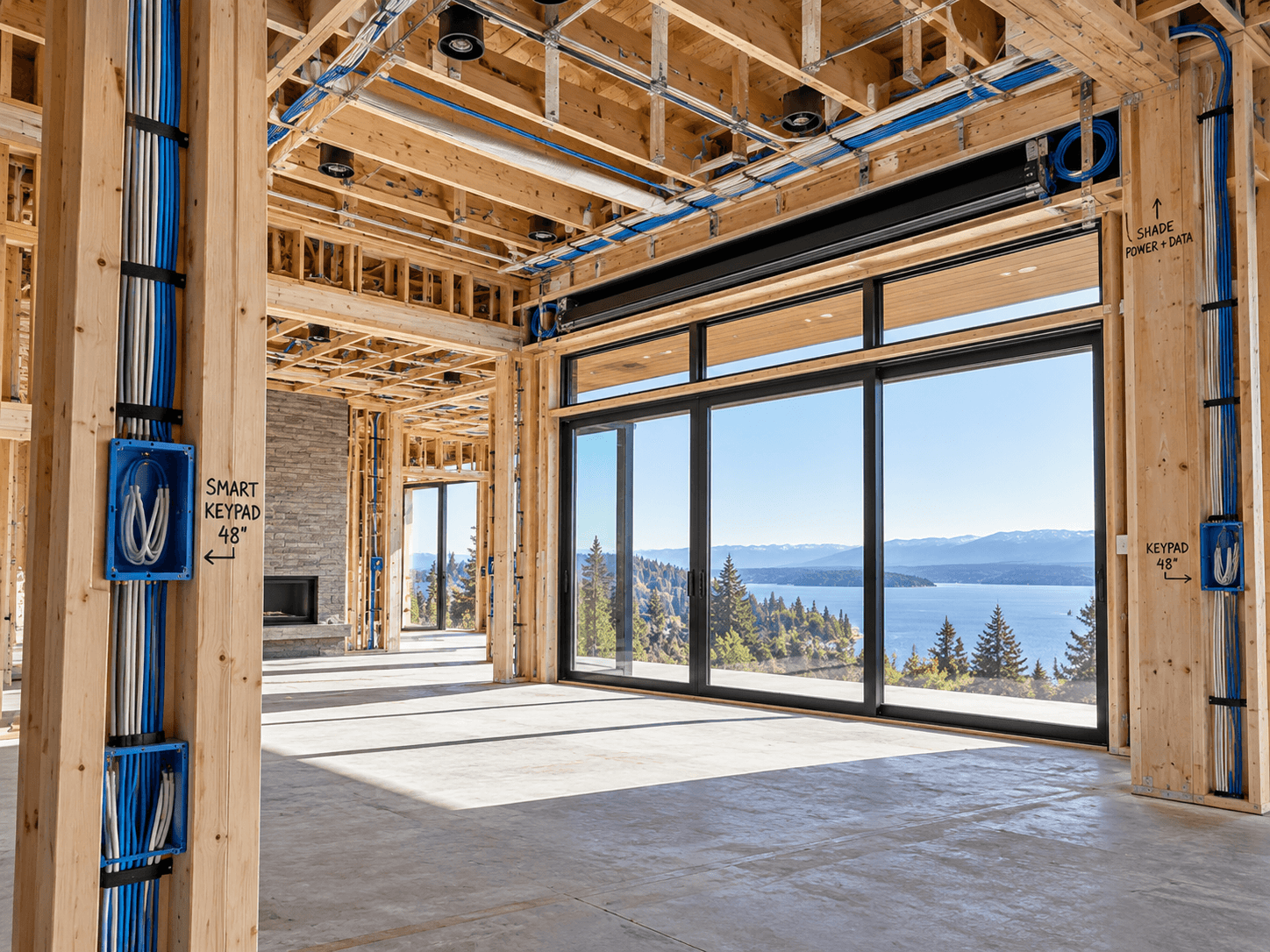
Construction and remodeling create opportunities to plan smart-home infrastructure before the finished surfaces conceal it. Learn what to consider early.