Audio / Video
Planning Whole-Home Audio and Entertainment
From whole-home music to dedicated theaters, discover how to plan audio, video, networking, equipment locations, and controls as one connected experience.
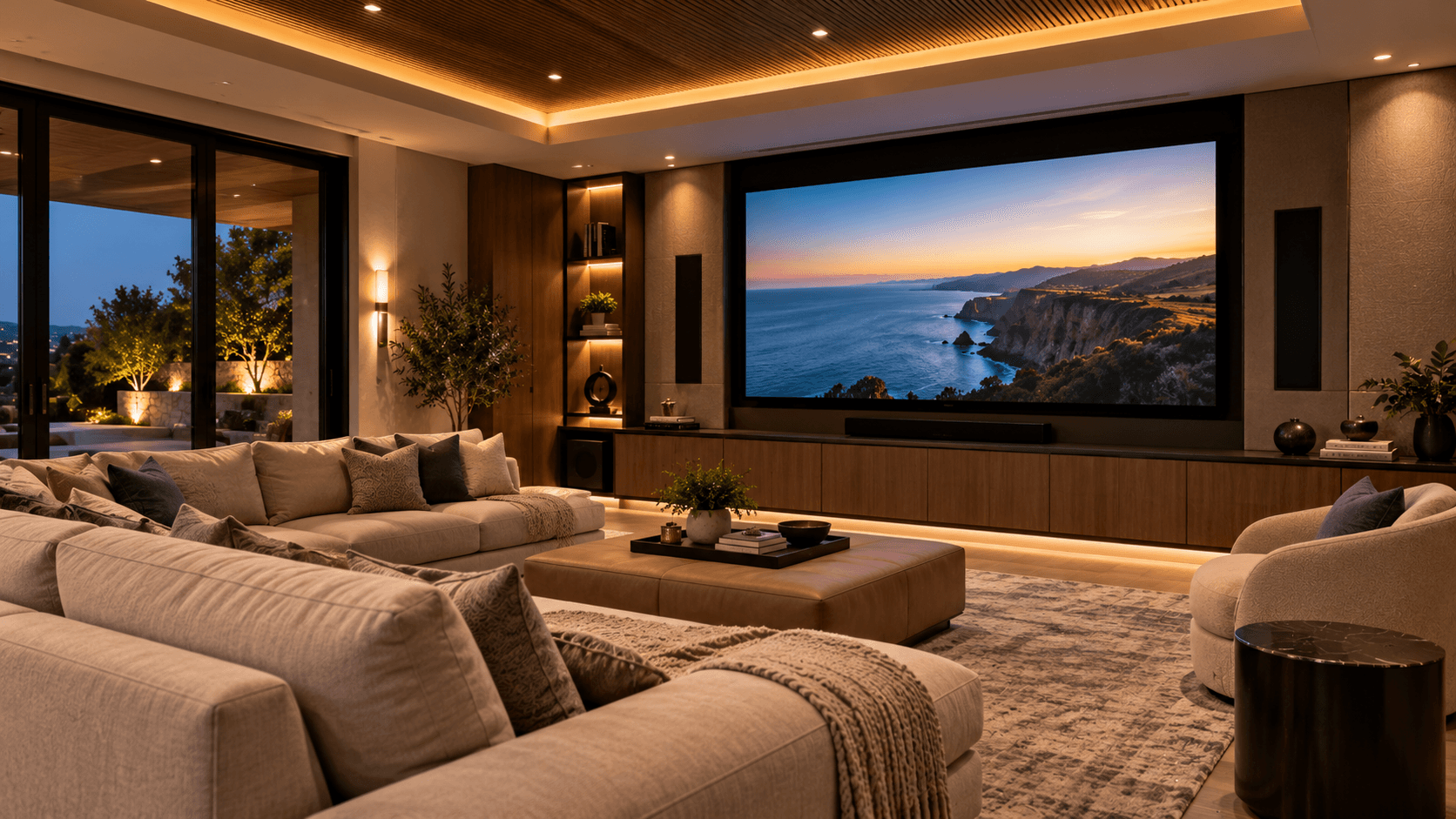
Home entertainment has changed significantly from the days when every room depended on a separate television, receiver, or music system.
Today, compatible audio and video technologies can be organized around the way people use their homes.
Music can play in selected rooms, televisions can work with familiar controls, and media rooms can coordinate entertainment with lighting and motorized shades.
But creating a connected entertainment environment requires more planning than simply choosing speakers and displays.
Room layout, equipment placement, connectivity, control interfaces, and system compatibility all influence how the finished installation performs.
Start With How Each Room Will Be Used
The first step is understanding the intended entertainment experience.
A kitchen may benefit from background music.
A living room may be used for television, streaming, conversation, and occasional entertaining.
An outdoor area may require weather-appropriate audio equipment.
A dedicated media room may need a more involved approach to displays, speaker placement, lighting, and acoustics.
These spaces do not necessarily require identical technology.
The goal is to determine where audio and video are useful, what sources customers want to use, and how they expect to control them.
Planning around the actual room helps avoid installing unnecessary equipment or overlooking important requirements.
Understand Whole-Home Audio Zones
Whole-home audio systems may allow compatible speakers to be organized into separate listening zones.
Depending on the equipment, customers may be able to play different sources in different rooms or coordinate audio across selected areas.
A kitchen and dining room might operate together during entertaining.
A bedroom might remain independent.
An outdoor patio may require its own volume and source controls.
The number of zones should reflect how the property is used.
More zones can provide flexibility, but they may also increase equipment, wiring, control, and configuration requirements.
The best plan balances practical independence with straightforward operation.
Plan Speaker Placement Carefully
Speaker placement affects the listening experience.
Ceiling speakers, wall-mounted speakers, architectural speakers, soundbars, and freestanding systems all have different applications.
Room dimensions, furnishings, listening locations, and surfaces can influence how sound is perceived.
A large open-plan living area may require a different approach than a small enclosed room.
For distributed audio, speaker placement should consider consistent coverage and the intended listening areas.
A dedicated theater may require more precise positioning based on the selected audio configuration.
Speakers should be chosen and positioned for the actual room rather than simply installed wherever space is available.
Consider the Role of the Network
Many modern entertainment products depend on networking.
Streaming devices, smart televisions, control processors, wireless audio systems, media applications, and supporting platforms may require dependable connections.
Some equipment benefits from wired networking.
Other systems use supported wireless connections or dedicated communication arrangements.
Network planning should consider device locations, connectivity requirements, bandwidth demands, and the rest of the connected environment.
A home with multiple streaming televisions, audio systems, cameras, and automation devices may place greater demands on its network than a home with only a few connected products.
Entertainment should be included in the overall networking plan rather than added as an unrelated system.
Learn more about networking and connectivity infrastructure for connected systems. Networking & Connectivity
Plan Equipment Locations and Cable Pathways
A clean finished room often depends on equipment that is hidden from everyday view.
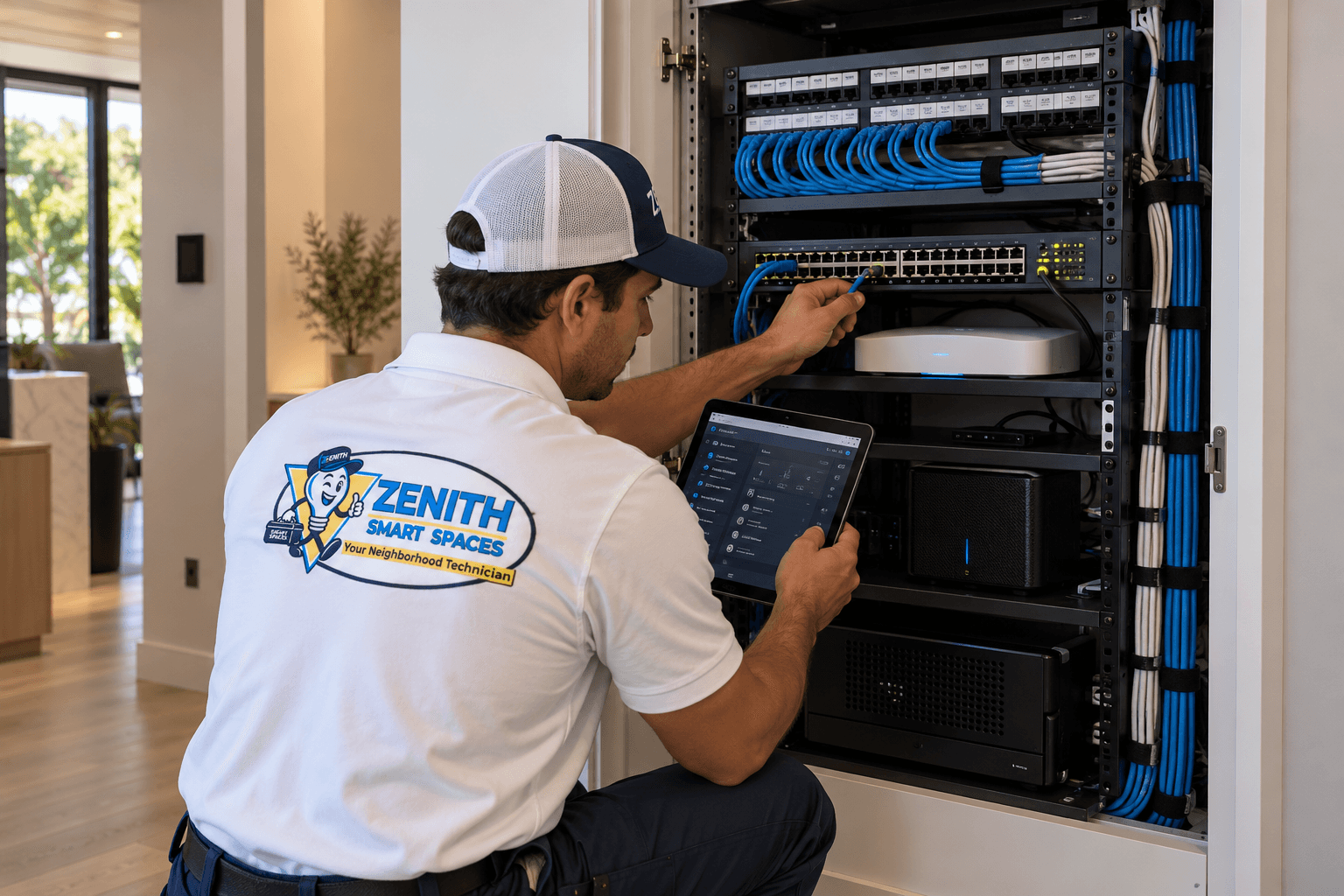
Amplifiers, receivers, sources, network switches, control processors, and other components may be installed in cabinets, equipment areas, or suitable racks.
Their locations should consider ventilation, electrical requirements, cable access, maintenance, and future upgrades.
Wall-mounted displays may require appropriate mounting support, power, and signal connections.
When remodeling or building a new home, early planning can help conceal wiring and provide appropriate equipment access.
However, hiding every component should not make future servicing unnecessarily difficult.
A well-planned system balances appearance with serviceability.
Home Theater Requires More Than a Large Screen
A home theater or dedicated media room is a complete environment.
Display size, viewing distance, seating position, speaker arrangement, room lighting, acoustics, and control methods all affect the experience.
A large display may not provide the intended result when the seating position or lighting is unsuitable.
Likewise, a sophisticated speaker system may not perform as expected without attention to placement and room characteristics.
Motorized shades or appropriate window coverings can help manage unwanted sunlight.
Lighting scenes may support different activities, such as viewing, entertaining, or cleaning.
The system should be designed around the actual room rather than a generic collection of equipment.
Choose Convenient Control Methods
Entertainment systems can become frustrating when customers need several remotes and applications to perform simple tasks.
A connected control arrangement may help simplify access to compatible displays, audio sources, streaming equipment, lighting, and other functions.
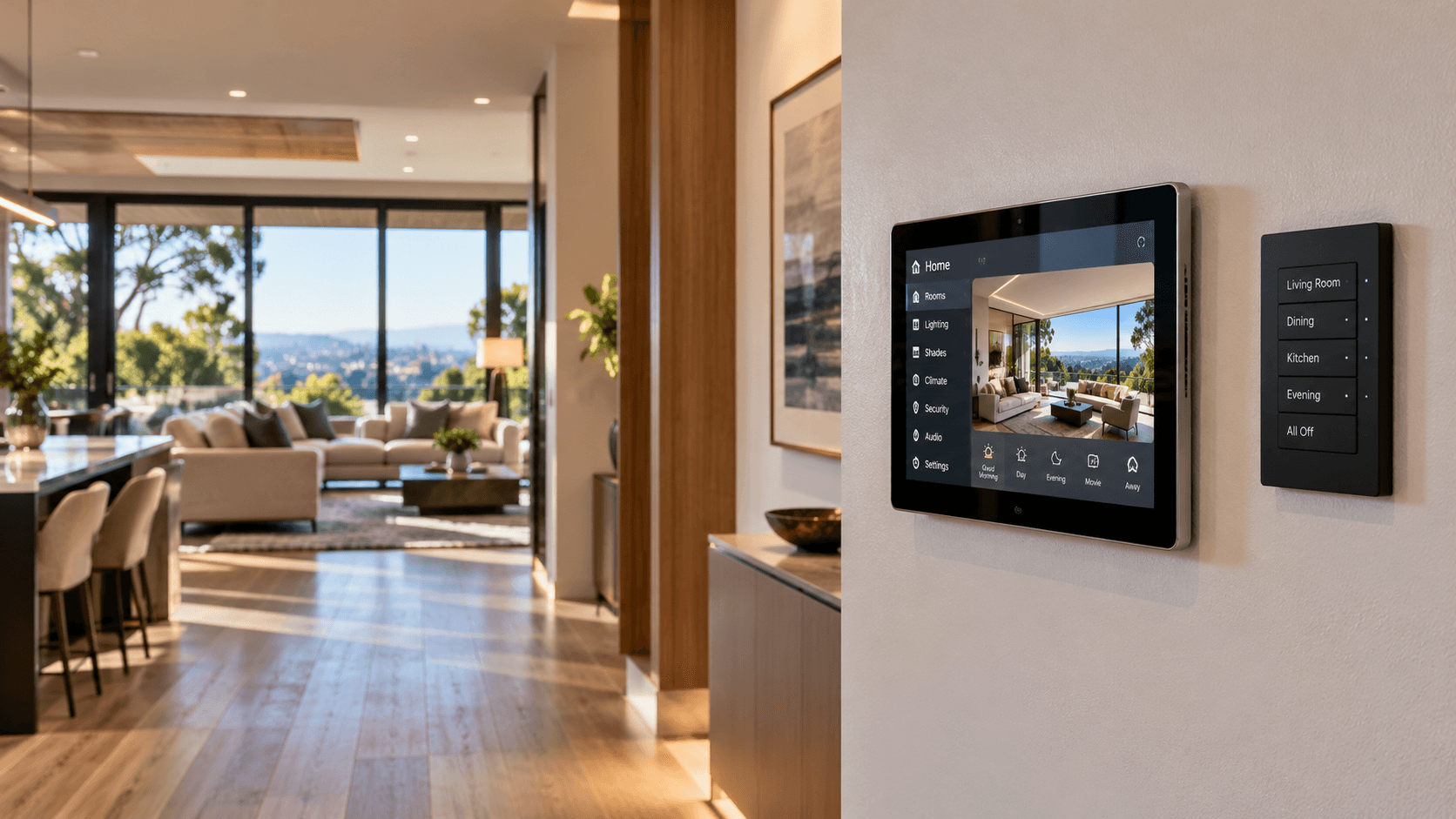
Depending on the platform, control options may include handheld remotes, wall keypads, touchscreens, tablets, and mobile applications.
The most useful interface is the one that makes common tasks understandable.
Turning on the television, selecting a source, and adjusting volume should not require technical knowledge.
Advanced functions can remain available without complicating everyday operation.
Integrate Entertainment With Lighting and Shades
Compatible entertainment systems may participate in broader room scenes.
For example, a Movie Night scene could activate appropriate media equipment, adjust selected lighting, and lower supported motorized shades.
An entertaining scene might coordinate audio across chosen rooms while maintaining comfortable lighting.
The availability of these features depends on the specific equipment and integration platform.
Not all products support the same commands or automation capabilities.
Compatibility should be confirmed before selecting equipment around a proposed scene.
The objective is a practical experience rather than automation that looks impressive but is difficult to use.
Think About Different Users
A home entertainment system may be used by family members, guests, and visitors with different preferences.
Common operations should remain easy to understand.
A guest should be able to use the television or adjust the volume without needing administrative access to the system.
Household members may benefit from personalized sources or settings where supported.
Parents may want to consider age-appropriate access to selected services.
The control design should support the household rather than requiring everyone to follow one complicated operating process.
Test the Complete Entertainment Experience
An entertainment system should be tested as an integrated installation.
That may include checking audio zones, source selection, volume controls, display operation, network connectivity, control interfaces, and compatible automation.
Testing should also consider transitions between common activities.
Can the customer select the intended source?
Does the selected zone respond correctly?
Do the controls behave consistently?
Where lighting or shades are integrated, do those functions work as planned?
The handoff should include an explanation of the primary interfaces and everyday operation.
Build Around the Experience
Whole-home entertainment works best when equipment selection follows a clear plan.
The number of rooms, listening preferences, equipment locations, networking requirements, and desired control methods should all be considered.
Explore audio and video installation and integration services. Audio / Video
See how home automation can bring your entertainment and lighting together. Home Automation
Review our guide for planning a safe and well-connected smart home. Planning a Safe Smart Home
Zenith Smart Spaces helps customers plan compatible audio/video systems as part of the larger connected environment.
Whether the project involves a single media room, whole-home audio, or an integrated entertainment system, the goal is straightforward operation and a comfortable experience.
Planning a Connected Space?
Tell Zenith what you want your technology to do, and we’ll help you determine how the systems should work together.
Related Advice
Networking & Connectivity
Building a Reliable Smart Home Network
A strong network is the foundation of every connected home. Learn what to consider when planning Wi-Fi coverage, wired connections, and network hardware for automation.
Home Automation
Choosing the Right Smart Home Controls
Keypads, touchscreens, apps, voice commands, and automation each serve different purposes. Learn how to choose controls that make everyday life simpler.
Planning & Integration
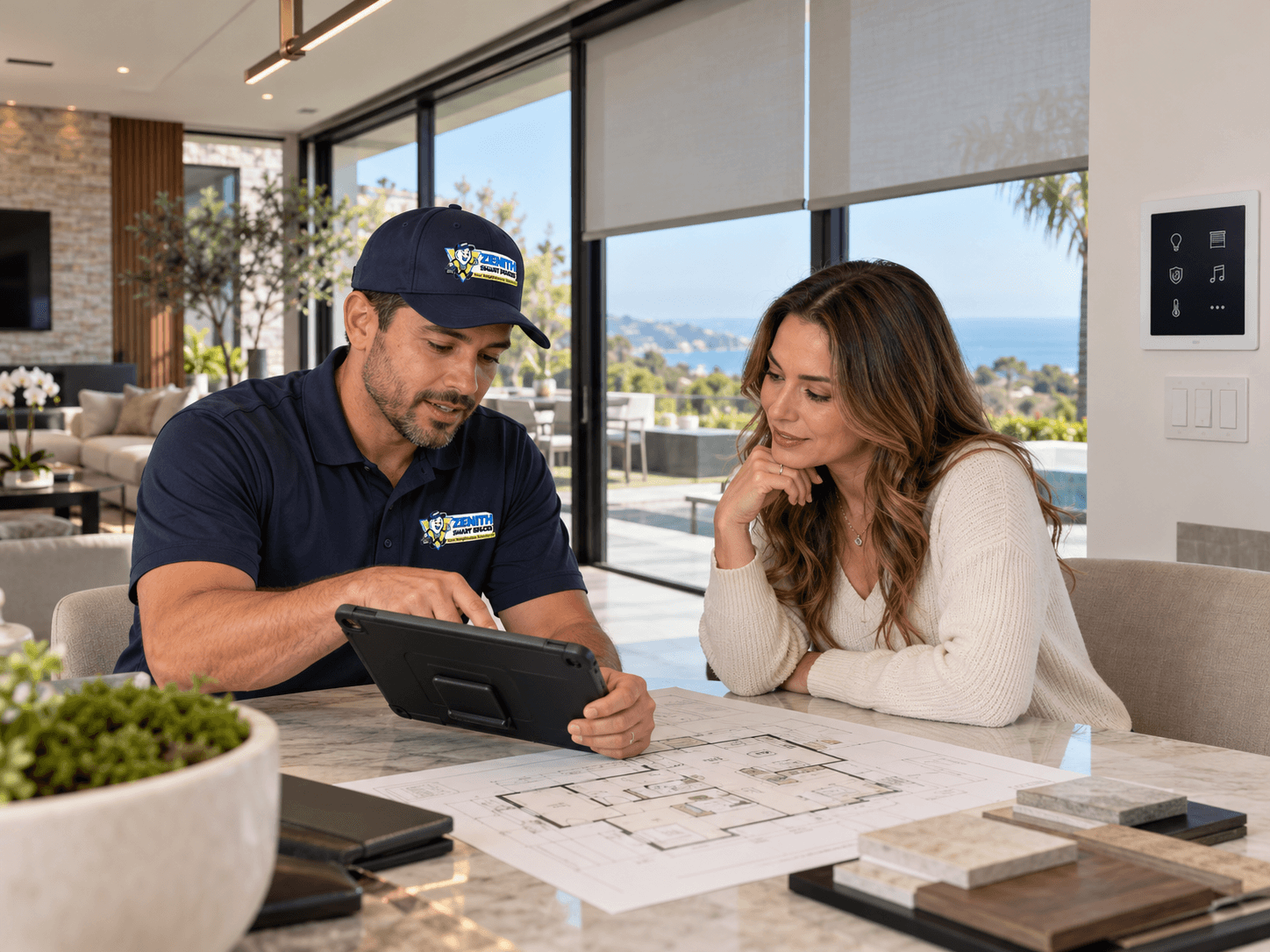
Plan Your Smart Systems as One
Connected home technology works best when the systems are planned together. Lighting, shades, security, networking, climate, entertainment, and controls should be considered as parts of the same connected environment.