Commercial Automation
Smart Automation for Commercial Spaces
Commercial automation helps coordinate connected technology across offices, retail spaces, hospitality environments, and professional facilities.
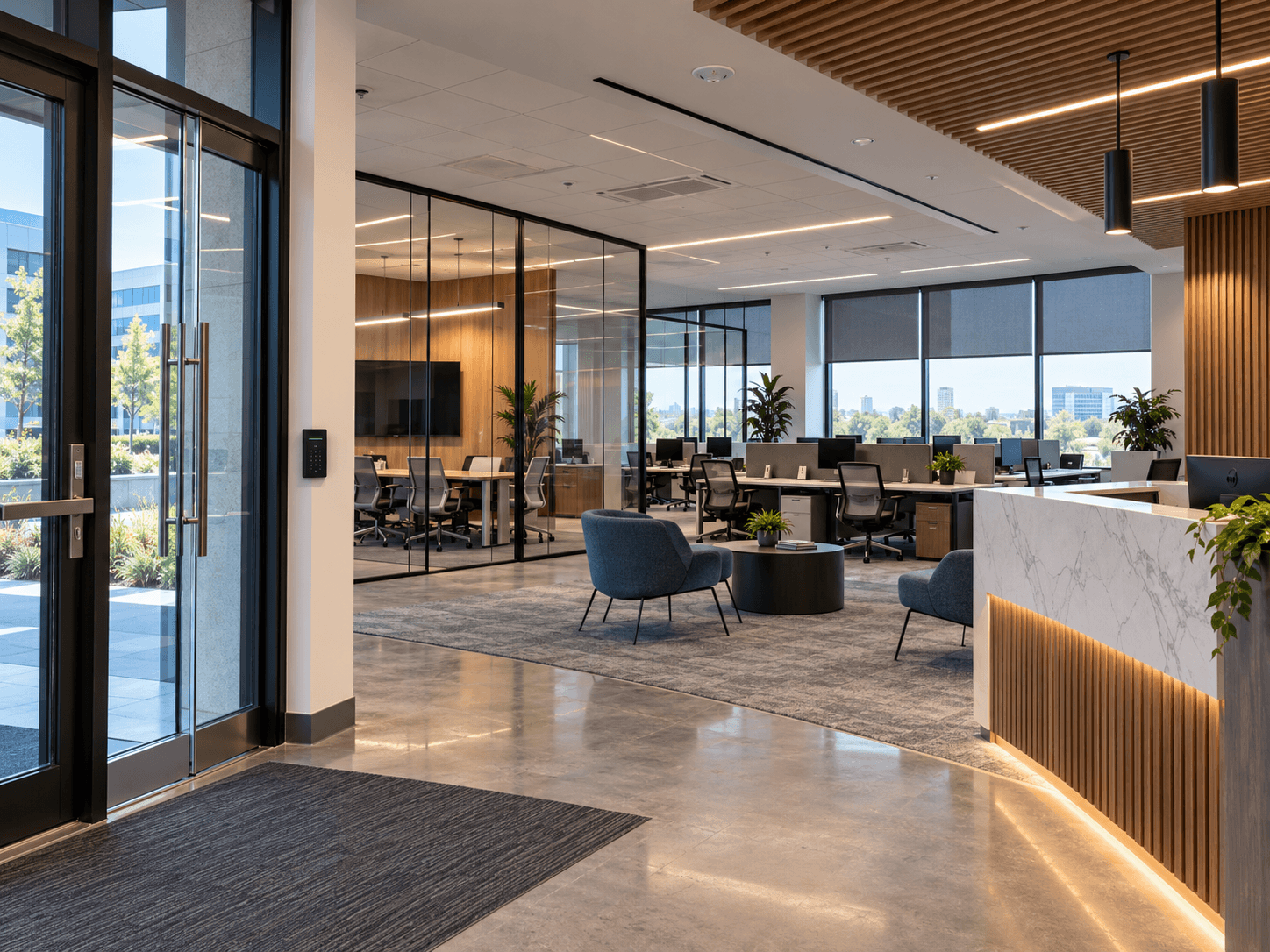
Commercial properties depend on technology that supports employees, customers, visitors, and daily operations.
Lighting, networking, security, access, climate, window shades, meeting-room equipment, and other connected systems may all be part of the environment.
When these technologies are planned separately, businesses can end up managing multiple controls, applications, platforms, and vendors without a coordinated experience.
Commercial automation aims to make compatible systems easier to operate and manage.
The right approach begins with the facility's requirements, its users, and the activities taking place inside it.
Understand the Business Environment
Not every commercial space has the same needs.
A professional office may prioritize networking, meeting-room technology, lighting, and controlled access.
A retail location may need appropriate lighting, security awareness, networking, and comfortable customer areas.
A hospitality environment may involve different lighting scenes, access arrangements, shades, and common-area controls.
A technical facility may require monitoring, reliable connectivity, or access management around particular operational requirements.
The first step is identifying which connected systems matter and how they affect the people using the property.
Automation should support the business rather than create unnecessary complexity.
Plan Networking as Core Infrastructure
Commercial connected systems often depend on a reliable network.
Wireless access points, wired connections, security equipment, control systems, displays, communication devices, and other technology may all require connectivity.
The network should be planned around expected coverage, equipment locations, and the actual connected devices.
A business may need different network access arrangements for staff, visitors, operational devices, or specific systems.
Network segmentation, security settings, account management, and supporting hardware should be considered by appropriately qualified professionals according to the requirements of the project.
Connectivity should not be left until after the other systems have been installed.
Learn about networking and connectivity infrastructure for commercial environments. Networking & Connectivity
Lighting and Controls for Different Activities
Commercial lighting requirements vary according to the space.
An office may use different lighting in work areas, meeting rooms, corridors, and shared spaces.
A retail environment may require lighting that supports product displays, circulation, and customer comfort.
Hospitality areas may benefit from selected scenes that create different atmospheres throughout the day.
Where compatible, connected lighting controls may provide schedules, scenes, keypads, sensors, or centralized interfaces.
The design should make everyday adjustments straightforward while providing appropriate flexibility.
Lighting controls should also reflect applicable building, electrical, accessibility, and life-safety requirements.
Automation must not compromise required safety functions.
Access Control and Security Awareness
Businesses often need to manage who can enter selected areas.
Connected access systems may include compatible readers, locks, gates, intercoms, cameras, or other equipment.
Different users may require different permissions.
Employees, managers, service personnel, and visitors may not need identical access.
Where the selected platform supports these capabilities, permissions can be organized around appropriate roles or access arrangements.
Security cameras may provide monitoring of selected areas, subject to privacy and applicable legal requirements.
Equipment placement, connectivity, administration, and account ownership should be planned before installation.
Explore security and access solutions for commercial properties. Security & Access
Motorized Shades in Commercial Spaces
Motorized shades can help manage sunlight, privacy, and glare in offices and other commercial environments.
Large windows may expose workstations and meeting rooms to changing sunlight throughout the day.
Compatible motorized treatments can provide coordinated positioning or selected schedules.
Conference rooms may require additional privacy or screen-glare management.
In hospitality spaces, shading may help support different room activities.
Power arrangements, treatment dimensions, controls, and maintenance access should be considered during planning.
The installation should reflect the architecture and operational needs of the property.
Climate and Environmental Monitoring
Comfortable indoor conditions are important for many workplaces.
Depending on the installed equipment, connected climate controls may simplify temperature adjustment or support selected schedules.
Environmental sensors may provide useful information about temperature, humidity, leaks, or other supported conditions.
The actual capabilities depend on the products and systems involved.
Sensor placement matters because readings reflect conditions at the installation location.
Climate integration should also respect the building's HVAC requirements and existing control arrangements.
Zenith's role in automation and integration should be distinguished from any HVAC or other regulated trade work requiring separate qualifications.
Meeting Rooms and Audio / Video
Meeting spaces often contain a collection of displays, conference equipment, audio devices, and source connections.
When these systems rely on disconnected controls, everyday use can become frustrating.
A well-planned meeting-room system may bring compatible functions into a simpler interface.
Depending on the equipment, that may include display power, source selection, volume control, conferencing peripherals, and selected room lighting or shades.
The room should be designed around the types of meetings and presentations expected.
Equipment placement, acoustics, cable management, and network connectivity all influence the experience.
The objective is to make the room easier to use for employees and visitors.
Different Users Need Different Controls
Commercial spaces may serve many people with different responsibilities.
A receptionist may need access to certain entry functions.
A manager may need broader control over selected systems.
Employees may require simple lighting or meeting-room controls.
Facilities personnel may need access to monitoring or configuration tools.
Where supported, permissions and interfaces should reflect these roles.
Not everyone needs administrative access to the complete automation platform.
Controls should be practical and appropriately limited without interfering with ordinary operations.
Integrate Compatible Systems Deliberately
The word smart does not guarantee that products can integrate with one another.
Commercial products may use different control platforms, network protocols, applications, and administrative systems.
Before designing cross-system automation, identify which functions genuinely need to interact.
Then confirm whether the selected equipment supports the required integration.
For example, compatible meeting-room controls might coordinate displays, audio, lighting, and shades.
Other systems may appropriately remain separate.
The right approach is useful coordination based on verified compatibility—not attempting to connect every product simply because it is technically possible.
Plan Installation Around Business Operations
Commercial installations can affect employees, customers, visitors, and routine business activity.
Work should be planned around practical site access, equipment locations, existing finishes, and relevant operating constraints.
Certain areas may need to remain available during the project.
Other work may require coordination with building management, security, IT personnel, or qualified trades.
Clear communication helps the business understand what will be installed and what operational disruption may occur.
Work should be approached with attention to the property and the people who depend on it.
Testing and Customer Handoff
A completed commercial automation project should be tested according to its intended functions.
That may include lighting controls, selected access devices, network connectivity, audio/video operation, shade groups, scenes, and supported integrations.
The relevant users should understand how to operate the systems they are responsible for.
Administrators should understand appropriate account access and primary control interfaces.
Where suitable, operational information and support contacts should be provided as part of handoff.
The system should remain understandable beyond the installation itself.
Consider Long-Term Support and Changes
Commercial technology and business operations can change.
Employees change roles, spaces are remodeled, network equipment is upgraded, and new devices may be introduced.
The automation plan should consider how supported systems can be adjusted or expanded.
Accessible equipment locations, organized connections, appropriate account management, and clear documentation can help future service work.
Zenith remains available for troubleshooting, adjustments, upgrades, and applicable support services.
The objective is a maintainable connected environment, not an installation that becomes difficult to manage after project completion.
One Connected Approach for the Business
Commercial automation should begin with the business's needs.
See why professional installation matters for commercial environments. Why Professional Installation Matters
Review our guide for planning a safe and well-connected smart home. Planning a Safe Smart Home
Zenith Smart Spaces designs and integrates compatible connected technology for commercial as well as residential and industrial environments.
A coordinated plan can make the technology throughout the space easier to understand, operate, and maintain.
Planning a Connected Space?
Tell Zenith what you want your technology to do, and we’ll help you determine how the systems should work together.
Related Advice
Networking & Connectivity
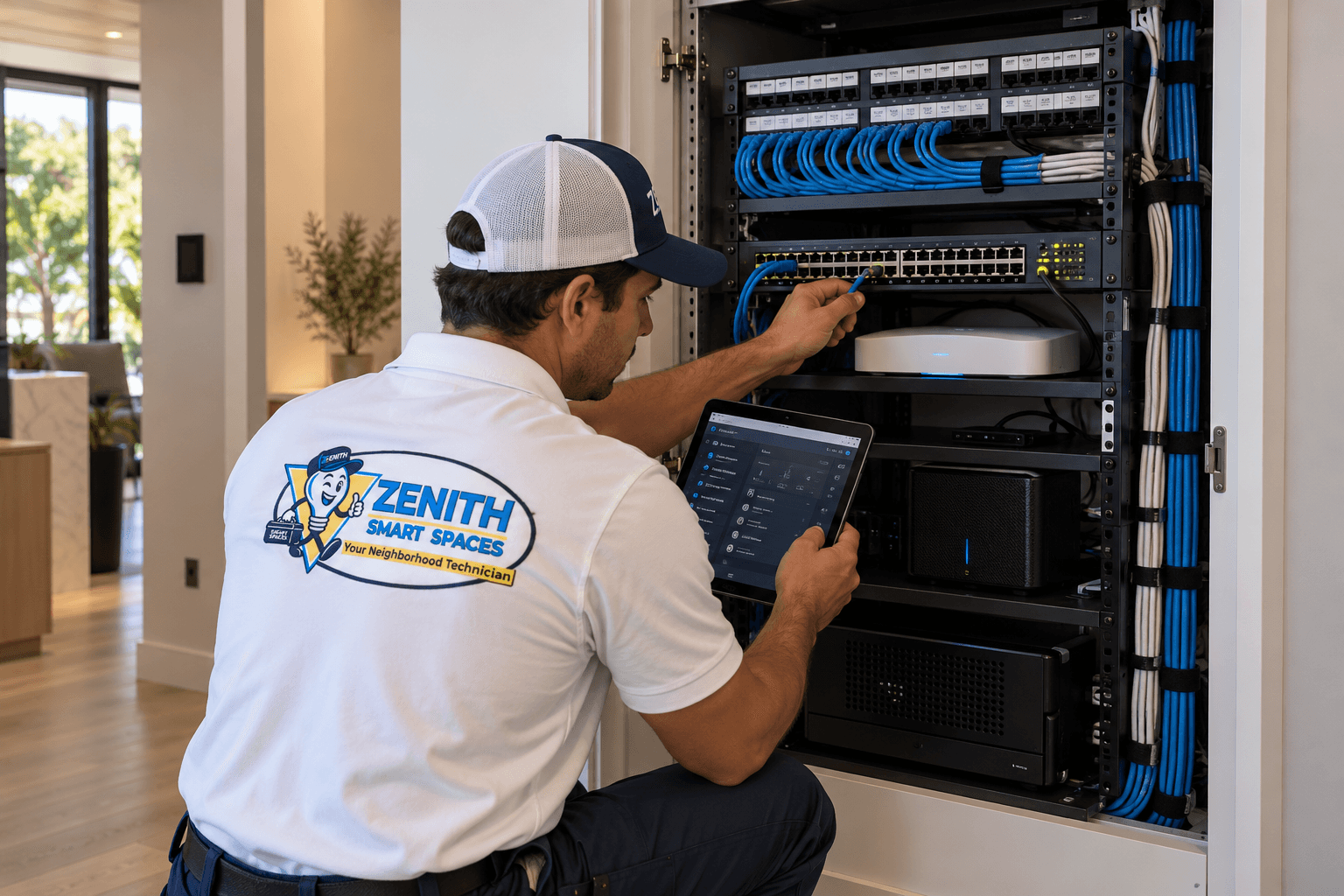
Building a Reliable Smart Home Network
A strong network is the foundation of every connected home. Learn what to consider when planning Wi-Fi coverage, wired connections, and network hardware for automation.
Planning & Integration
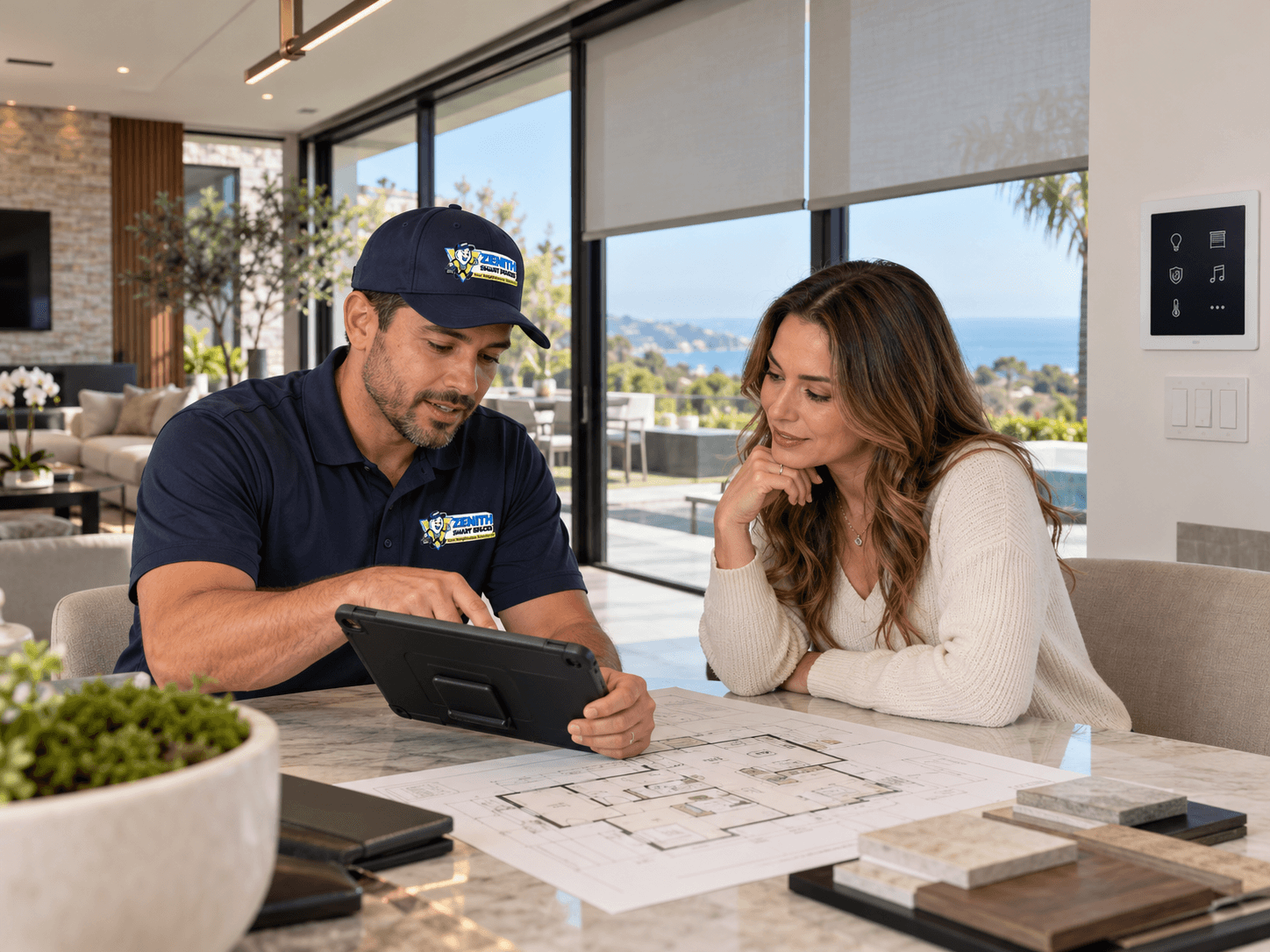
Plan Your Smart Systems as One
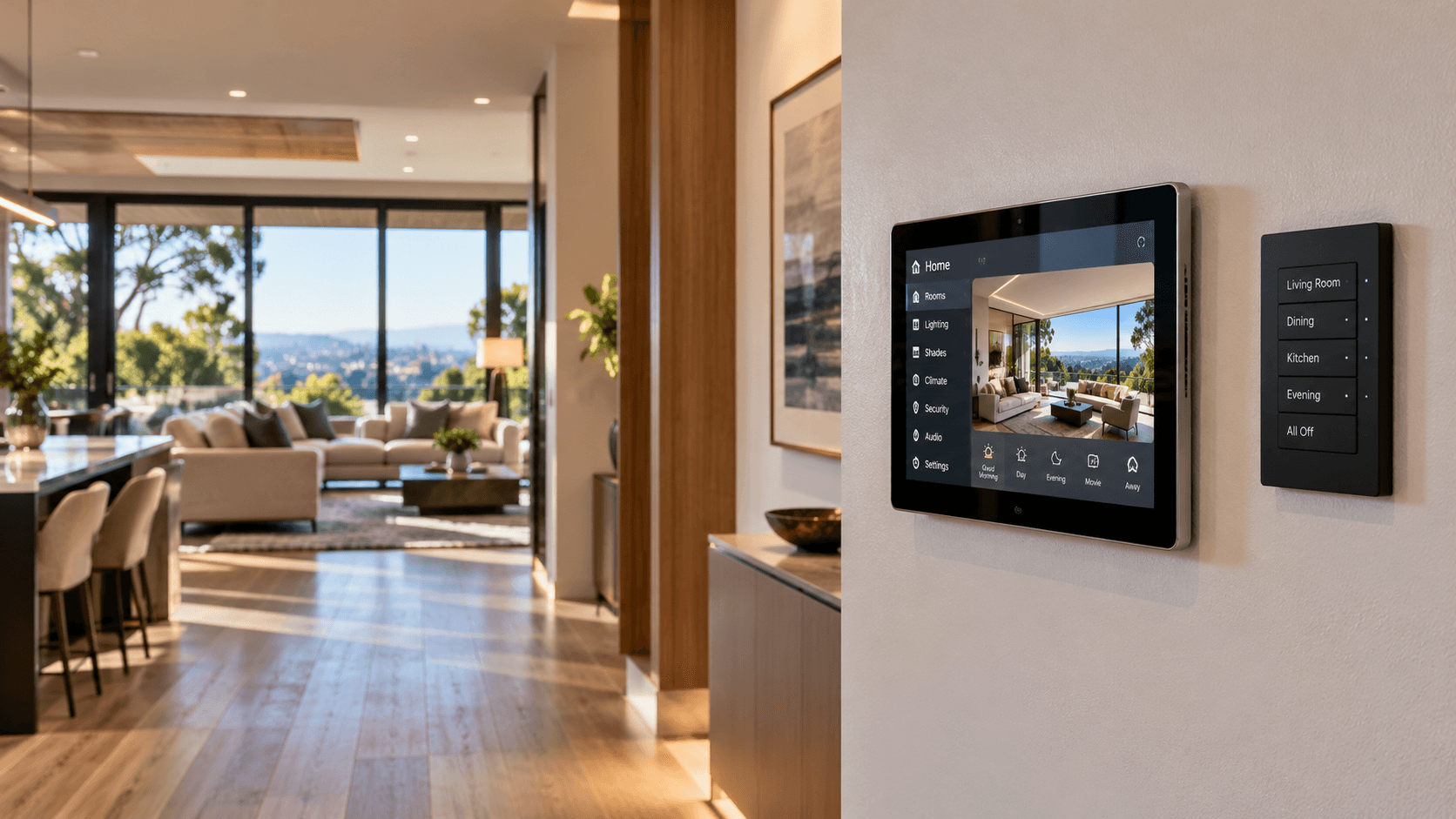
Connected home technology works best when the systems are planned together. Lighting, shades, security, networking, climate, entertainment, and controls should be considered as parts of the same connected environment.
Home Automation
Choosing the Right Smart Home Controls
Keypads, touchscreens, apps, voice commands, and automation each serve different purposes. Learn how to choose controls that make everyday life simpler.