Security & Access
Planning Smart Home Security and Access
Smart home security involves more than choosing cameras and locks. Learn how to plan camera coverage, access control, networking, account permissions, and integration as part of one connected environment.
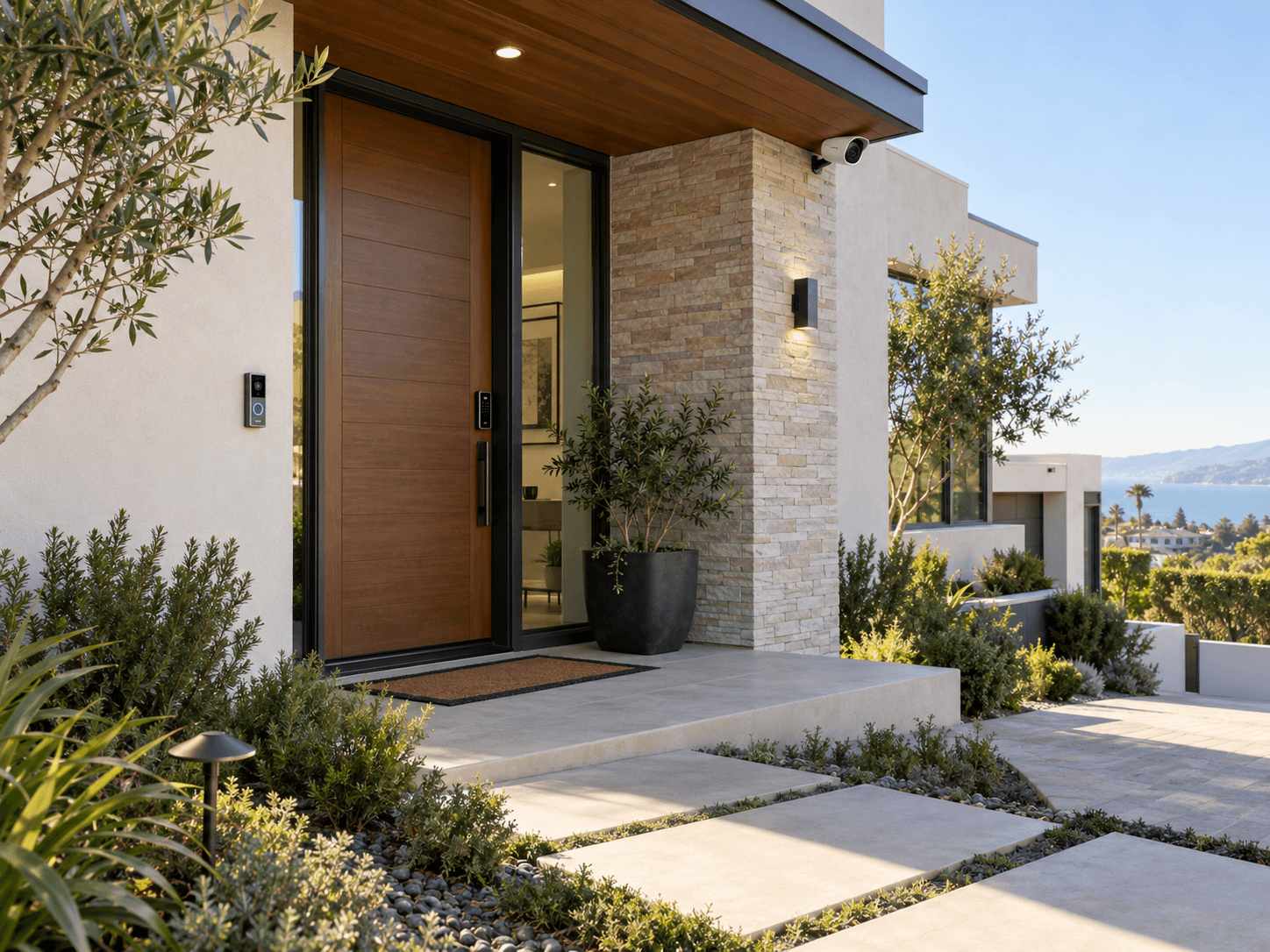
Smart home security is often approached one device at a time. A homeowner installs a camera, adds a video doorbell, upgrades a door lock, and later considers a gate controller, alarm, or other access system.
Each product may provide useful functionality independently. But the experience can become more complicated when those devices depend on different applications, accounts, networks, and control methods.
A more practical approach is to plan security and access around the property itself: what needs to be monitored, who needs access, how the devices communicate, and how the homeowner wants to manage the system.
Start With the Property, Not the Camera
Before selecting security equipment, consider the physical layout of the home.
Entry doors, driveways, garages, gates, walkways, and other important areas may have different monitoring and access requirements.
A camera intended to monitor the front entrance may require different placement from one intended to observe a driveway.
Similarly, a smart lock on a primary entry door may have different requirements from access control for a side gate or a secondary entrance.
Start by identifying the areas that matter and the purpose of each device.
The goal is not to install as many security products as possible. It is to choose equipment and locations that support the property’s actual needs.
Plan Camera Coverage Carefully
Camera placement affects the usefulness of the finished system.
Field of view, mounting height, available power, network connectivity, lighting conditions, and access for maintenance should all be considered.
A wider field of view is not always better. A camera that captures too much surrounding area may provide less useful detail where it matters.
Exterior cameras should be positioned around their intended monitoring areas while taking privacy and applicable requirements into account.
Indoor cameras deserve additional consideration because they may capture household members, guests, employees, or private areas.
The objective is deliberate, useful coverage—not unnecessary surveillance.
Consider How People Enter the Property
Connected access systems can include smart locks, video doorbells, gate controls, intercoms, and compatible entry-management equipment.
Each entry point should be evaluated according to how people use it.
A primary entrance may need convenient access for household members and a way to communicate with visitors.
A gate may involve different access methods for residents, deliveries, or authorized service personnel.
Other doors may require simpler arrangements.
The selected equipment should support the intended use of each entry point without making ordinary access unnecessarily difficult.
Decide Who Should Have Access
One of the most important decisions in a connected security system is determining who can control it.
Owners and administrators may require access to system configuration, account management, and user permissions.
Household members may need everyday access without requiring administrative privileges.
Guests, contractors, or other temporary users may only need limited access for a particular purpose or period.
Where the selected system supports different permission levels, those capabilities should be considered during planning.
It should also be clear how access can be changed or removed when it is no longer needed.
A connected entry system should make permissions easier to manage, not create uncertainty about who can enter or control the property.
Understand the Networking Requirements
Many connected security devices depend on the network underneath them.
Cameras, video doorbells, smart locks, intercoms, access controllers, and mobile applications may use different methods of communication.
Some equipment supports wired network connections. Other devices may rely on wireless connectivity, dedicated hubs, or other supported communication methods.
The planning process should identify where devices will be installed and what communication infrastructure they require.
Wireless coverage should be considered at actual device locations, including exterior entry points and other areas where connectivity may be more challenging.
For compatible equipment, wired infrastructure may offer a practical connection method when it can be planned appropriately.
A well-selected camera or access device can still perform poorly if the required connection is unreliable.
Learn more about electrical and low-voltage infrastructure for connected systems. Electrical & Low-Voltage Safety
Make Remote Access a Deliberate Decision
Remote access can be one of the most useful features of a connected security system.
Depending on the platform, it may allow authorized users to view cameras, receive notifications, communicate with visitors, or manage compatible access devices away from the property.
However, remote access should not be enabled simply because a product supports it.
Consider which functions genuinely need to be accessible remotely and which users should have that ability.
The selected platform’s account security, authentication options, and permission controls should be reviewed.
Systems that do not require remote access should be evaluated accordingly.
The objective is useful connectivity with appropriately managed access.
Consider Privacy During Equipment Selection
Privacy is part of the security plan.
Different devices and platforms may involve different applications, account requirements, recording methods, storage options, and remote services.
Before selecting equipment, understand what the system depends on and how its important settings are managed.
Camera placement should consider what appears within the viewing area.
Account permissions should reflect the people who need access.
Where recording, audio capture, or monitoring may involve other people, applicable privacy and legal requirements should be considered.
A connected system should support the homeowner’s security objectives without overlooking the privacy of people who use or visit the property.
Explore smart home security and privacy considerations for your property. Smart Home Security & Privacy
Plan Integration Without Assuming Compatibility
Security products can belong to different ecosystems.
A camera, smart lock, video doorbell, and automation controller may each provide their own application and control interface.
That does not automatically mean they can communicate with one another or participate in the same automation.
Before choosing equipment, determine which functions should be integrated.
For example, a homeowner may want supported entry devices, lighting, or notifications to participate in coordinated scenes or controls.
Whether those functions are possible depends on the specific equipment, platform, and supported integrations.
Compatibility should be confirmed before treating a proposed combination as a complete connected system.
Useful integration is more important than simply having more smart devices.
Account Ownership and Customer Control
A completed security installation should leave the customer with a clear understanding of the system’s primary accounts and interfaces.
Where customer-owned accounts are required, the customer should understand which accounts belong to the property and who has administrative control.
Installation or support access granted to technicians or other authorized parties should be appropriate to the work being performed.
The customer should know how to use the primary functions and, where supported, how to manage authorized users.
This is especially important for systems involving cameras, locks, gates, and remote access.
Clear account ownership and handoff are part of a well-planned installation.
Test the Complete Security Experience
Installation is not finished when each device powers on.
The primary functions should be checked according to the project’s intended design.
That may include confirming camera views, testing compatible locks and access controls, reviewing notification behavior, checking supported remote features, and verifying that authorized control interfaces work as expected.
Where security products are integrated with other compatible systems, those interactions should also be tested.
The customer should understand how to perform everyday functions and who to contact if an issue requires review.
Testing should focus on the actual system delivered, rather than assuming every product or feature behaves the same way.
Learn what to expect during a professional smart home installation. Why Professional Installation Matters
Plan for Changes Over Time
The people using a property can change.
Household members move. Guests leave. Contractors finish work. Property managers change. Equipment may be replaced or upgraded.
Accounts, access permissions, and credentials should be reviewed when those changes occur.
Supported devices and applications may also receive updates affecting features, compatibility, reliability, or security.
Planning should account for how the connected system can be maintained and adjusted over time.
Access management is not necessarily a one-time task completed during installation.
See our guide for planning a safe and secure smart home. Planning a Safe Smart Home
Bring Security Into the Complete Smart Home Plan
Security and access systems do not exist separately from the rest of the property.
They may depend on networking, power, equipment locations, applications, accounts, and compatible automation controls.
Considering those requirements alongside lighting, shades, networking, and other connected systems can make the finished environment easier to manage.
At Zenith Smart Spaces, we help customers plan and integrate compatible technology around the actual requirements of their property.
Whether you’re upgrading a few entry points or considering a larger connected-home project, the starting point is understanding how the complete system should work.
Planning a Connected Space?
Tell Zenith what you want your technology to do, and we’ll help you determine how the systems should work together.
Related Advice
Planning & Integration
Plan Your Smart Systems as One
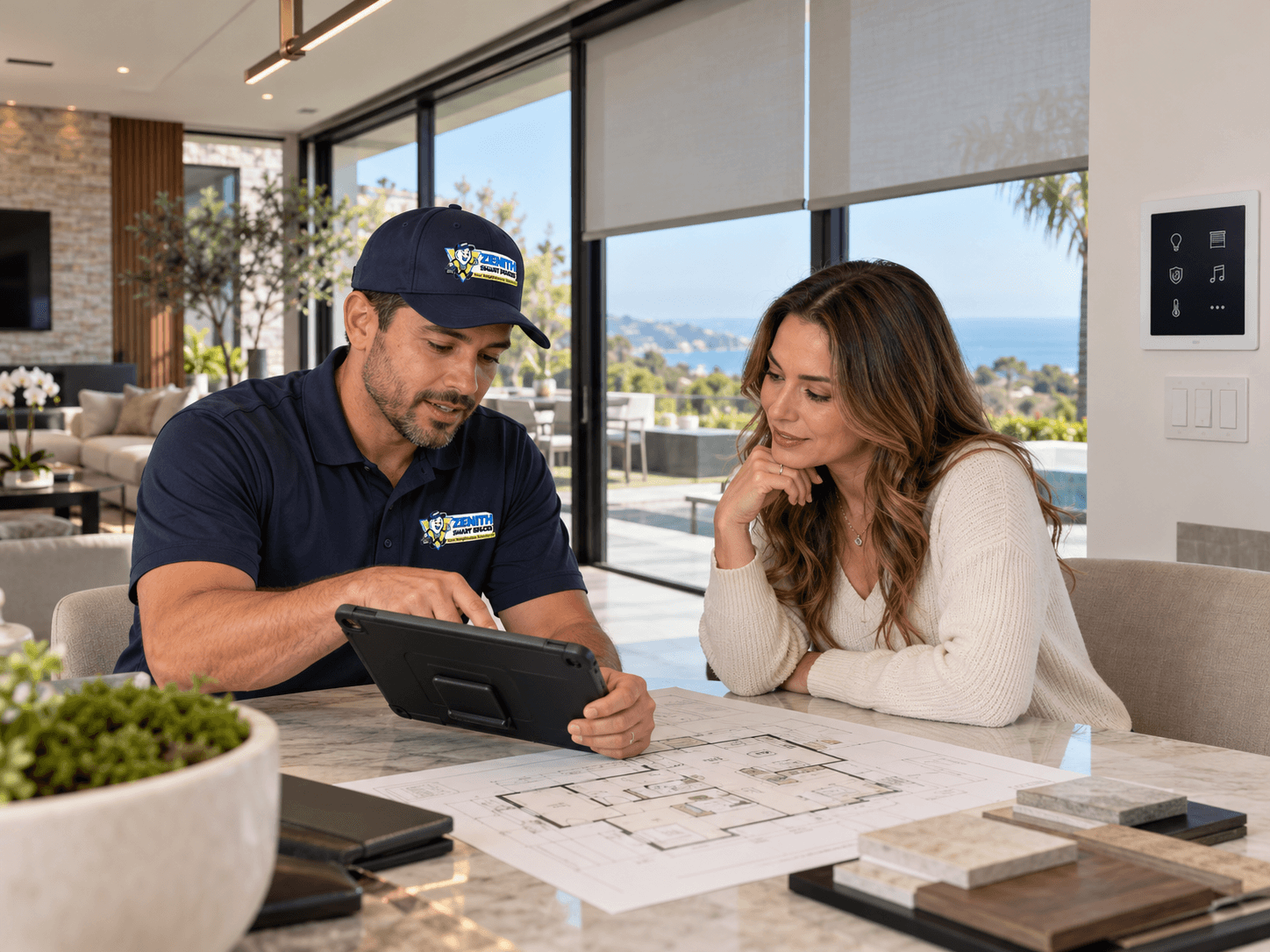
Connected home technology works best when the systems are planned together. Lighting, shades, security, networking, climate, entertainment, and controls should be considered as parts of the same connected environment.
Networking & Connectivity
Building a Reliable Smart Home Network
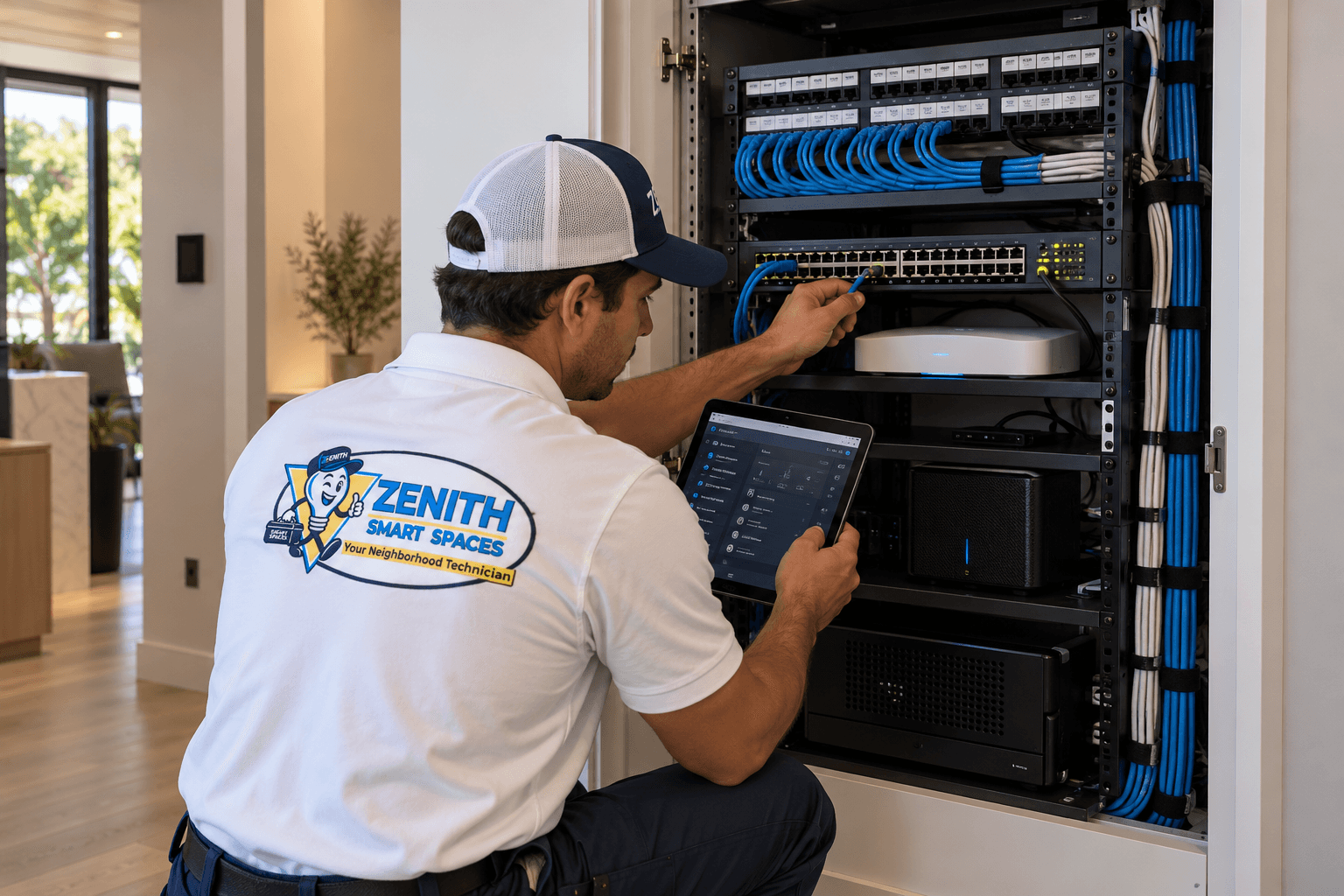
A strong network is the foundation of every connected home. Learn what to consider when planning Wi-Fi coverage, wired connections, and network hardware for automation.
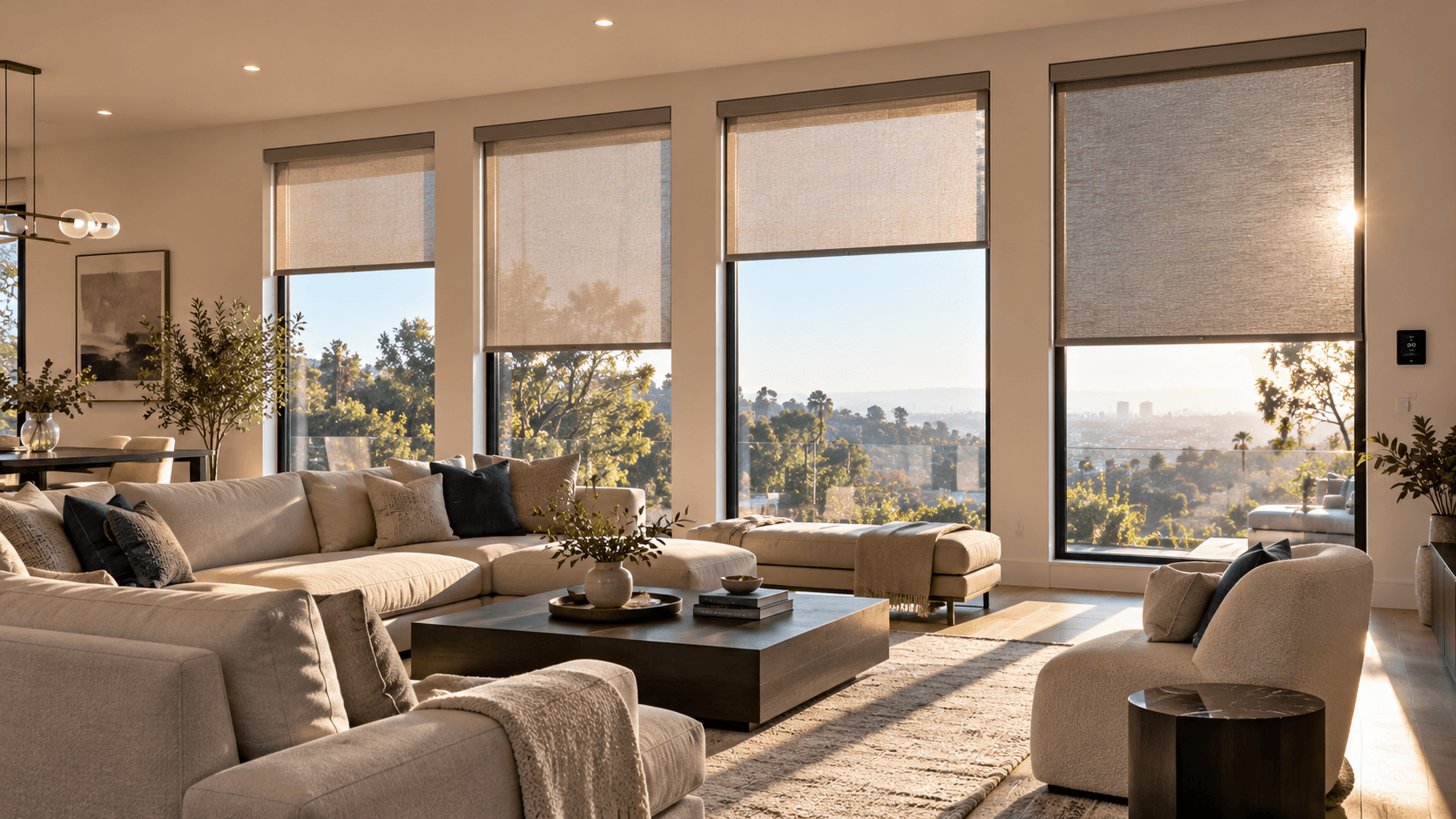
Motorized Shades & Blinds
Control Heat and Glare with Motorized Shades
Motorized shades do more than add convenience — they help manage sunlight, reduce glare, protect interiors, and improve energy efficiency throughout the day.