
Installation & Integration
What to Expect During a Professional Smart Home Installation
A professional smart-home installation involves more than mounting devices. Learn what happens during planning, installation, configuration, testing, and handoff.
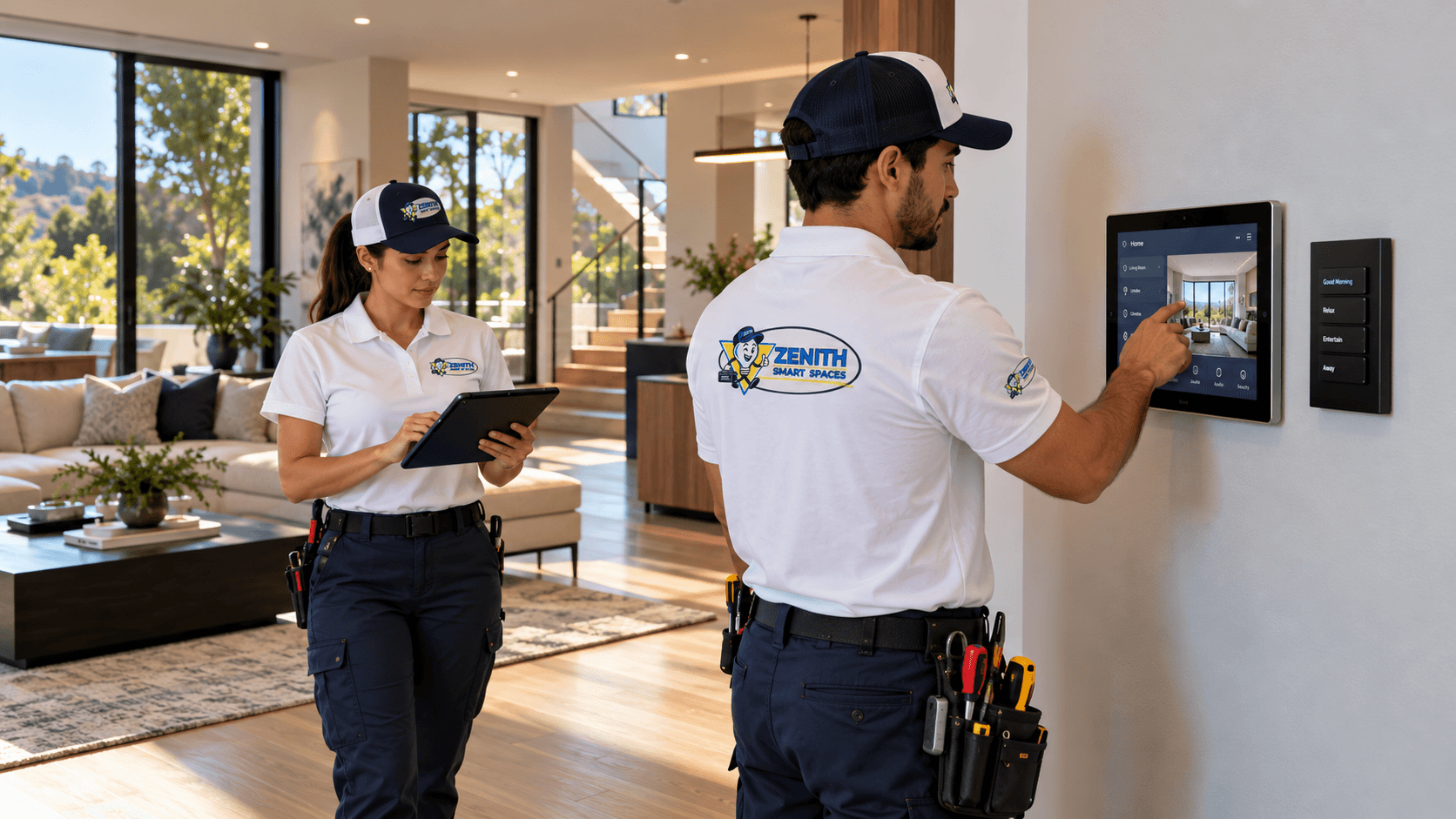
A smart-home project may involve motorized shades, connected lighting, cameras, locks, networking, climate controls, entertainment, sensors, or automation.
Customers often see the finished devices and controls.
But much of the work behind a successful installation involves planning, connectivity, configuration, testing, and coordination between systems.
Understanding that process can help homeowners and businesses prepare for a project and know what to expect from the finished result.
The exact steps vary by project, but a professional approach should connect equipment installation with the overall experience the customer wants.
The Initial Conversation
The project begins by understanding the space.
A customer might want motorized shades in one room, connected lighting throughout the property, improved networking, or a more complete automation environment.
The first discussion should identify the customer's priorities and the systems already installed.
It should also consider the property type, intended controls, integration requirements, and any known constraints.
A new construction project may allow early infrastructure planning.
An existing finished property may require a different installation strategy.
Understanding these conditions helps determine what is practical before equipment is selected.
Reviewing Existing Systems
When a property already contains connected technology, existing equipment should be considered.
A home may have smart lighting, cameras, network equipment, thermostats, or other devices installed by different providers.
Some equipment may support the new project.
Other products may have compatibility limitations or may require changes.
A review can help identify existing networks, control platforms, devices, and available connections.
It should not be assumed that every smart device can communicate with every other smart device.
Compatibility and integration requirements need to be checked before promising coordinated operation.
Planning Equipment and Infrastructure
After the project goals are understood, attention turns to the equipment and infrastructure required.
That may involve device selection, wiring, network connections, equipment placement, mounting locations, power requirements, and control interfaces.
A motorized shade installation may require careful window measurements and a suitable power arrangement.
A camera installation requires attention to field of view, mounting, connectivity, and privacy.
A networking project may involve access-point locations, cable pathways, and equipment organization.
More complex projects may require coordination with other qualified trades or the broader construction team.
Planning reduces the chance of discovering avoidable installation problems late in the project.
Preparing the Work Area
Professional installation should respect the property where the work takes place.
Finished walls, furnishings, flooring, doors, windows, and existing equipment may all be affected by the installation.
Work areas should be organized according to the project.
Necessary access should be discussed with the customer.
Equipment locations should be confirmed before mounting or other permanent changes.
Some work may create temporary disruption.
Clear communication helps customers understand which areas will be affected and what to expect during installation.
The goal is to perform the required work carefully while minimizing unnecessary disturbance.
Installing the Equipment
The physical installation depends on the products involved.
That may include mounting shades, installing compatible controls, placing sensors, positioning cameras, organizing networking equipment, or installing supporting components.
Equipment should be mounted and connected according to the relevant requirements.
Cable routing, alignment, physical access, and finished appearance all matter.
Some projects involve only low-voltage devices or product-specific installation.
Other projects may require electrical, HVAC, plumbing, or additional trade work.
Such work must be handled by appropriately qualified personnel under applicable requirements.
Professional integration includes recognizing which tasks require specialized qualifications rather than assuming every installation activity is interchangeable.
Connecting the Systems
Once equipment is installed, it may need to communicate with networks, hubs, controllers, applications, or other compatible systems.
Different products use different methods of communication.
Some depend on wired networking.
Others rely on Wi-Fi or dedicated wireless protocols.
Where a centralized control platform is part of the project, compatible devices may need to be configured within that environment.
Network connectivity and appropriate account access should be established according to the project's requirements.
A device being powered on does not mean it has been integrated successfully.
The relevant connections and intended functions still need verification.
Configuration and Programming
Connected technology often requires configuration after physical installation.
That may include assigning controls, organizing devices, setting up supported scenes, configuring schedules, and establishing automation behavior.
A lighting keypad may need appropriate button assignments.
Motorized shades may require limits and group configuration.
A control interface may need to reflect the systems included in the project.
Selected automations may coordinate compatible equipment around particular routines.
Programming should follow the customer's intended experience rather than simply enabling every available feature.
A simpler, well-organized system may be more useful than one with unnecessarily complicated behavior.
Account Access and Security
Some installed systems require customer accounts, remote-access settings, applications, or administrative permissions.
These elements should be considered as part of the installation process.
Customers should understand which accounts they own and how relevant controls are managed.
Technician access used for setup or service should be appropriate to the work performed.
Where a platform provides permissions or authentication options, they should be considered according to the customer's requirements.
Remote access should be enabled deliberately, not assumed to be necessary for every device.
A professional handoff should leave customers with a clear understanding of their primary system access.
Testing Devices and Integrations
Testing is a critical part of completing an automation project.
Installed devices should be checked for their intended functions.
Controls should respond appropriately.
Supported scenes, schedules, and automated actions should be verified.
Where compatible systems are integrated, their interactions should also be checked.
For example, an entertainment scene may be expected to adjust lighting and selected shades.
A control keypad may operate several related functions.
Testing should confirm that these behaviors work as intended within the actual installed environment.
Simply confirming that equipment powers on is not enough.
Customer Handoff
Once the system has been tested, the customer should understand how to use it.
The handoff may include demonstrations of wall keypads, touchscreens, mobile applications, remotes, or other controls provided in the project.
Customers should understand the main scenes and automations that have been configured.
They should also have an opportunity to ask questions about everyday operation.
Where appropriate, account access, maintenance needs, and relevant supporting information should be reviewed.
An advanced system should not require the customer to understand its internal technical complexity.
What Happens After Installation
Connected systems may need adjustments over time.
Customers may want to change a lighting scene, modify an automation schedule, add equipment, or upgrade networking.
Software updates and product changes can also affect supported features or compatibility.
Learn more about our professional installation standards. Why Professional Installation Matters
Review our guide for planning a safe and well-connected smart home. Planning a Safe Smart Home
Explore smart home security and privacy considerations. Smart Home Security & Privacy
See the team behind our installations. Our Technicians
Review our warranty and workmanship commitments. Our Guarantee
Zenith remains available for troubleshooting, adjustments, future expansion, and other applicable support services.
The terms of support and warranty coverage should be understood separately from ongoing chargeable work.
Customers can review Zenith's workmanship commitments through the Our Guarantee page.
A Complete Installation Is More Than a Collection of Devices
The most important measure of an integration project is how the finished system works for the people using it.
Physical installation, connectivity, programming, testing, and customer handoff all contribute to that outcome.
Zenith Smart Spaces approaches projects by considering the connected environment rather than treating every device as an isolated installation.
Whether the project involves a single technology or several integrated systems, the goal is careful work and straightforward everyday operation.
Planning a Connected Space?
Tell Zenith what you want your technology to do, and we’ll help you determine how the systems should work together.
Related Advice
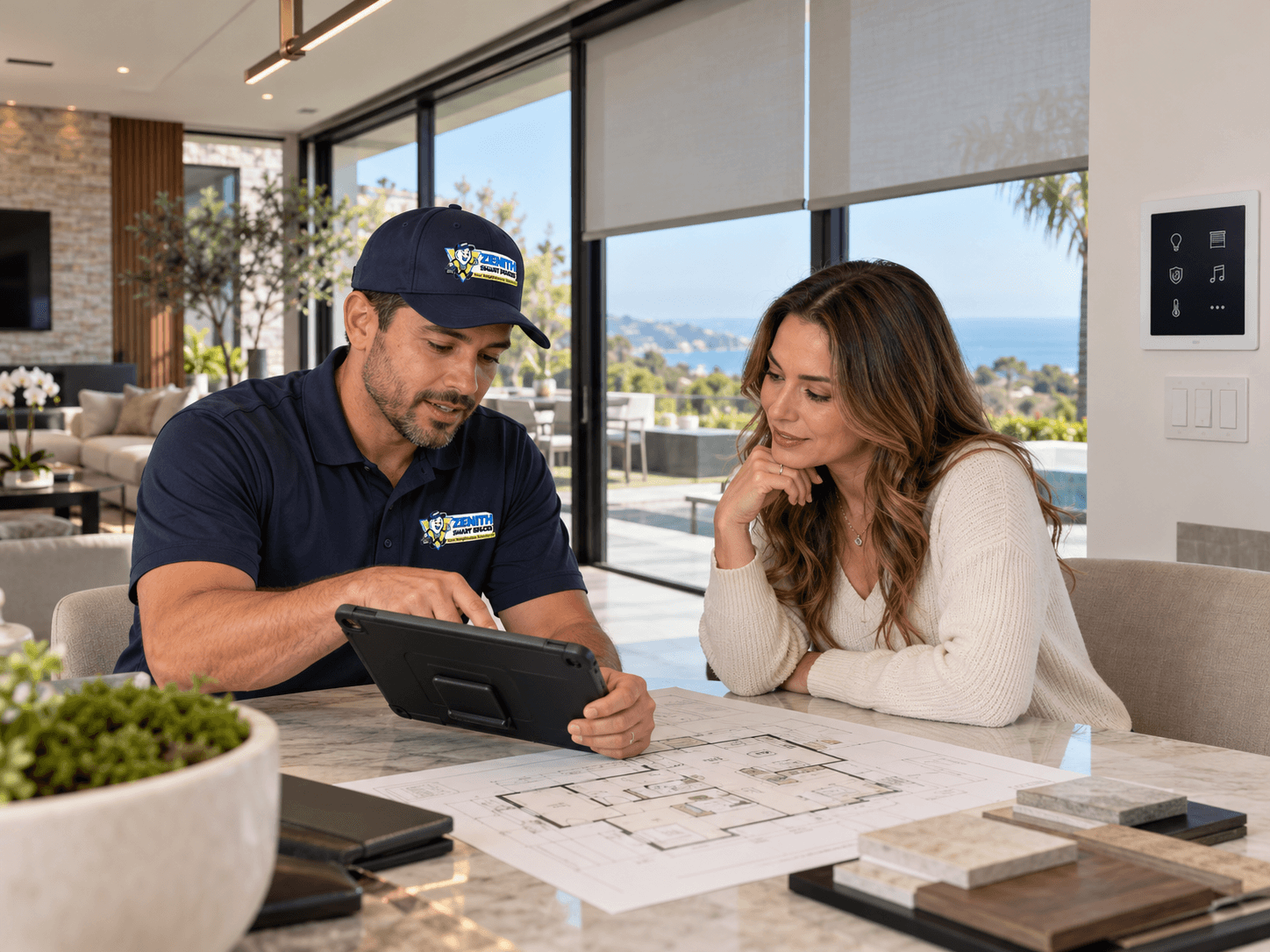
Planning & Integration
Plan Your Smart Systems as One
Connected home technology works best when the systems are planned together. Lighting, shades, security, networking, climate, entertainment, and controls should be considered as parts of the same connected environment.
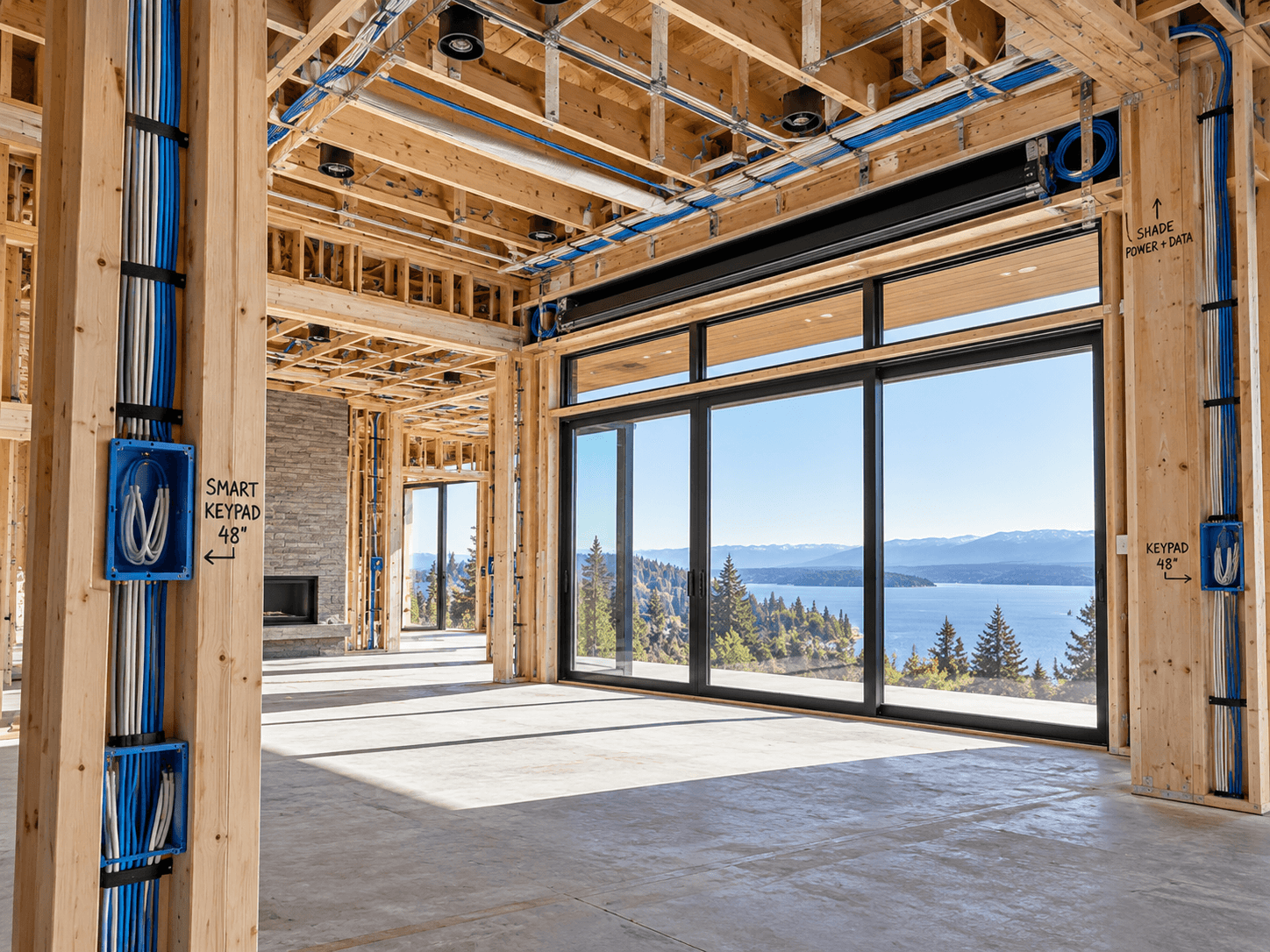
Planning & Integration
Smart Home Planning During Construction or Remodeling
Construction and remodeling create opportunities to plan smart-home infrastructure before the finished surfaces conceal it. Learn what to consider early.
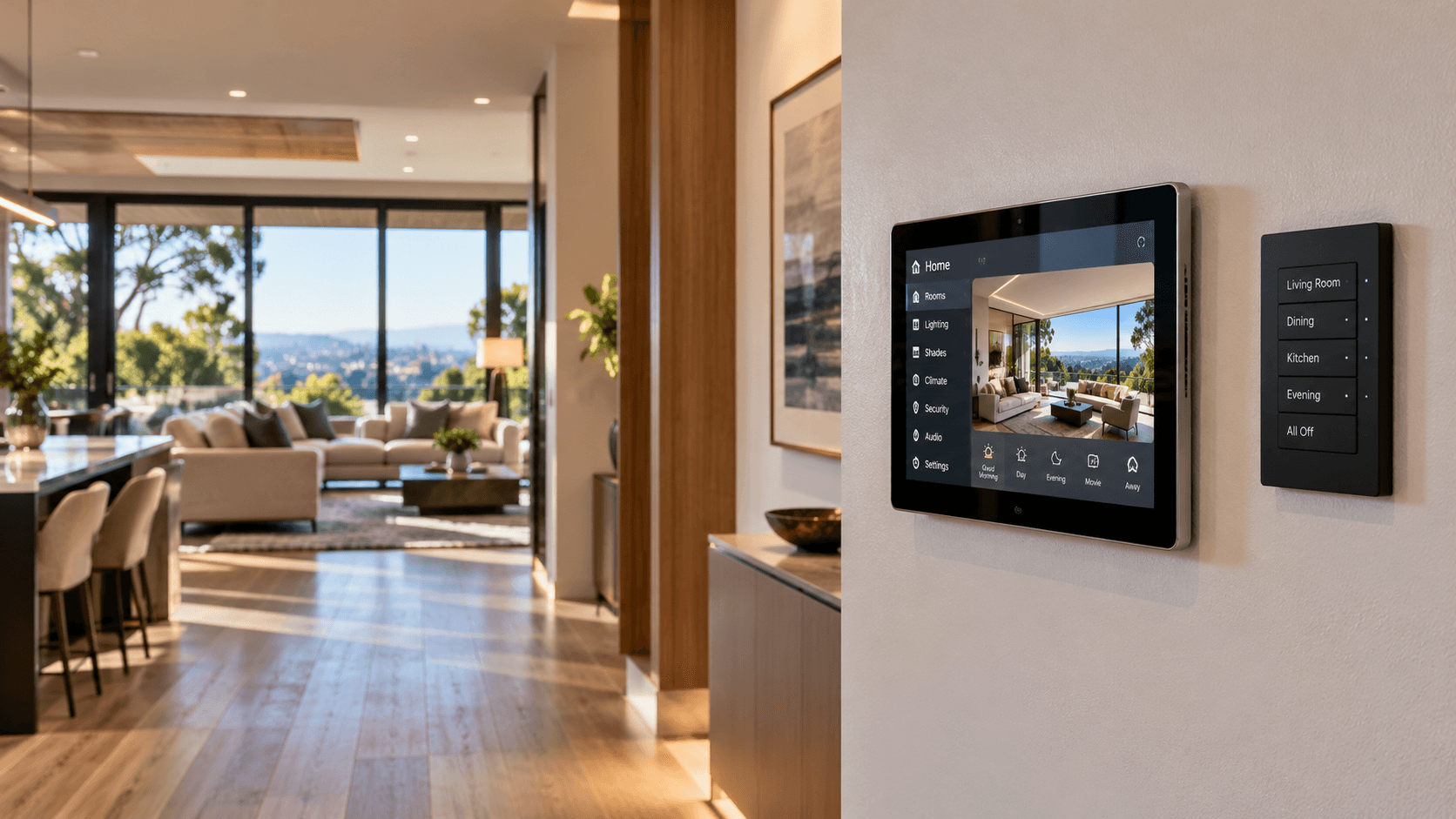
Home Automation
Choosing the Right Smart Home Controls
Keypads, touchscreens, apps, voice commands, and automation each serve different purposes. Learn how to choose controls that make everyday life simpler.